ai document chat loading
Product design · AI web app

AI Document Chat ask your files, get cited answers

A chat interface for talking to documents. Upload a PDF or a file, ask in plain language, and get an instant, context-aware answer with citations to the passage it came from. Clean and minimal, built for clarity, speed and accessibility in research, support and everyday work.

  • UX · UIMy role
  • 2Themes: light and dark
  • 5Screens
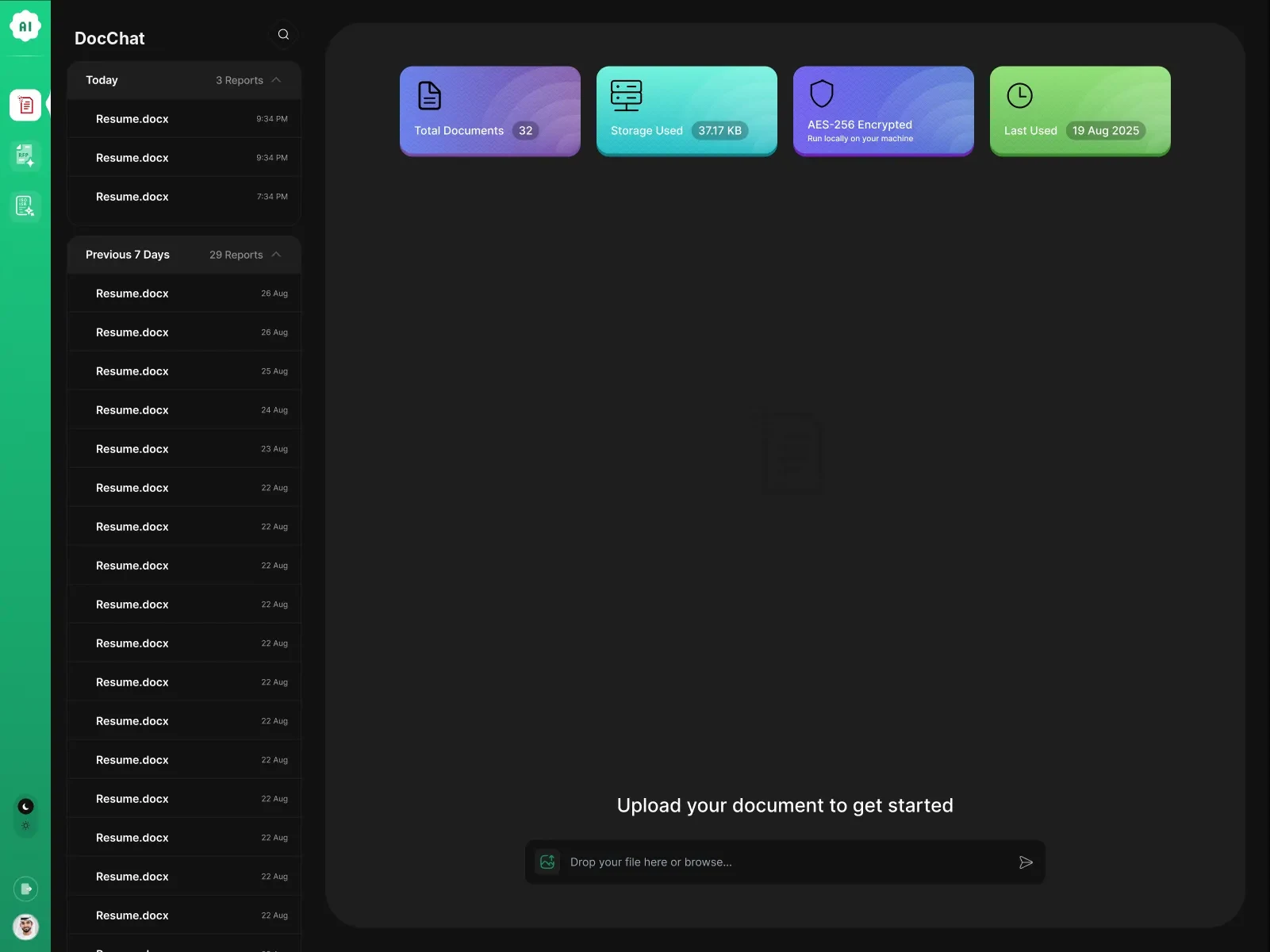
The start screen in the dark theme: four status cards and the upload field
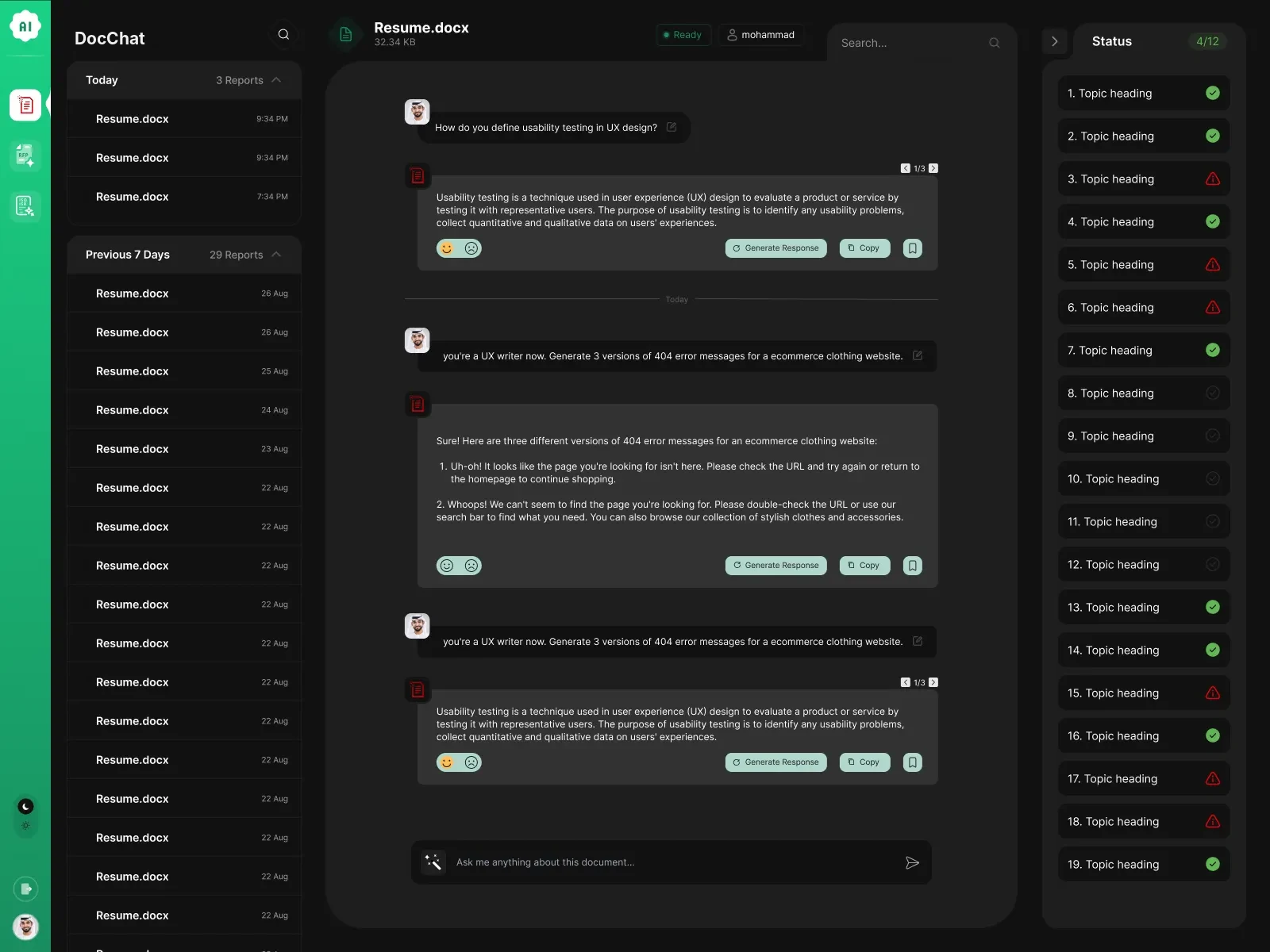
A conversation with a document in the dark theme
Resume.docx · Ready
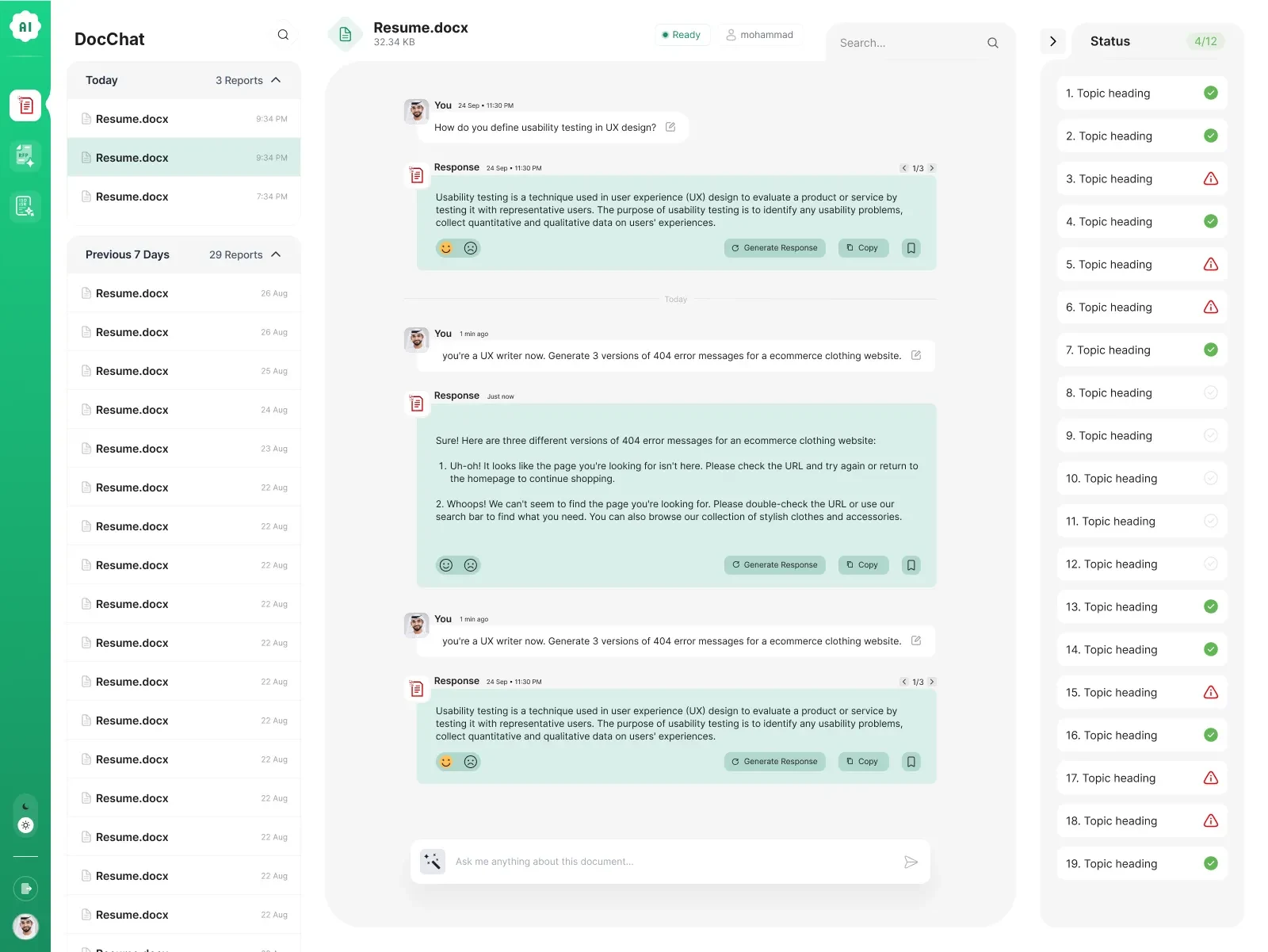
A conversation with a document: history on the left, the chat, and the status of each topic on the right
Overview

Stop reading to find, start asking

The shift

  1. Reading a whole document to find one answer
    Ask in plain language and get the answer in seconds
  2. Keyword search that misses what’s worded differently
    Answers that understand the question and its context
  3. AI answers you can’t check
    Every answer cites the passage it came from
  4. Sensitive files sent off to someone else’s cloud
    AES-256 encrypted, running locally on your machine
My role

  1. 01UXUpload, ask and review: the paths and the empty states
  2. 02UIThe chat, responses with their actions, the status column
  3. 03ThemesLight and dark, from one set of components

The layout

3Panes: history, the chat, the status of each topic
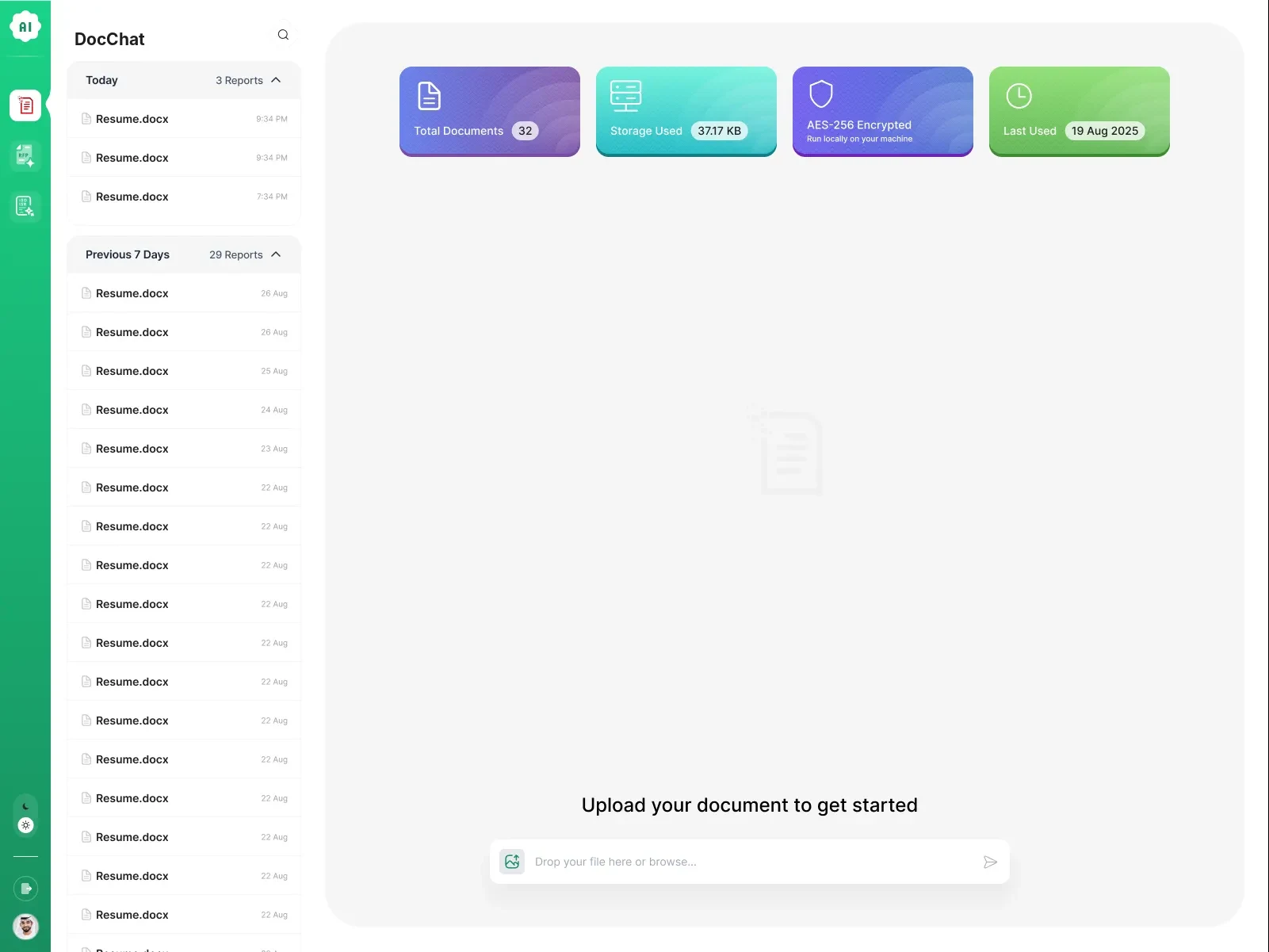
4Cards at a glance: documents, storage, encryption, last used
2Themes, light and dark

Principles

  • Clarity: the answer first, the source beside it01
  • Speed: drop a file, ask, done02
  • Accessible: contrast and type in both themes03

What it does

  • UploadDrop or browsePDFs and filesReady status
  • AskPlain languageCited answersRegenerateCopyFeedback
  • ReviewStatus per topicCoveredNeeds attention
  • KeepHistory by daySearchStorageEncryption
The core

Ask the document

A sample employee handbook is open. Pick a question: the answer streams in with numbered citations, and each one lights up its passage in the source. On the right, the handbook is checked topic by topic. Switch the theme to see the dark one. It plays on its own; click anything and it’s yours.

Employee-Handbook.pdfSample · 6 passages Ready

    Source

    Cited passages

    Status

    0/8
      Two themes

      Light for the day, dark for the night

      Every screen comes in both. The green of the brand, the four status cards and the soft green of a response carry across, so nothing has to be learned twice. Drag across the screen to wipe between them.

      AI Document Chat · Chat
      Light Dark
      5 key screens · 2 parts
      1. Upload to get started

        Four cards say where things stand: documents, storage, encryption and last used. Then one field: drop a file or browse.

      2. The same, at night

        The start screen in the dark theme.

      3. Talking to a document

        Questions on the left, responses in soft green, each with regenerate, copy and save; the status of every topic on the right.

      4. The chat, at night

        The conversation in the dark theme.

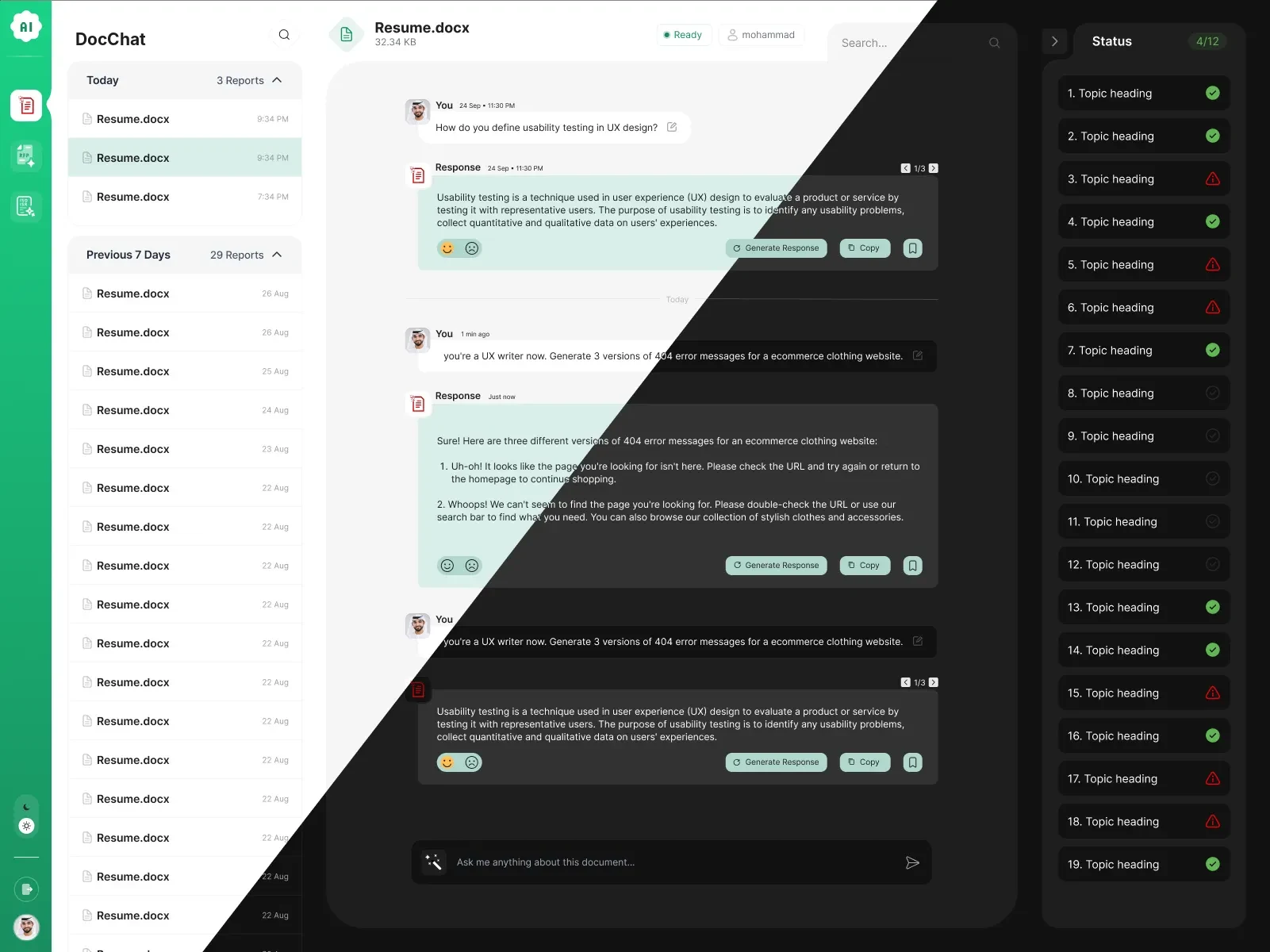
      5. One design, two themes

        Light and dark from the same components, side by side.

      01 / 5
      AI Document Chat · Start · Light
      The start screen, light: status cards, history and the upload field
      The start screen, dark
      A conversation with a document, light
      A conversation with a document, dark
      The chat split diagonally between the light and dark themes
      Next

      More company work