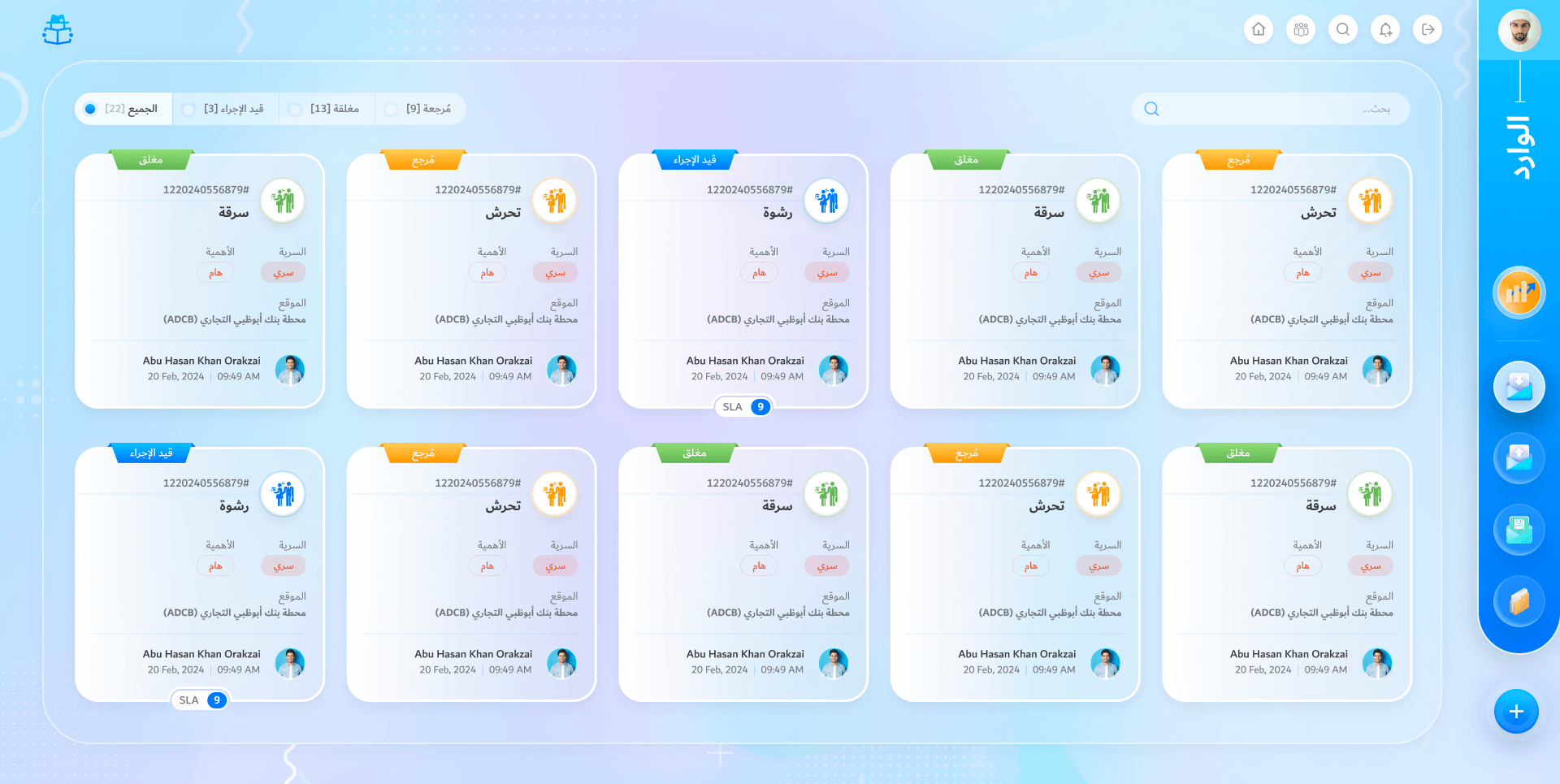
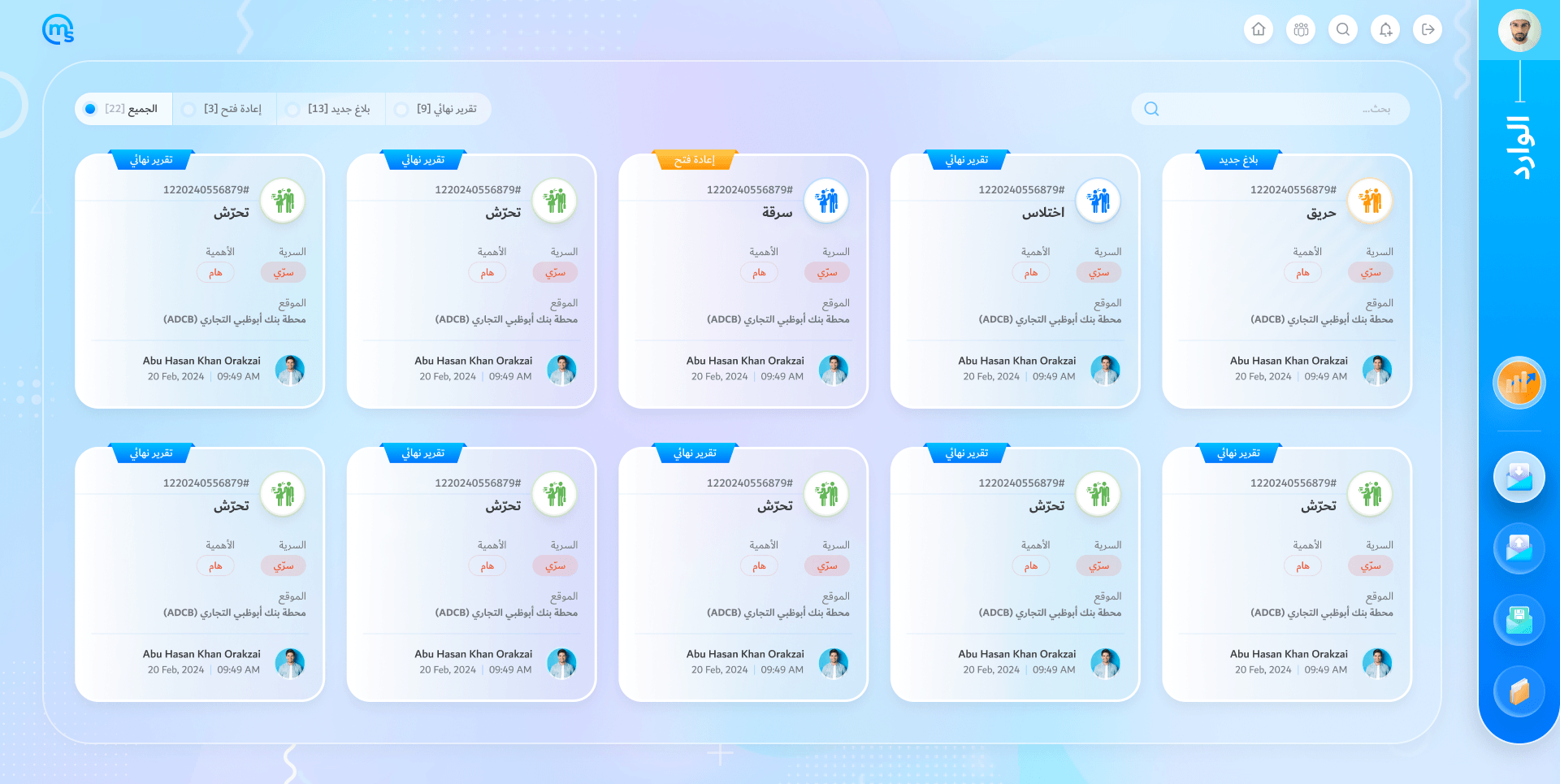
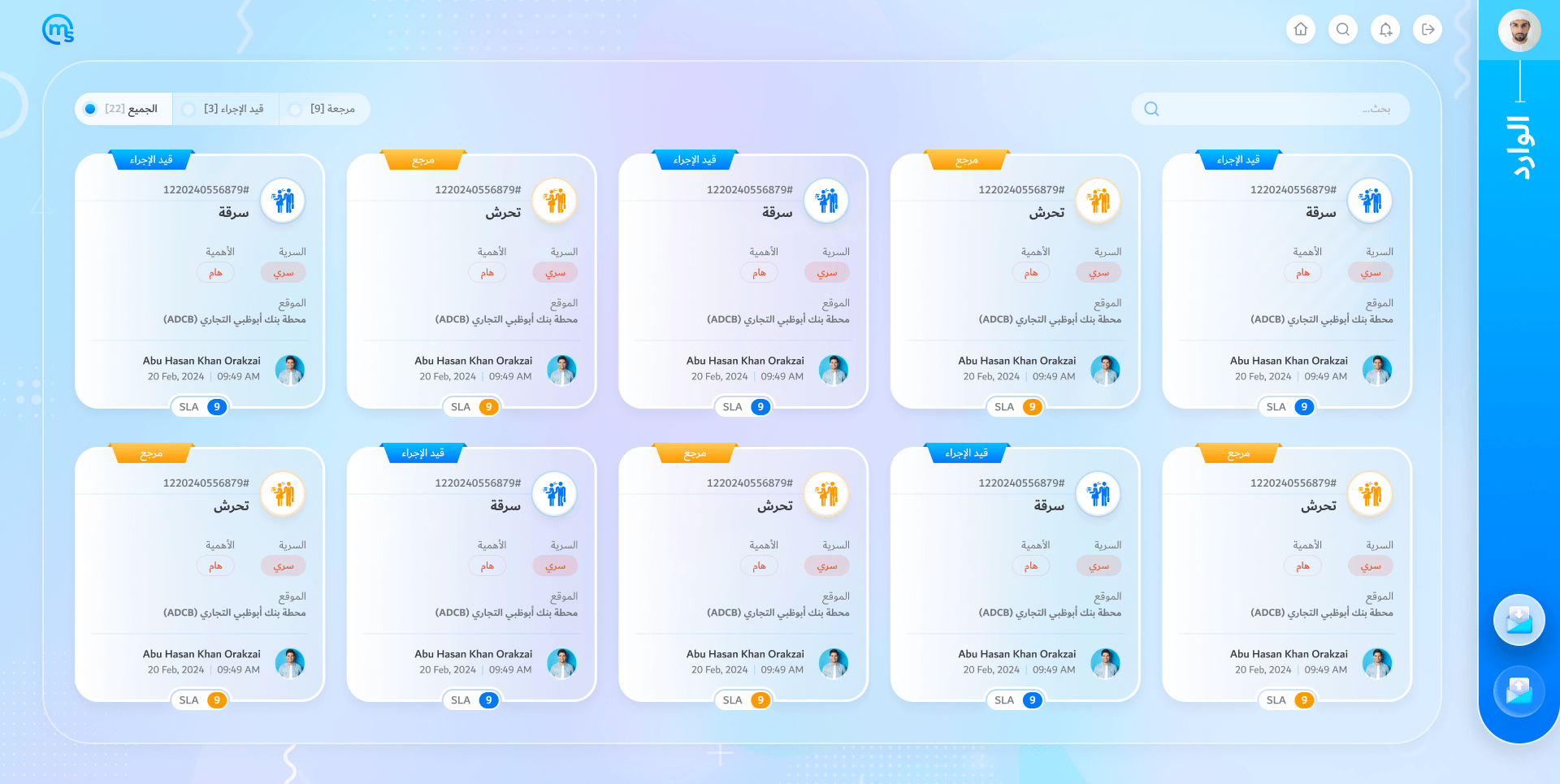
The admin office’s inbox
Every case, new to closed, as a card: status, type, sensitivity, place and SLA.
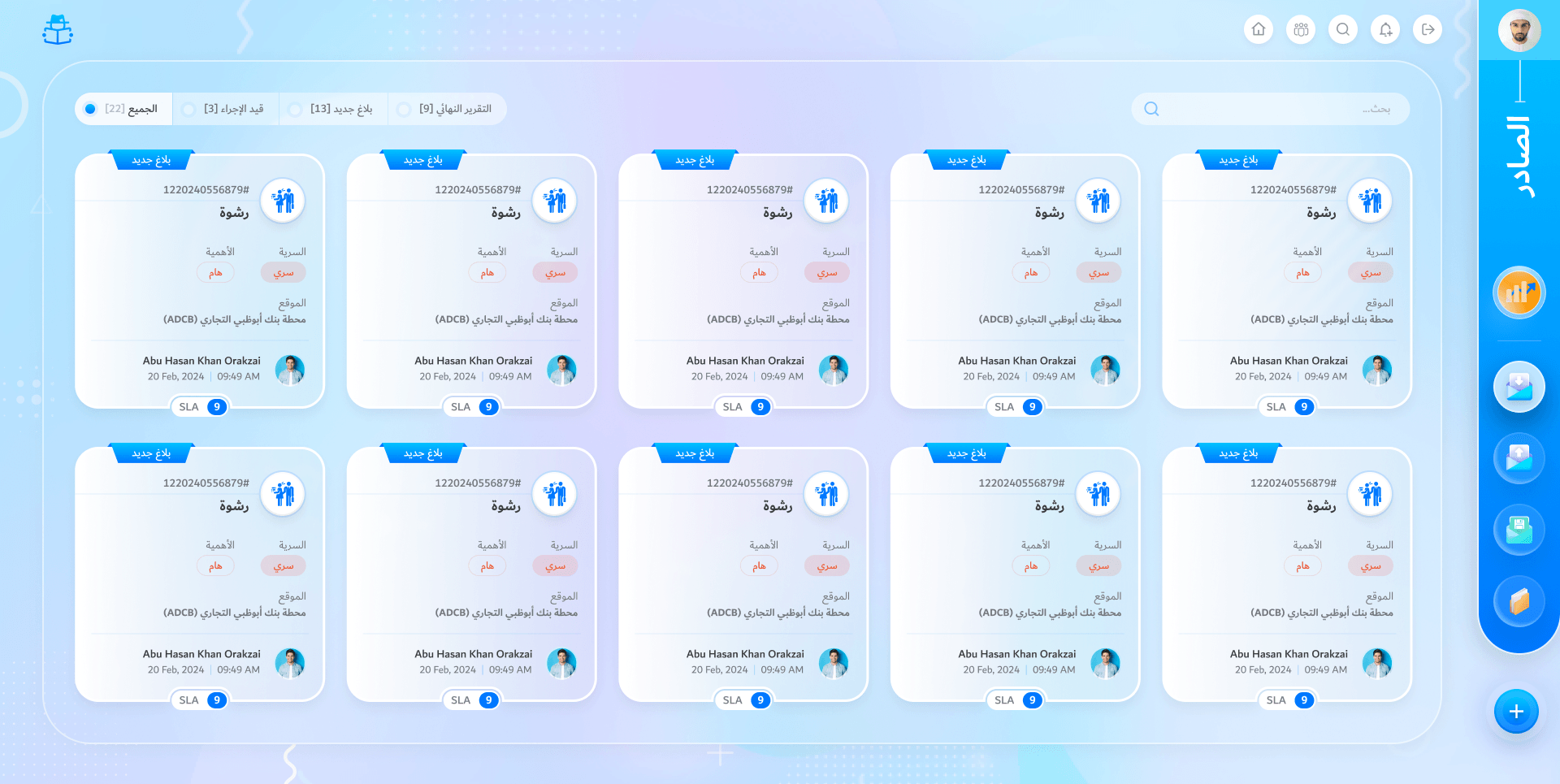
The outbox
What it has sent on, still tracked until it is closed. Every role has one.
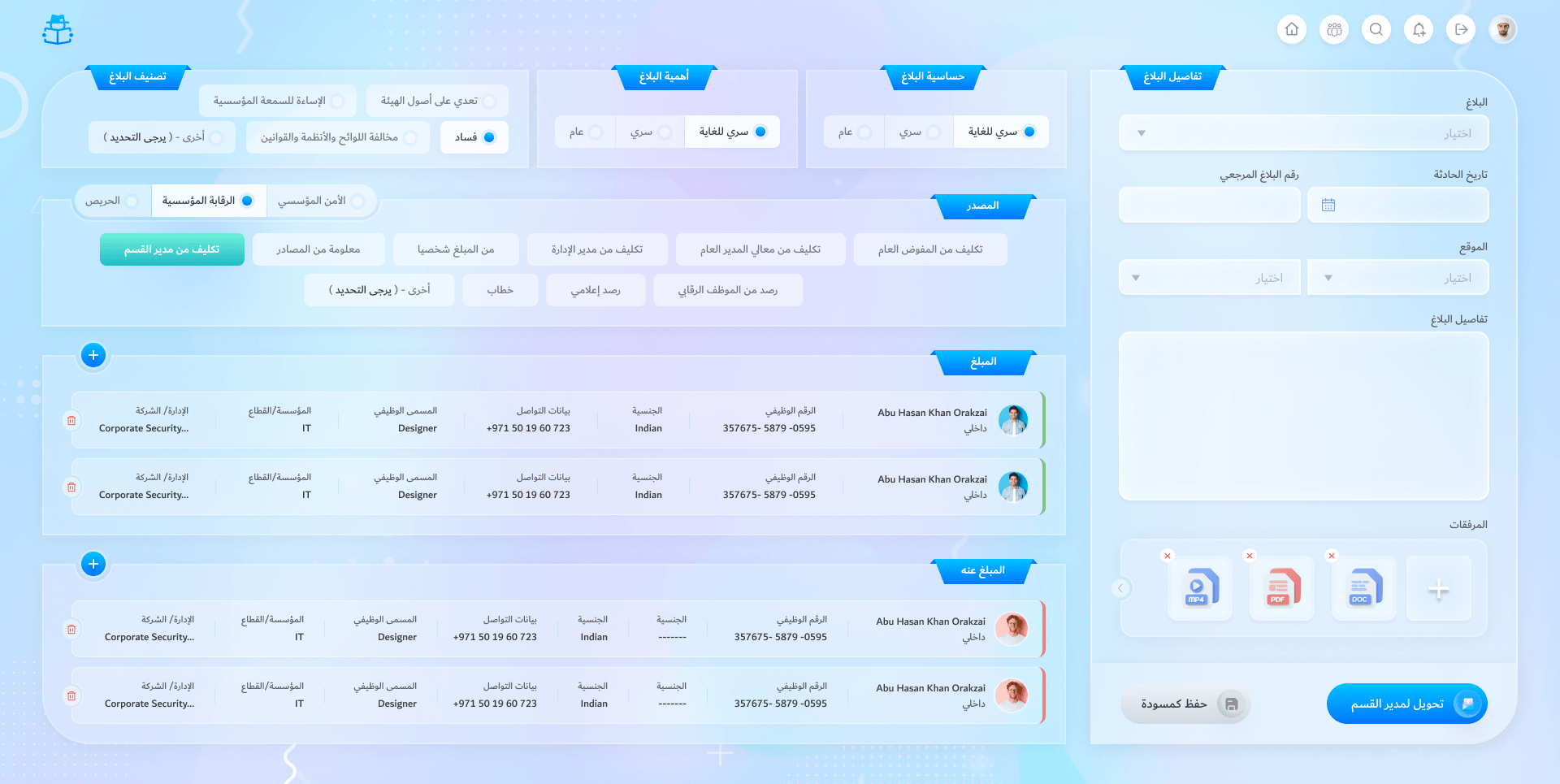
Record a report
Classification, sensitivity, importance and source, both sides, and the files.
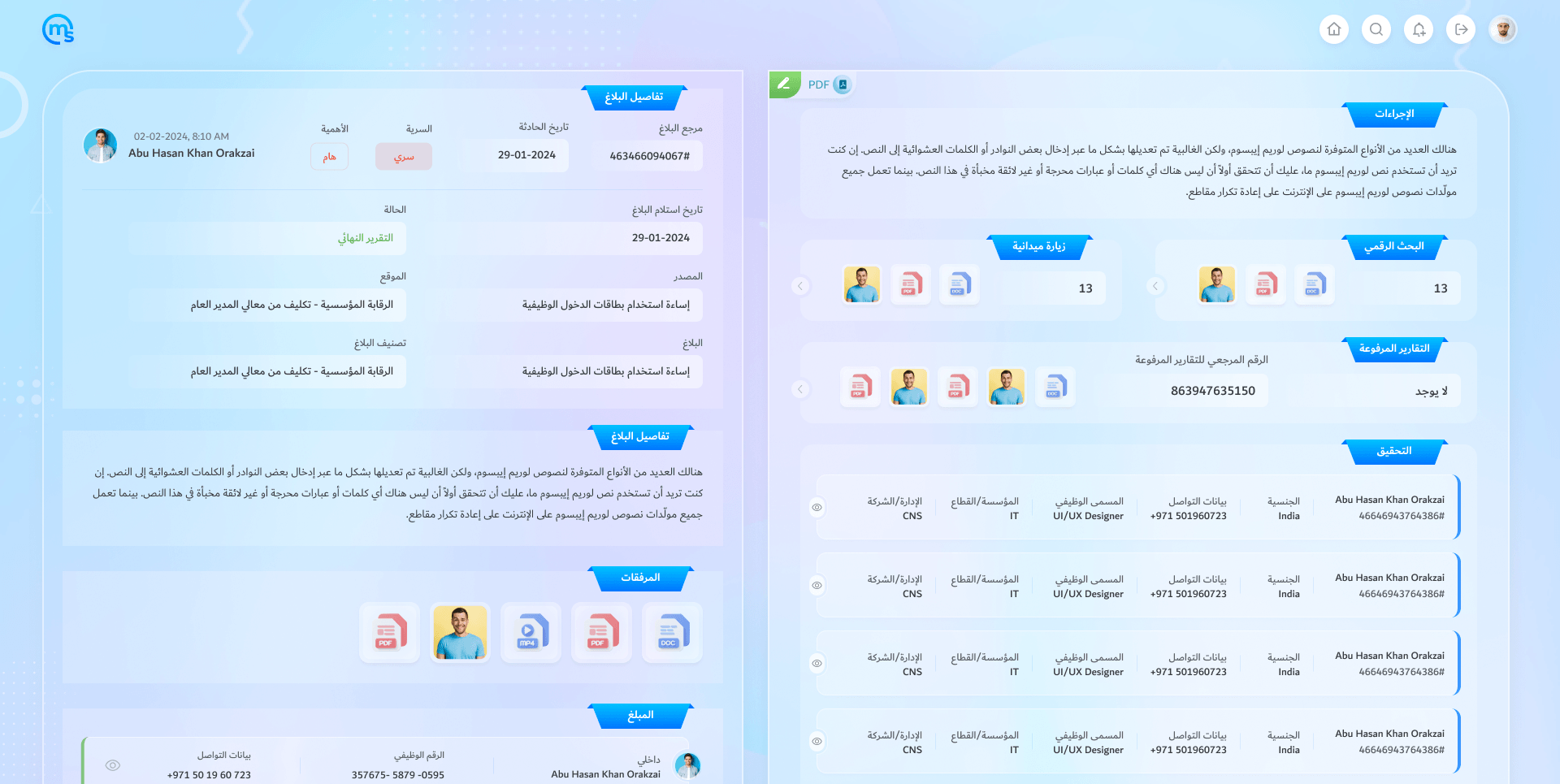
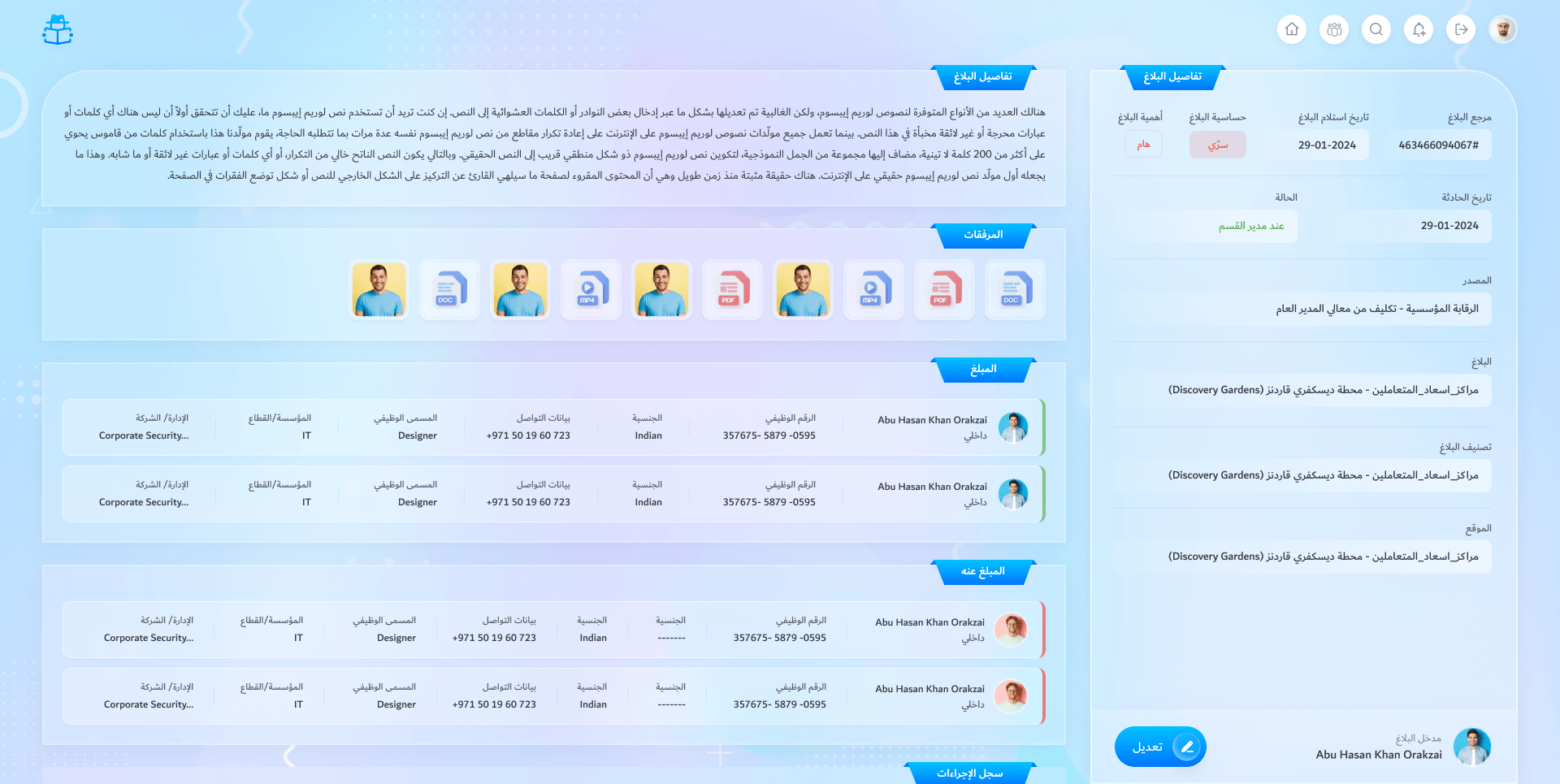
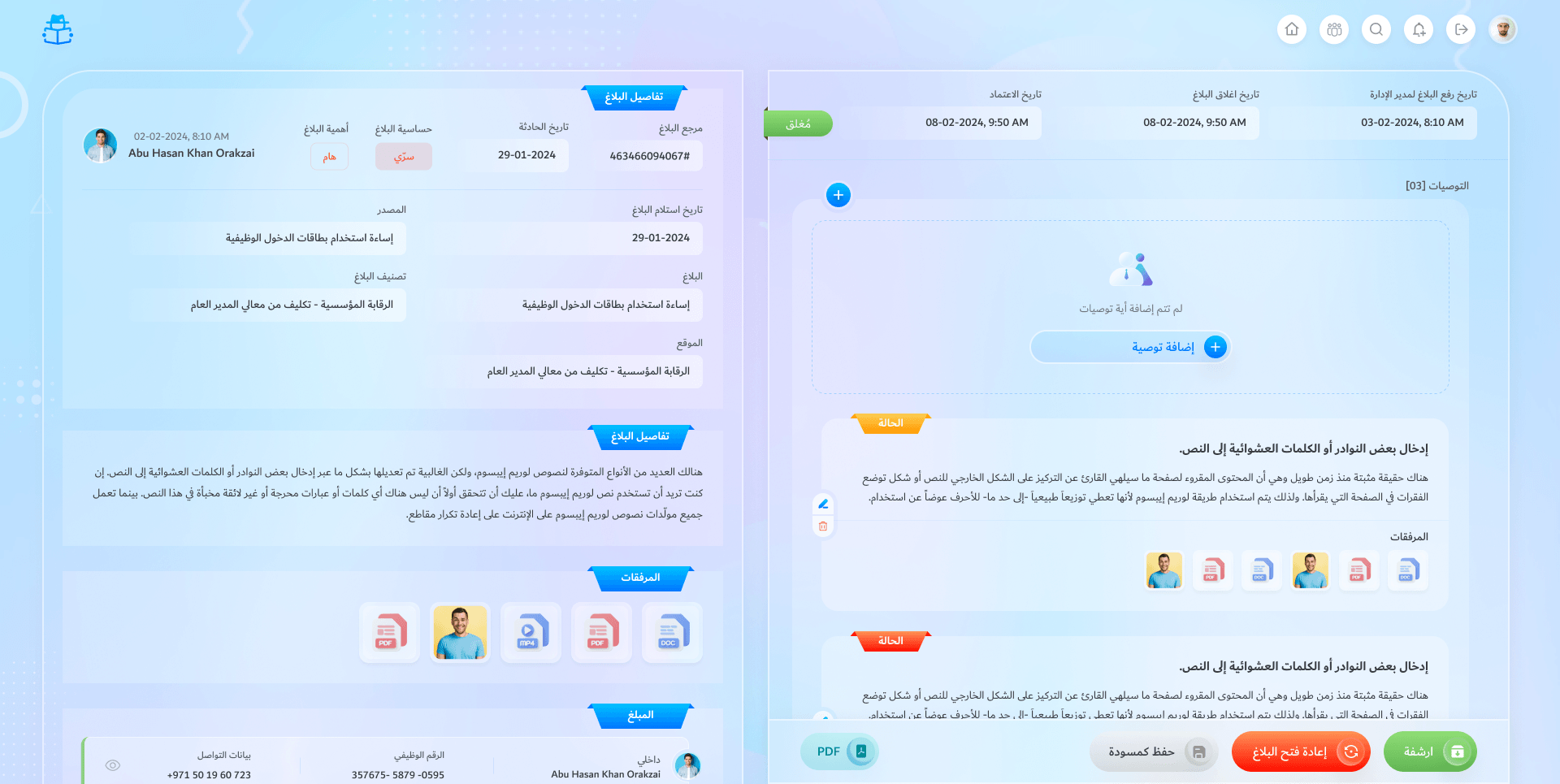
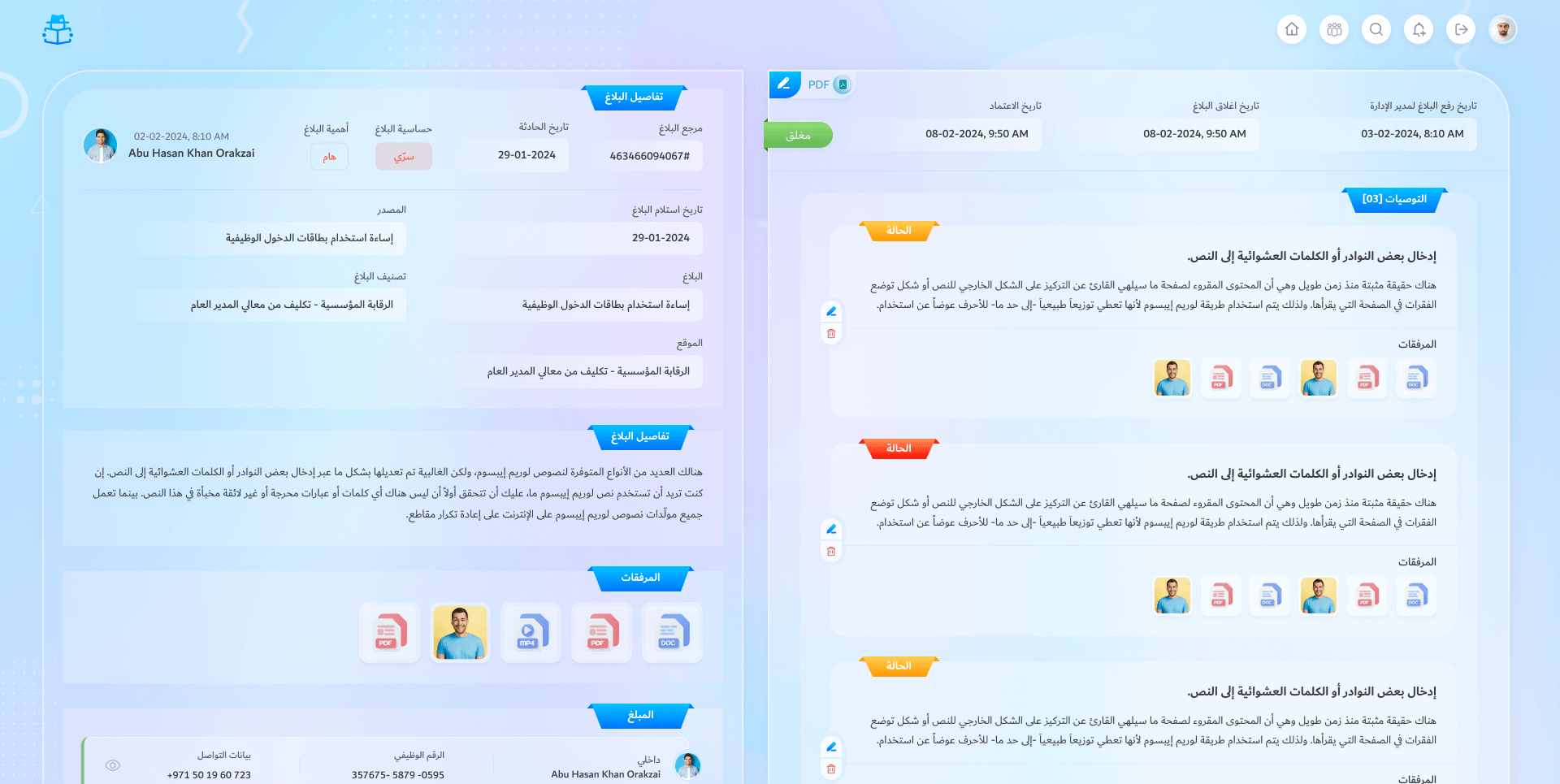
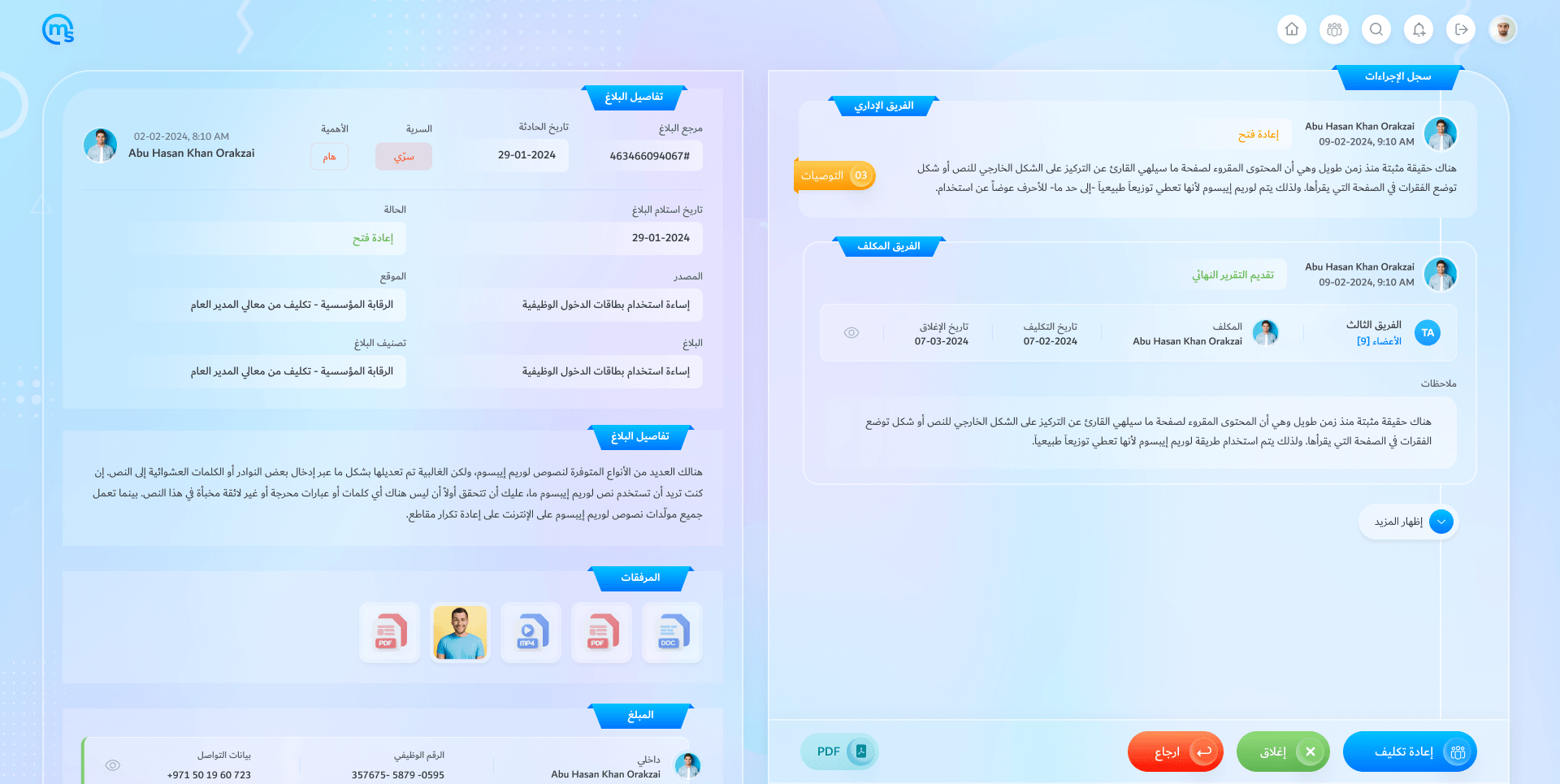
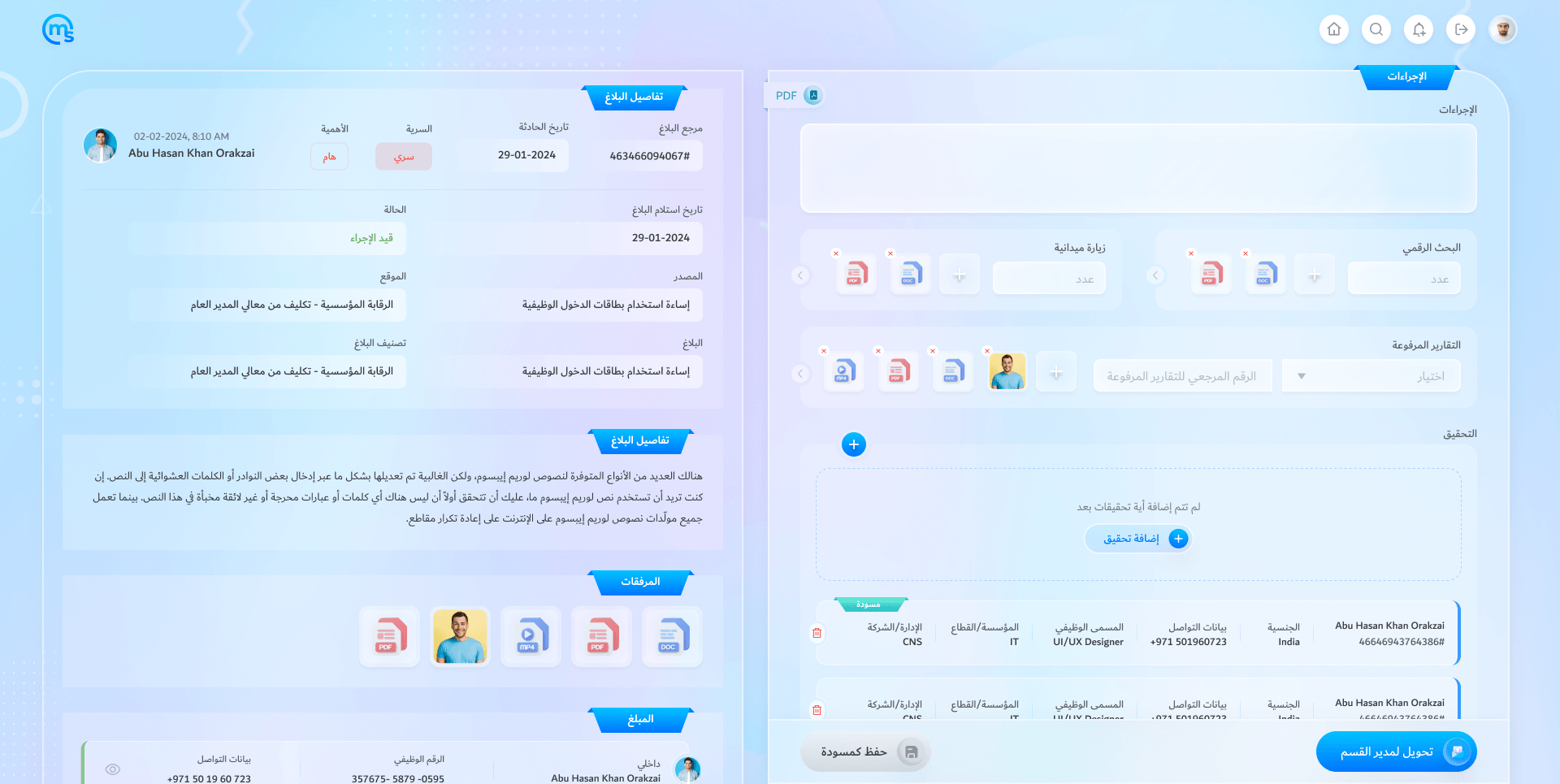
The case file
Everything recorded on one page, with the files and both sides.
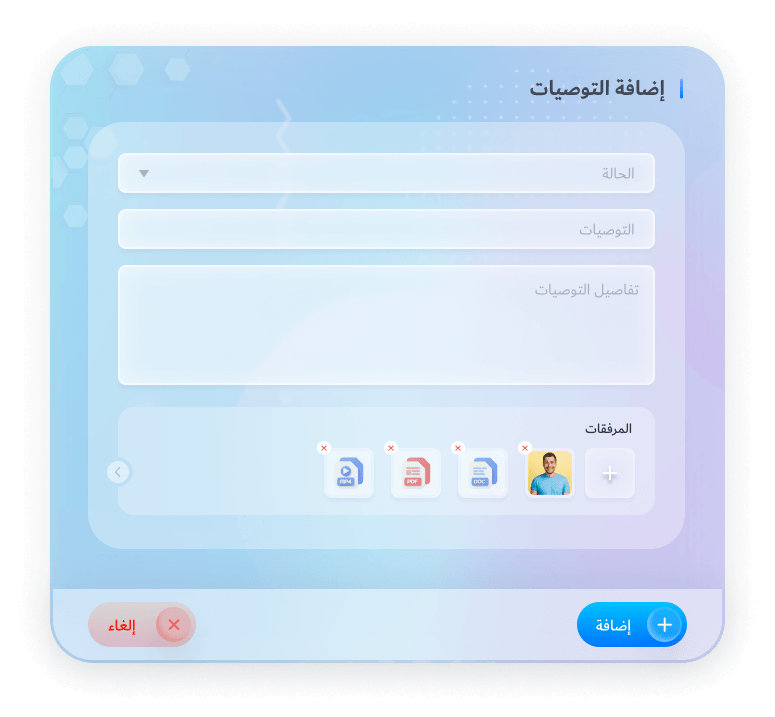
Add a recommendation
After the decision: what should change, with files.
Closed, with recommendations
Archive it, or re-open it if something new turns up.
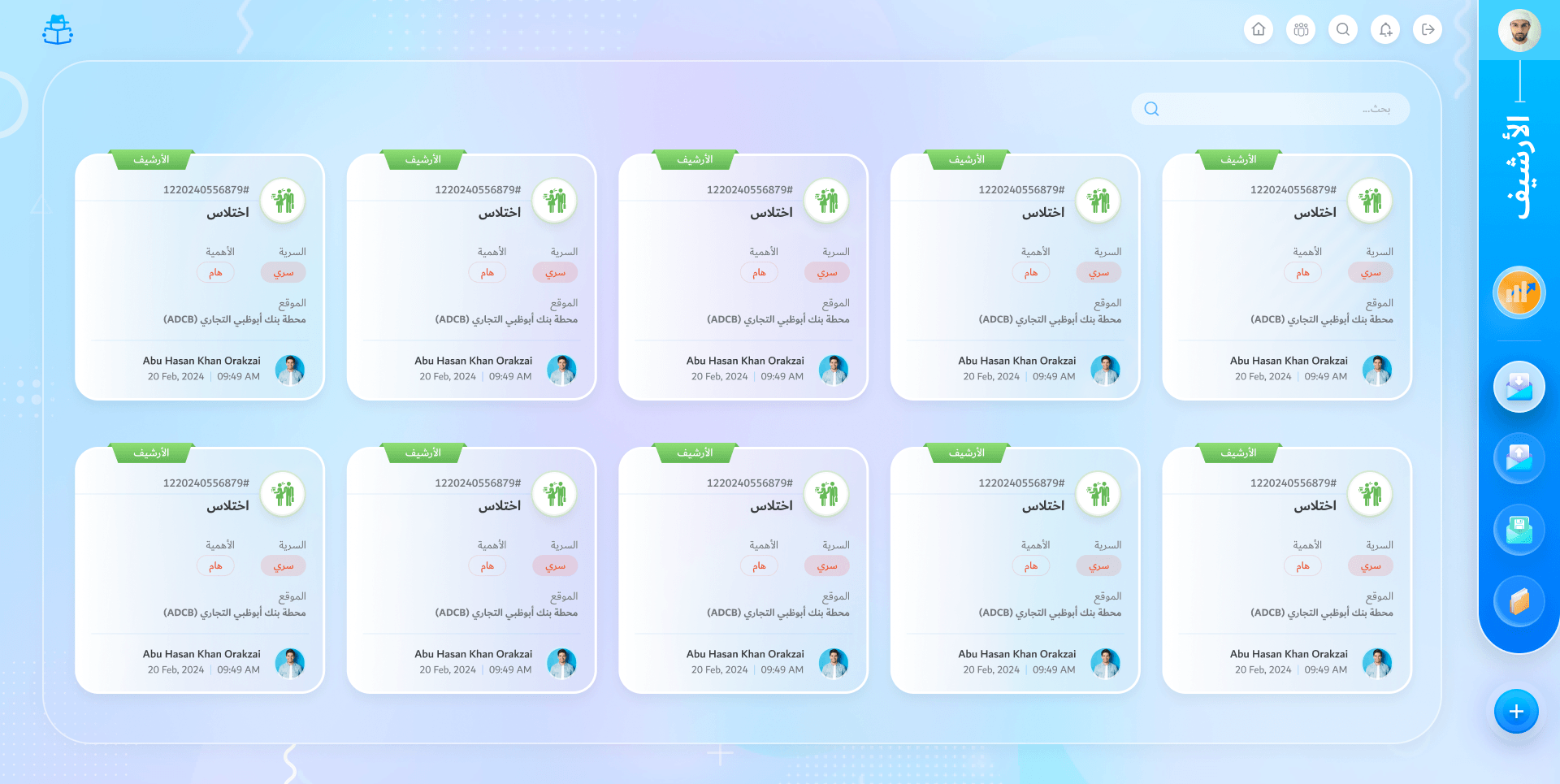
The archive
Closed and archived cases, kept and searchable. Every role has one.
The section manager’s inbox
Sees new reports to assign, final reports to decide and re-opened cases.
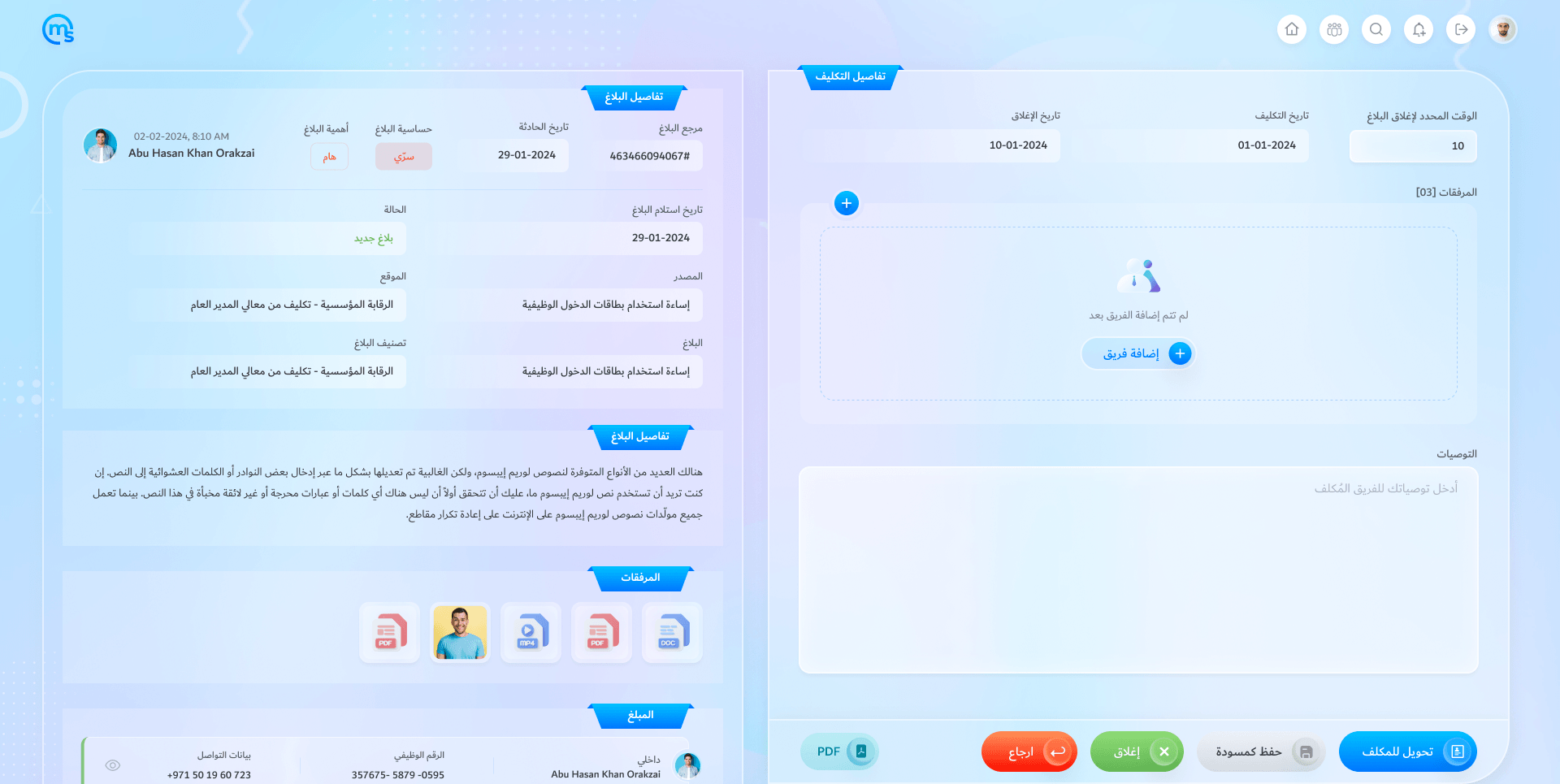
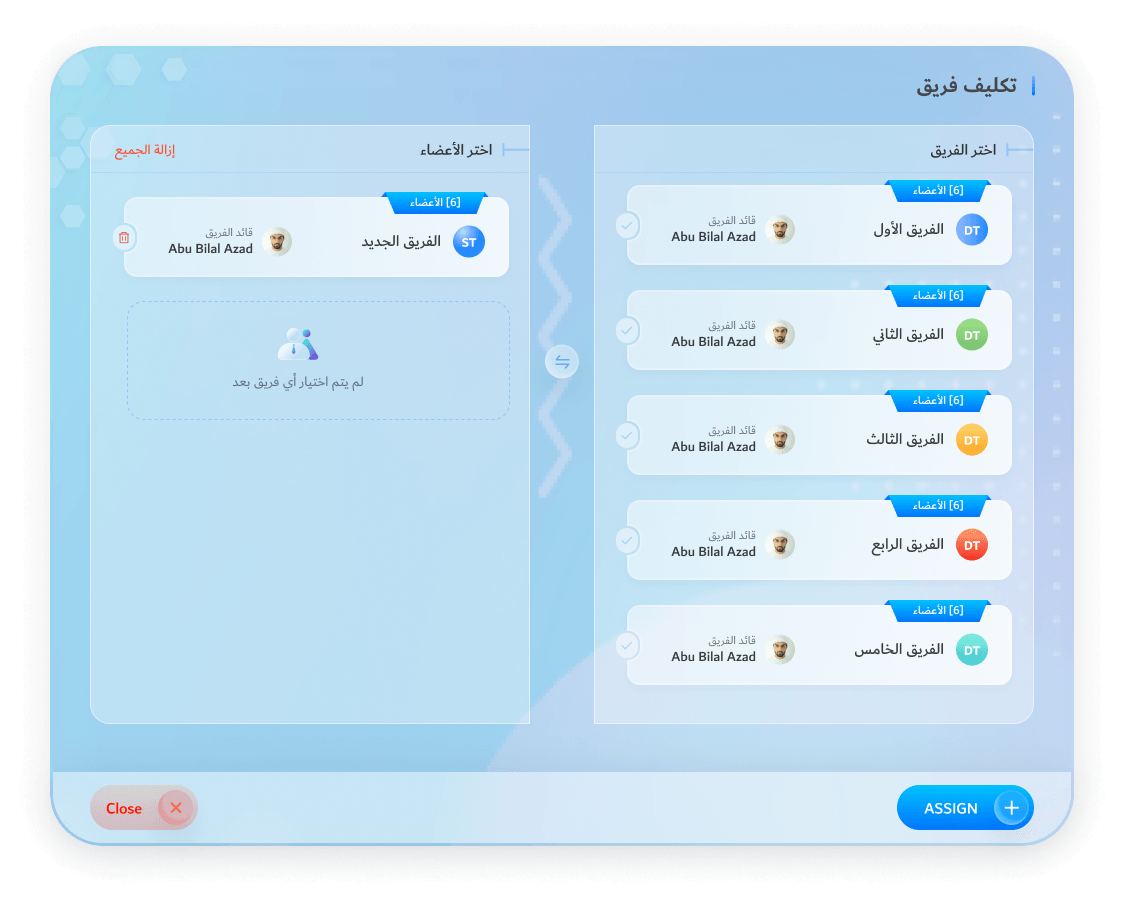
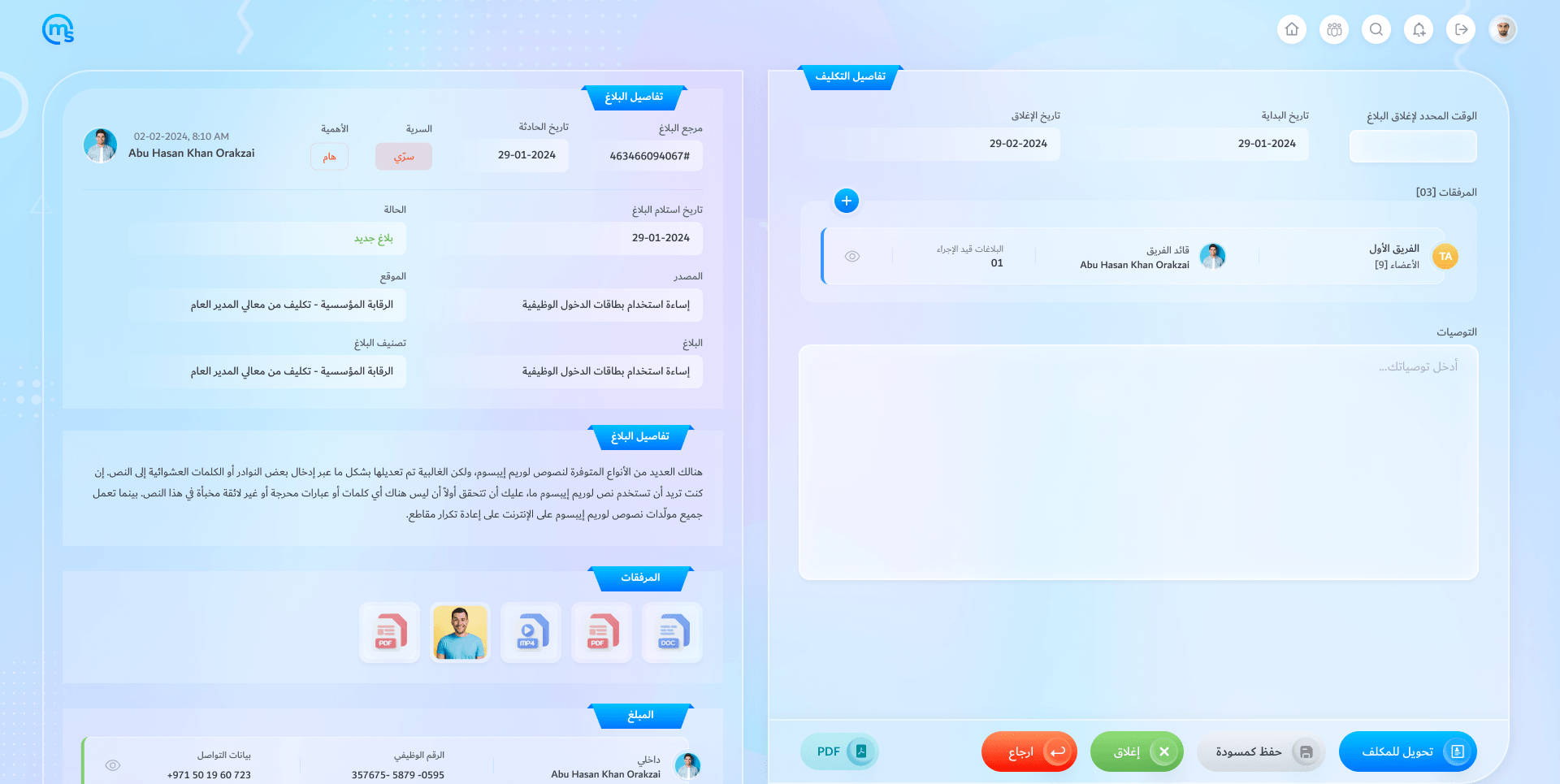
Assign the case
Set the dates and the SLA, add a team, write the instructions.
Build a team
Pick members, mark the leader and see how many cases each already holds.
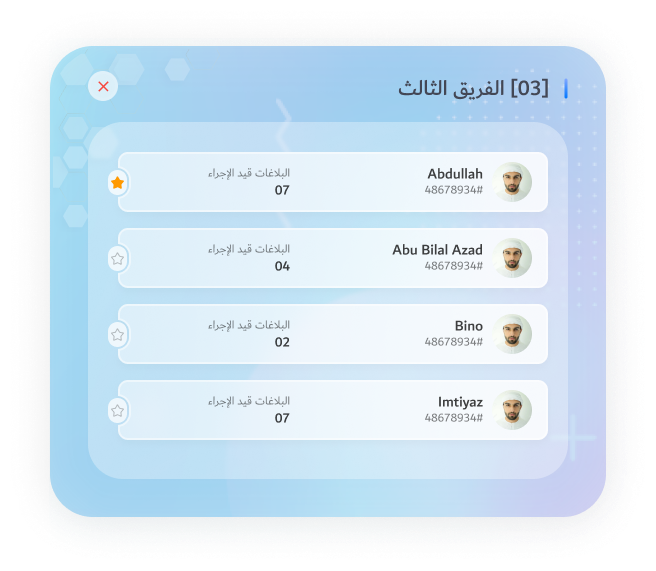
Who is on it
The team’s members and their open cases, the leader starred.
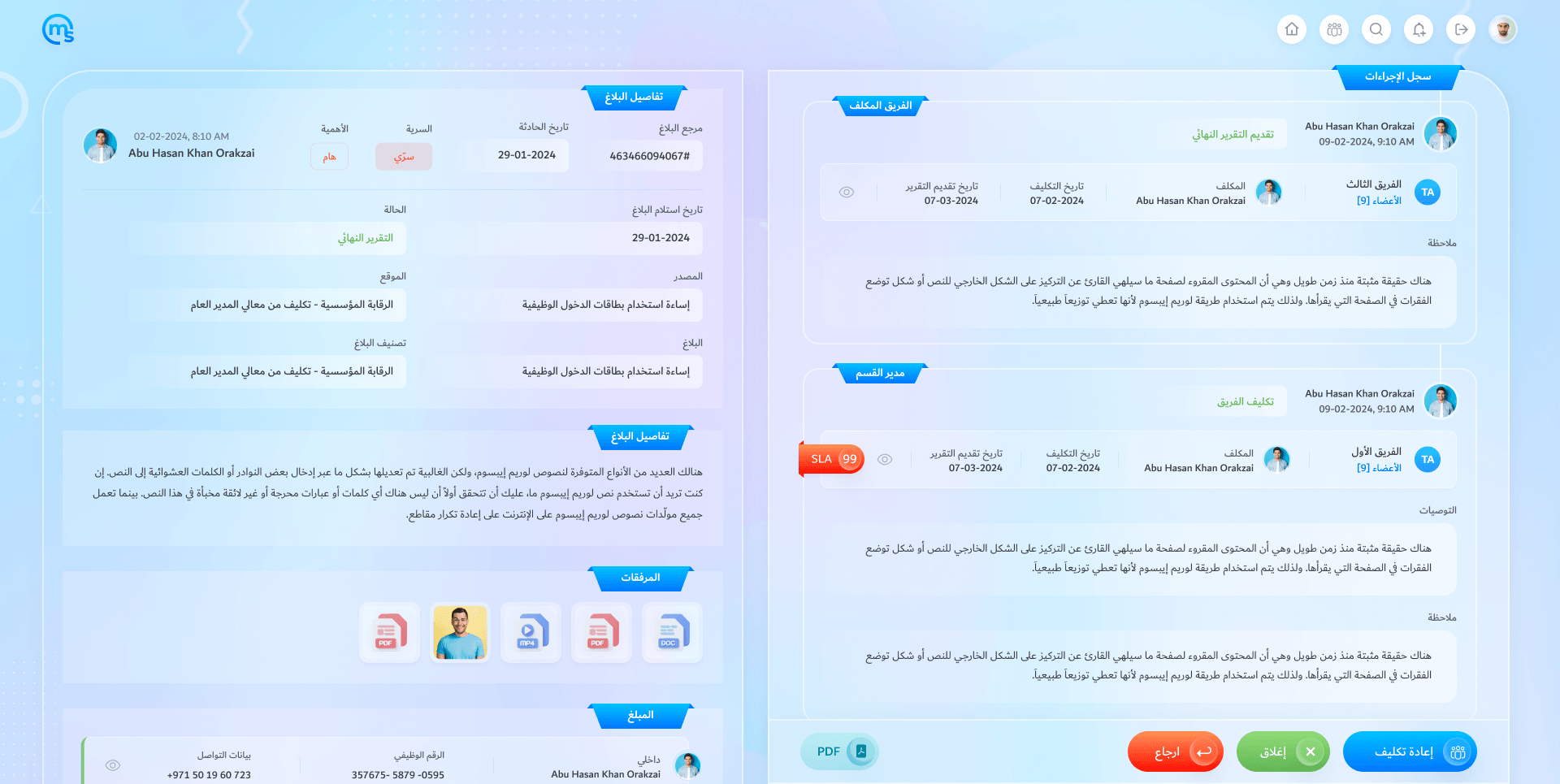
The final report
The team’s report in the action log. Close it, return it or reassign it.
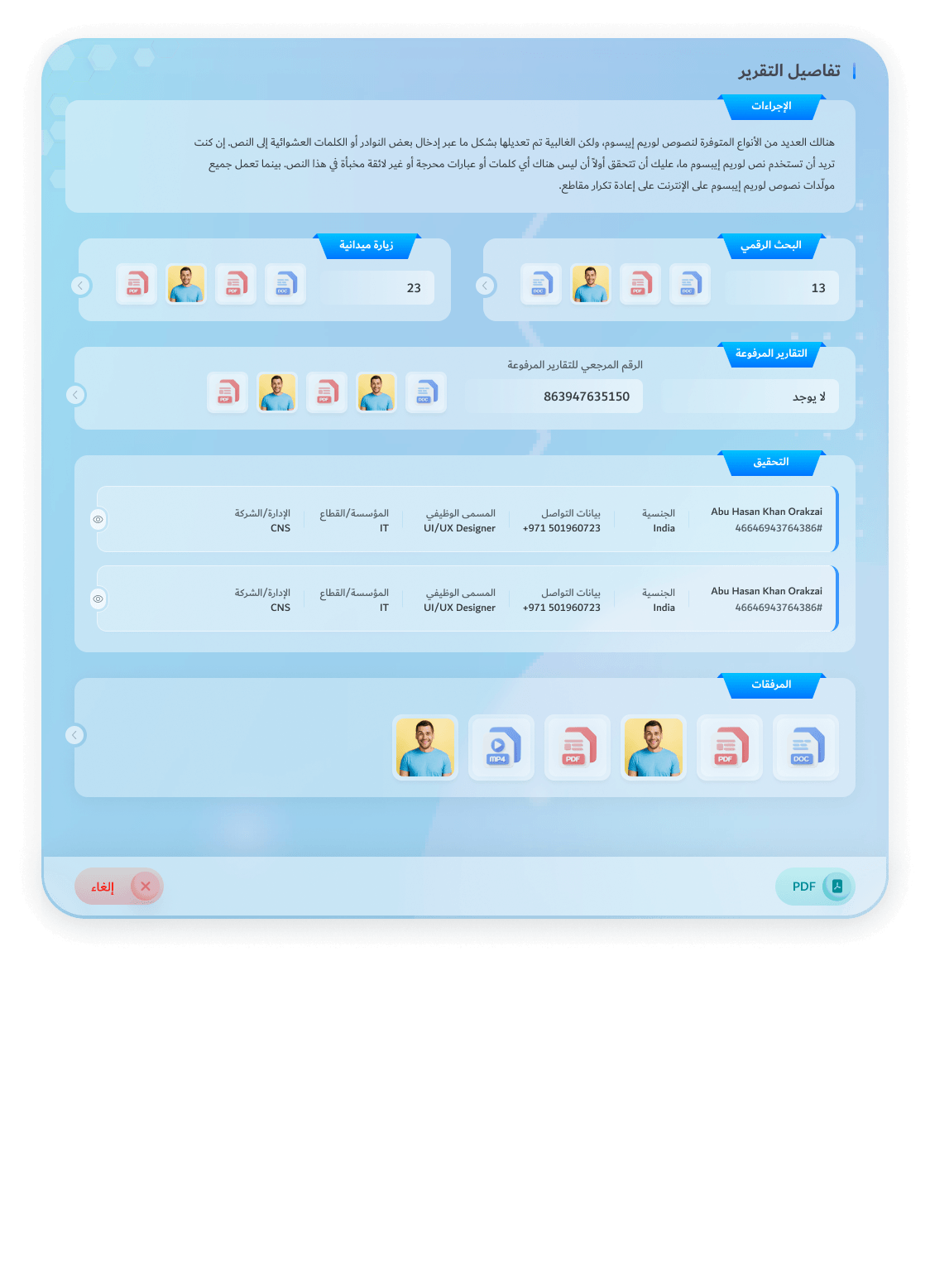
Read the team’s report
Actions, searches, field visits, reports and interviews, in one view.
Return it, with a note
Back to the team, saying what is missing.
Close it, with a reason
A reason and the recommendations that go with it.
Re-opened
A re-opened case keeps its whole history.
The team’s inbox
Sees only the cases assigned to the team, in progress or returned, each with its SLA.
Work the case
Actions, digital searches, field visits, uploaded reports and interviews.
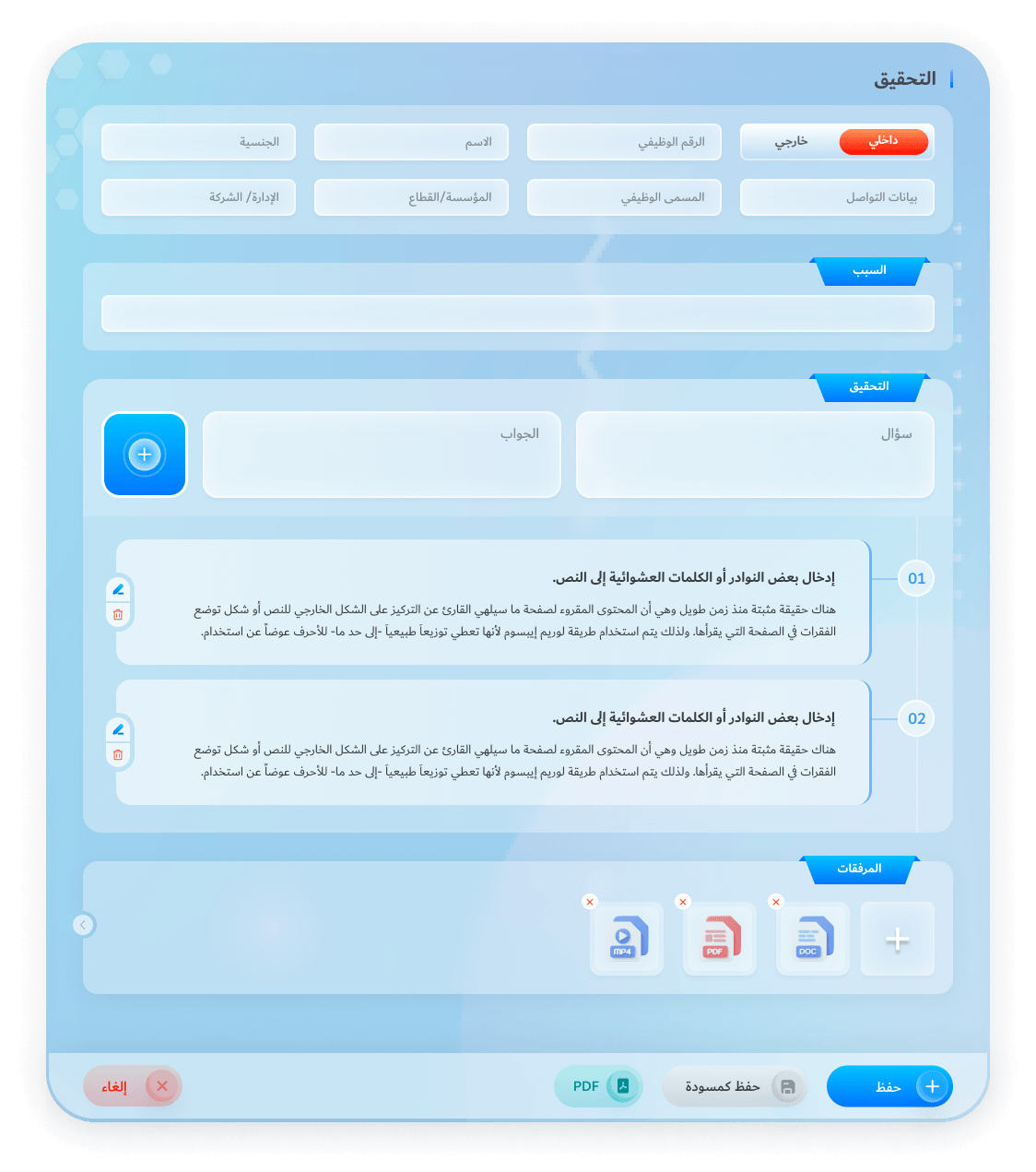
Interview both sides
Internal or external, question by question, with files.
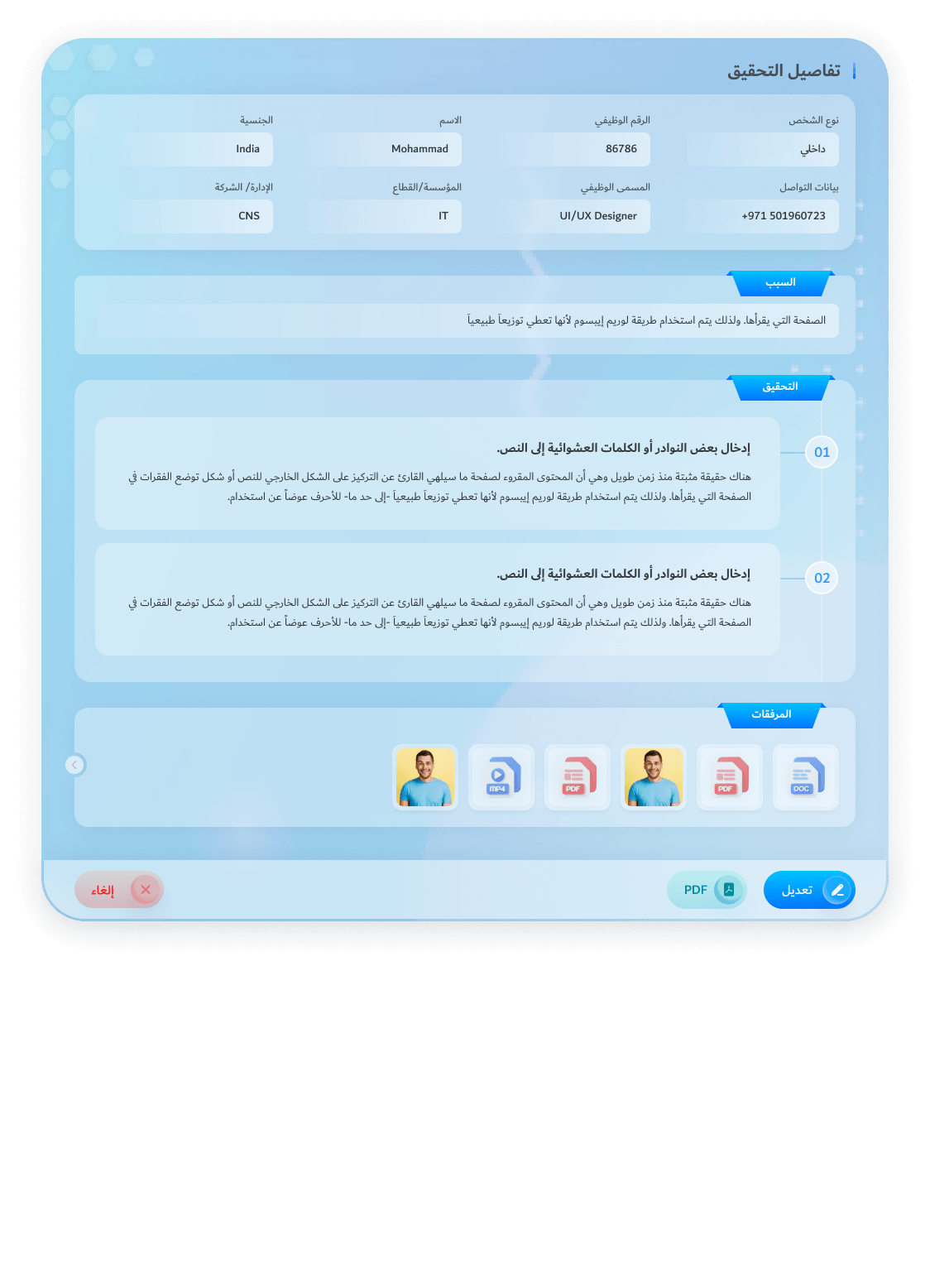
An interview, on record
Who was heard, why, every answer and the files.
The report, submitted
Every search, visit and interview, sent to the section manager.