The command centre
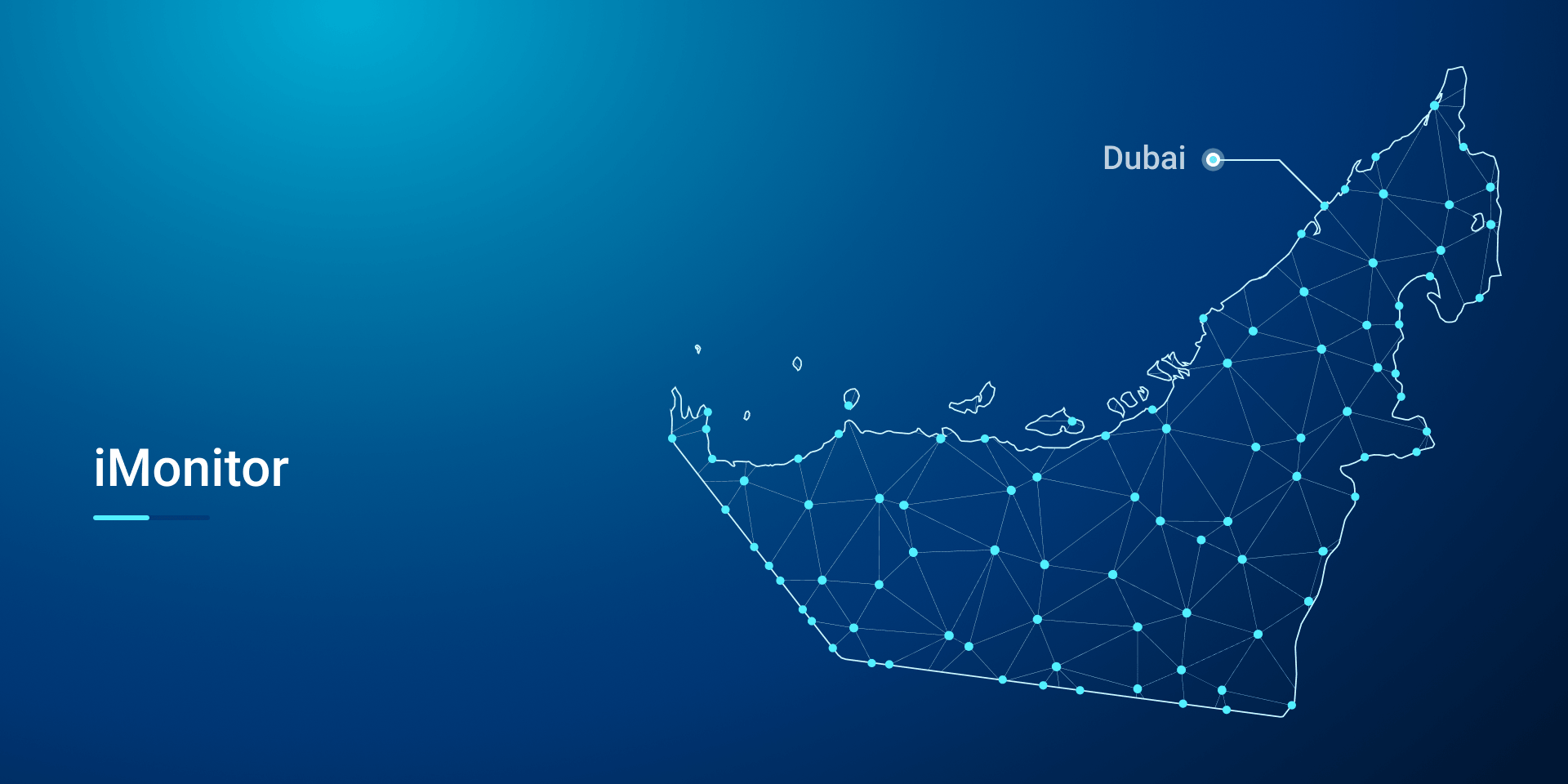
iMonitor opens on the city it watches, every site a node on the network.
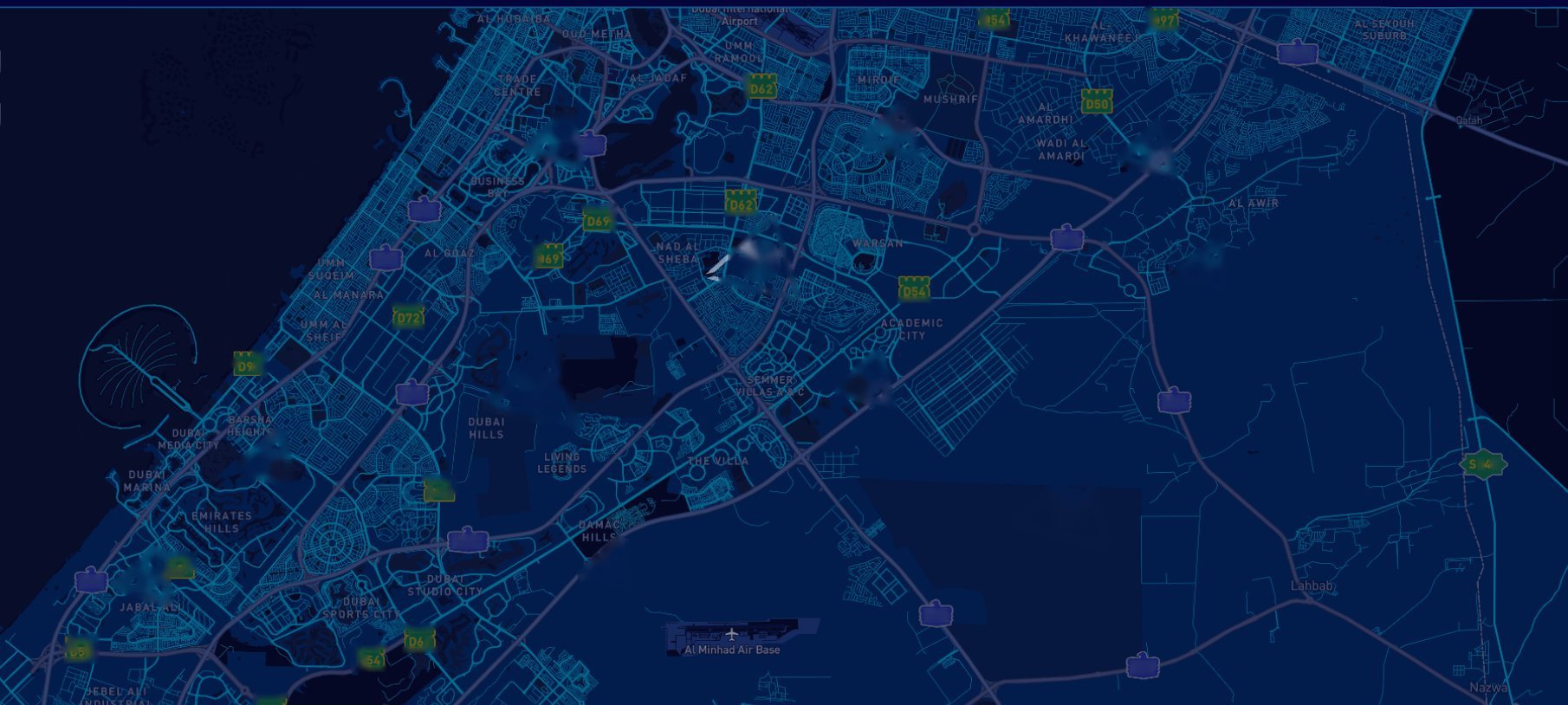
The live map
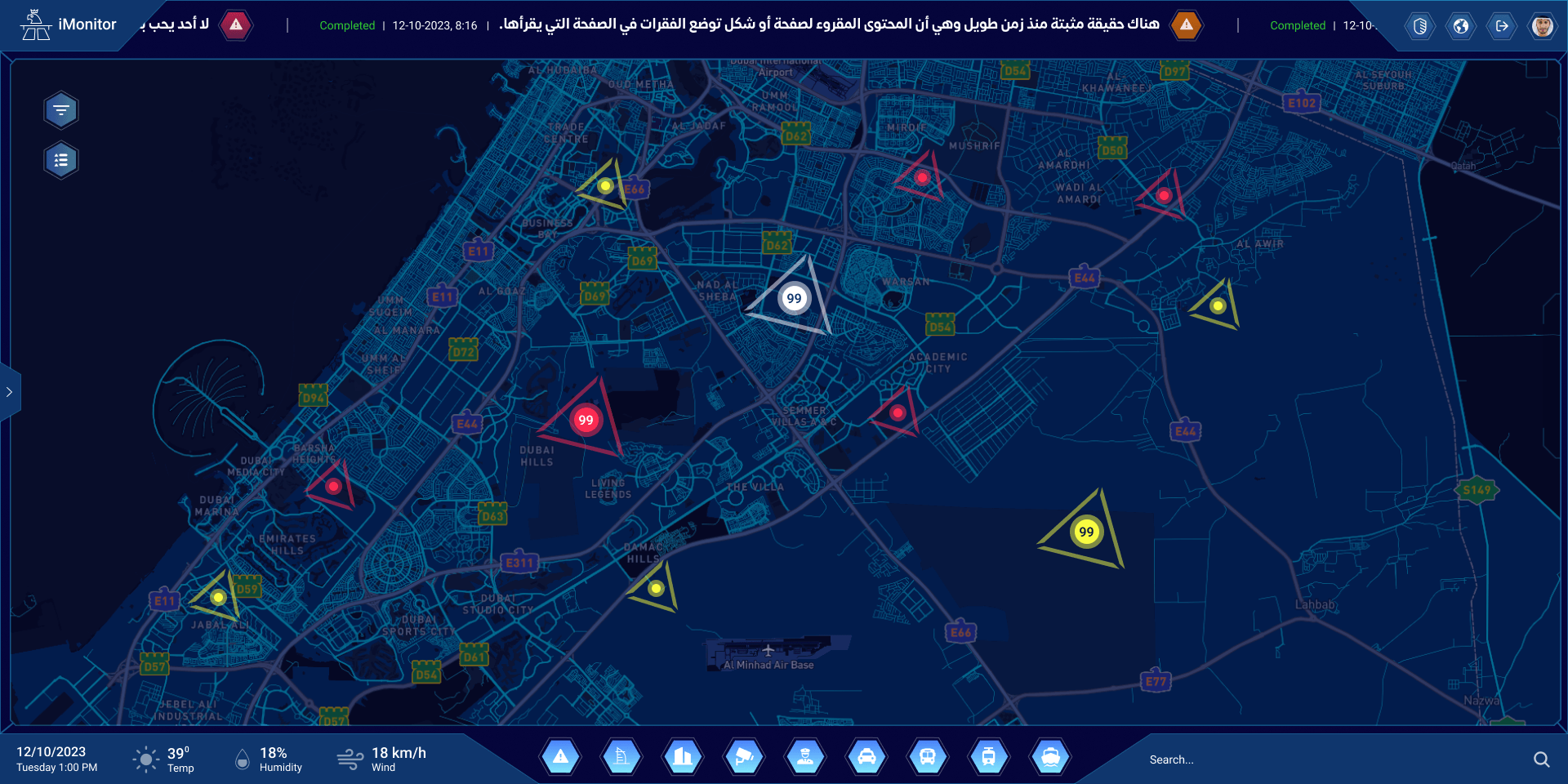
Alerts on the map, by type and priority, over the night map of the city.
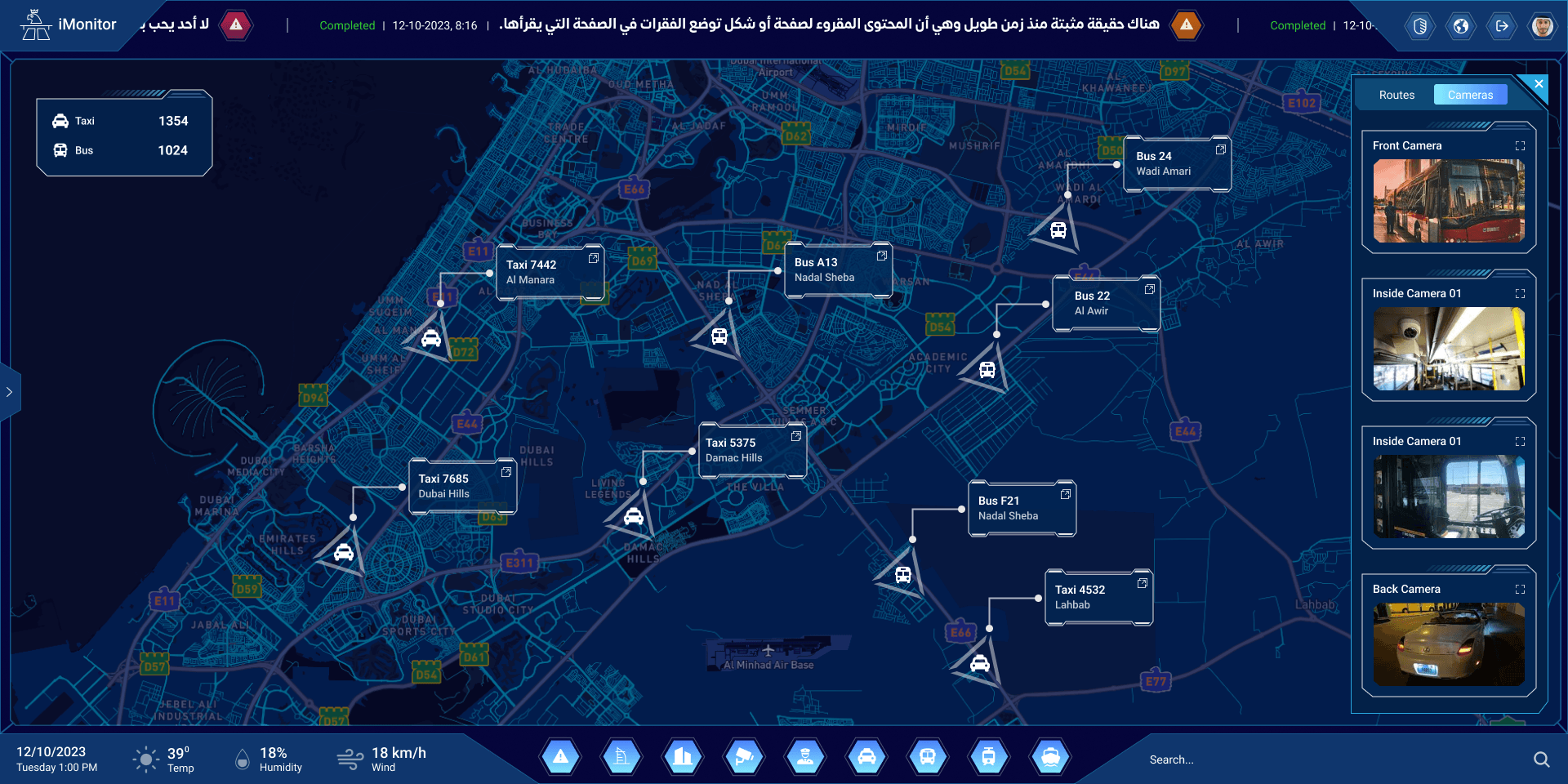
Taxis and buses
Every vehicle on the map, with its cameras one click away.
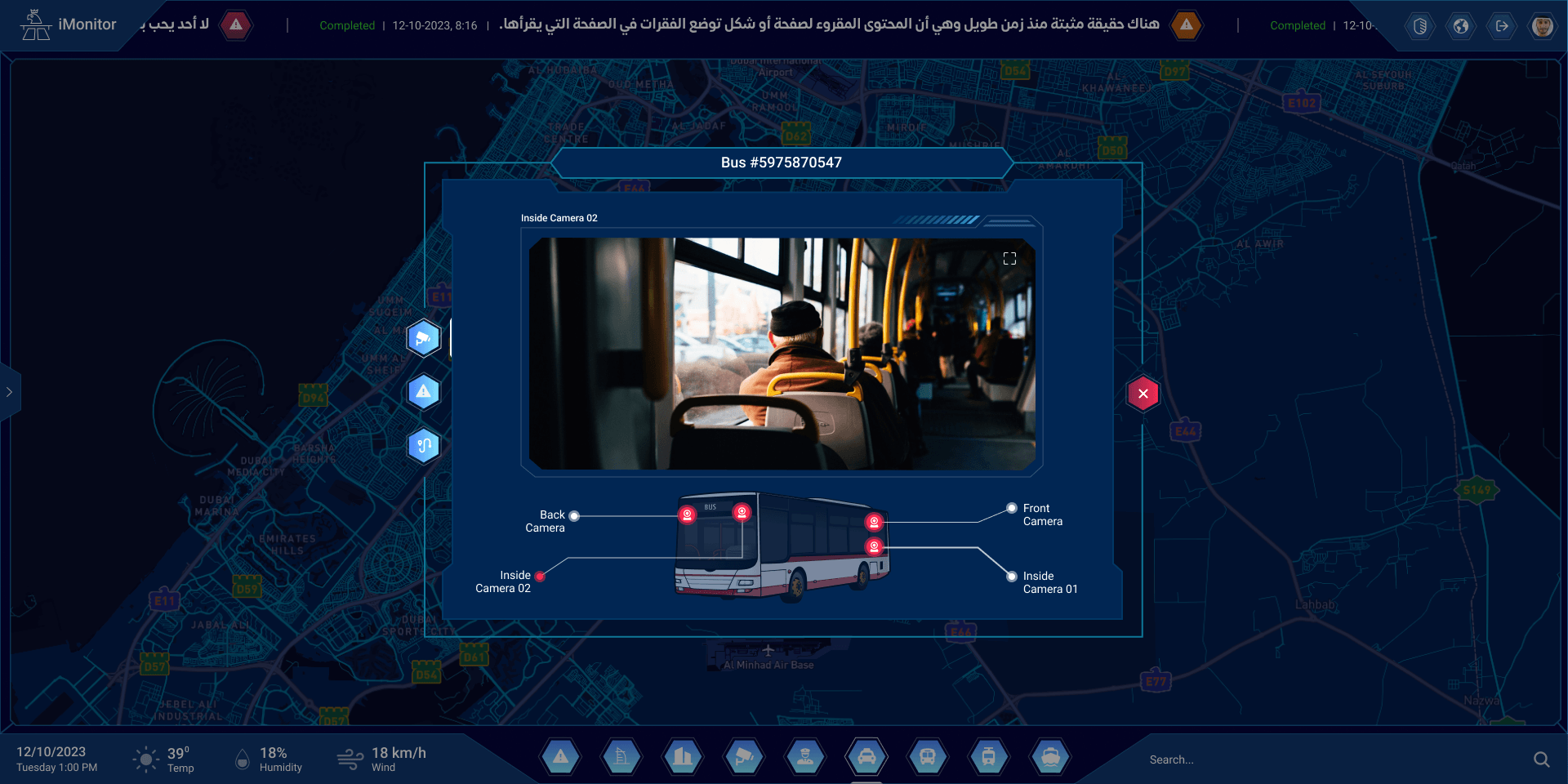
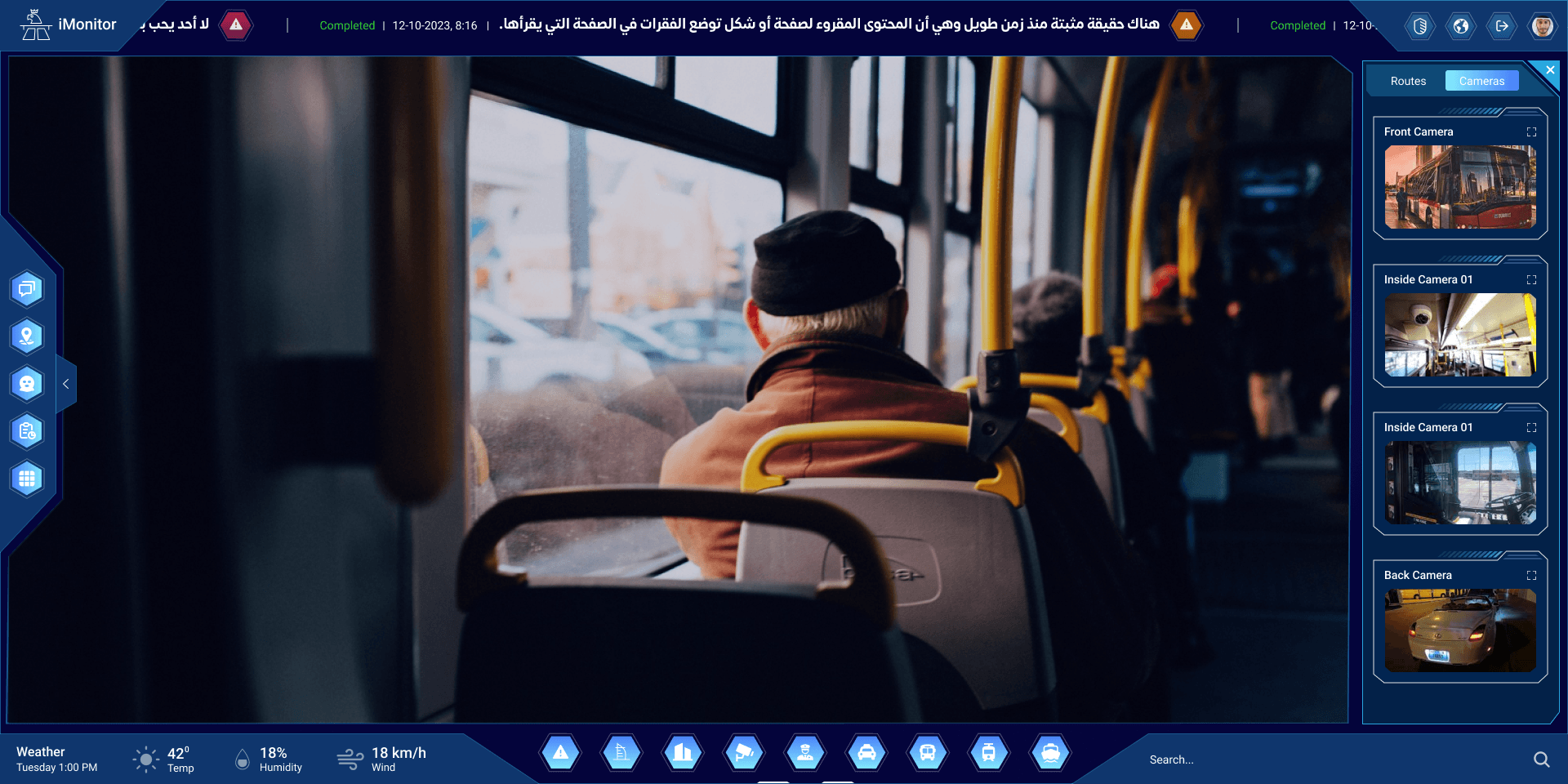
Inside a bus
Pick a vehicle and see where its cameras are, and what they see.
One camera, full screen
When it matters, one camera takes the whole wall.
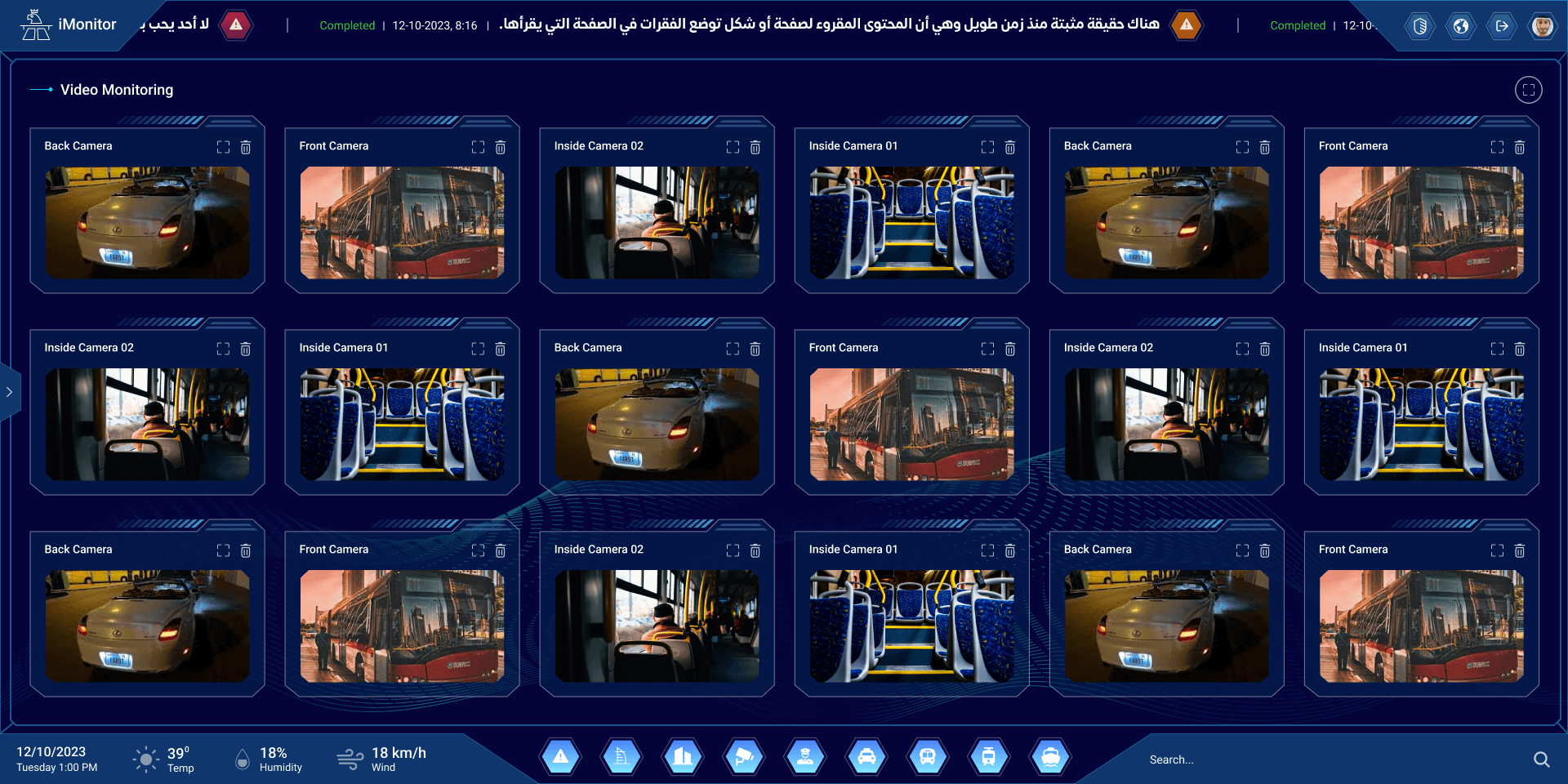
The video wall
Every camera that matters right now, on one wall.
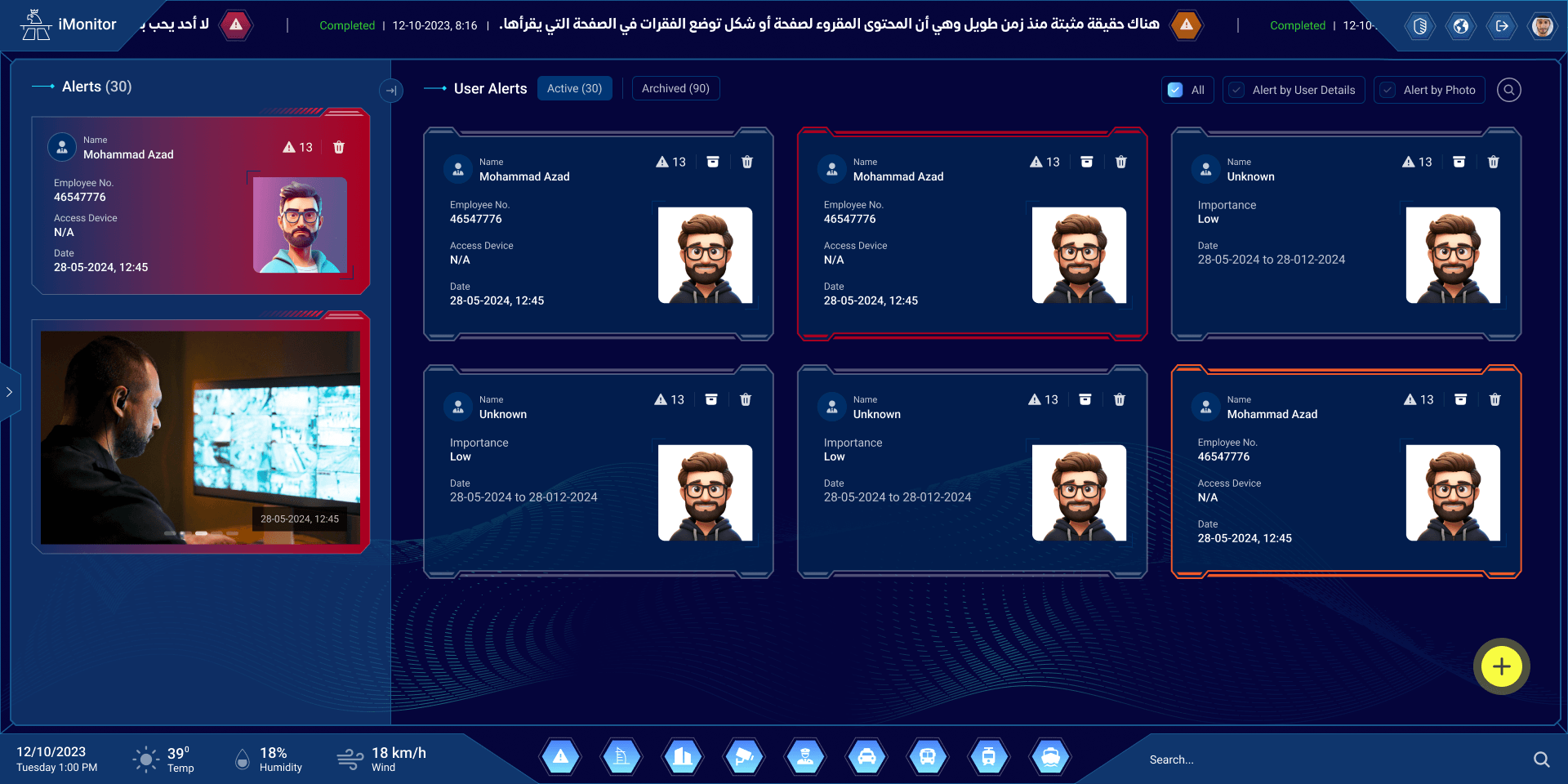
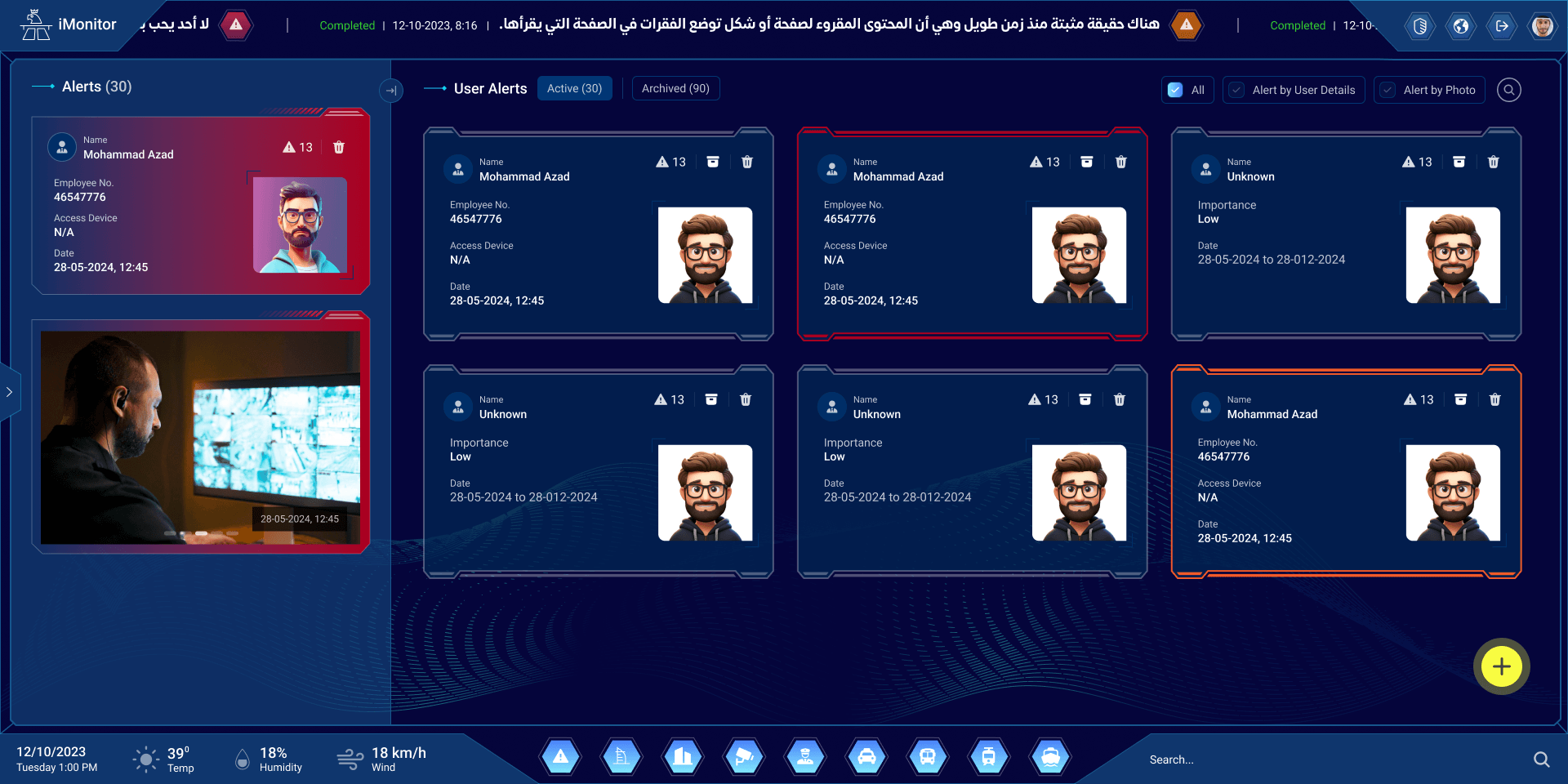
User alerts
Alerts with a photo and the details that matter, newest first.
Seen on camera
An alert with the frame the camera caught.
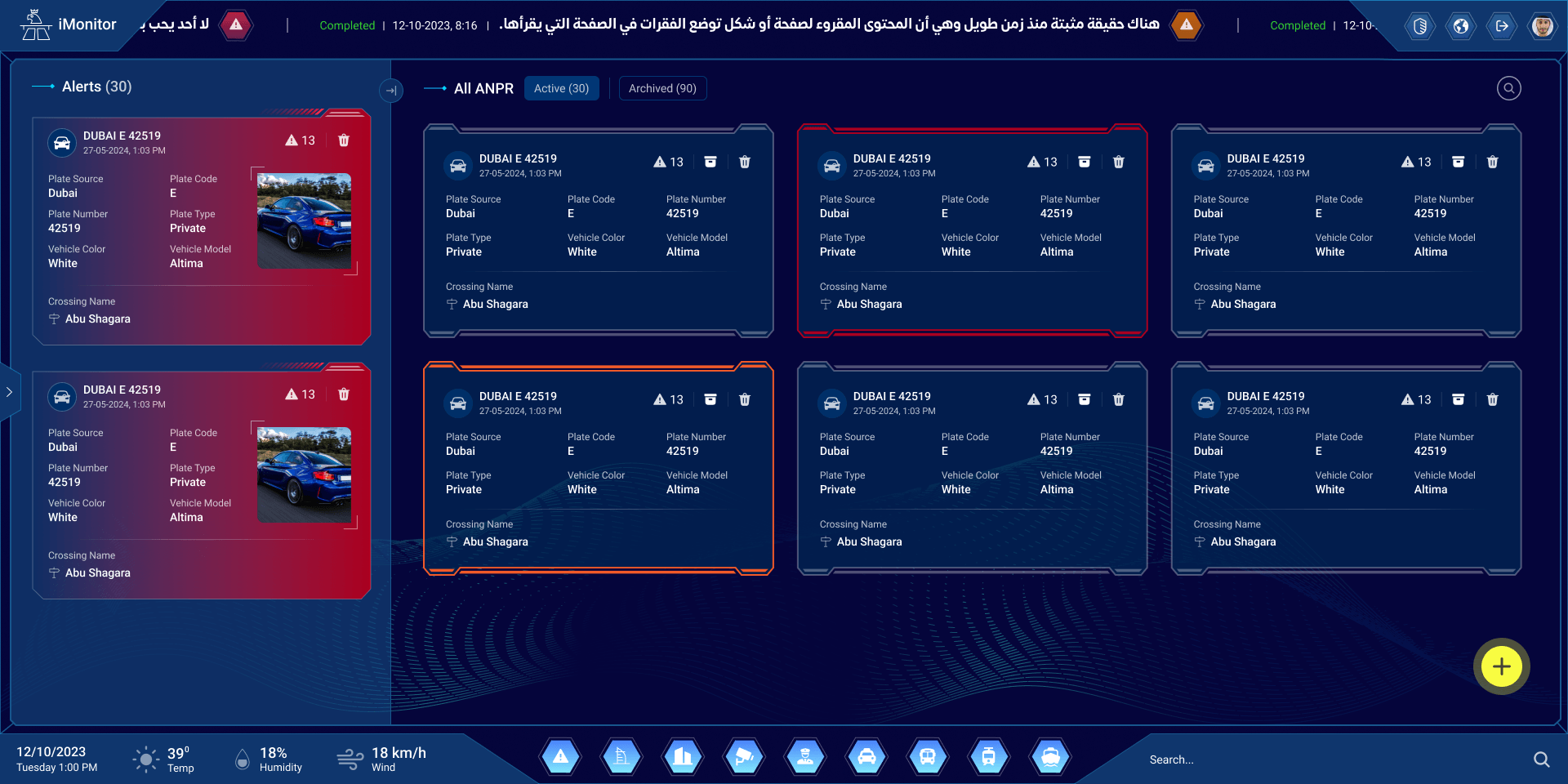
Plate alerts
The plate readers flag a vehicle; its plate, model and crossing come with it.
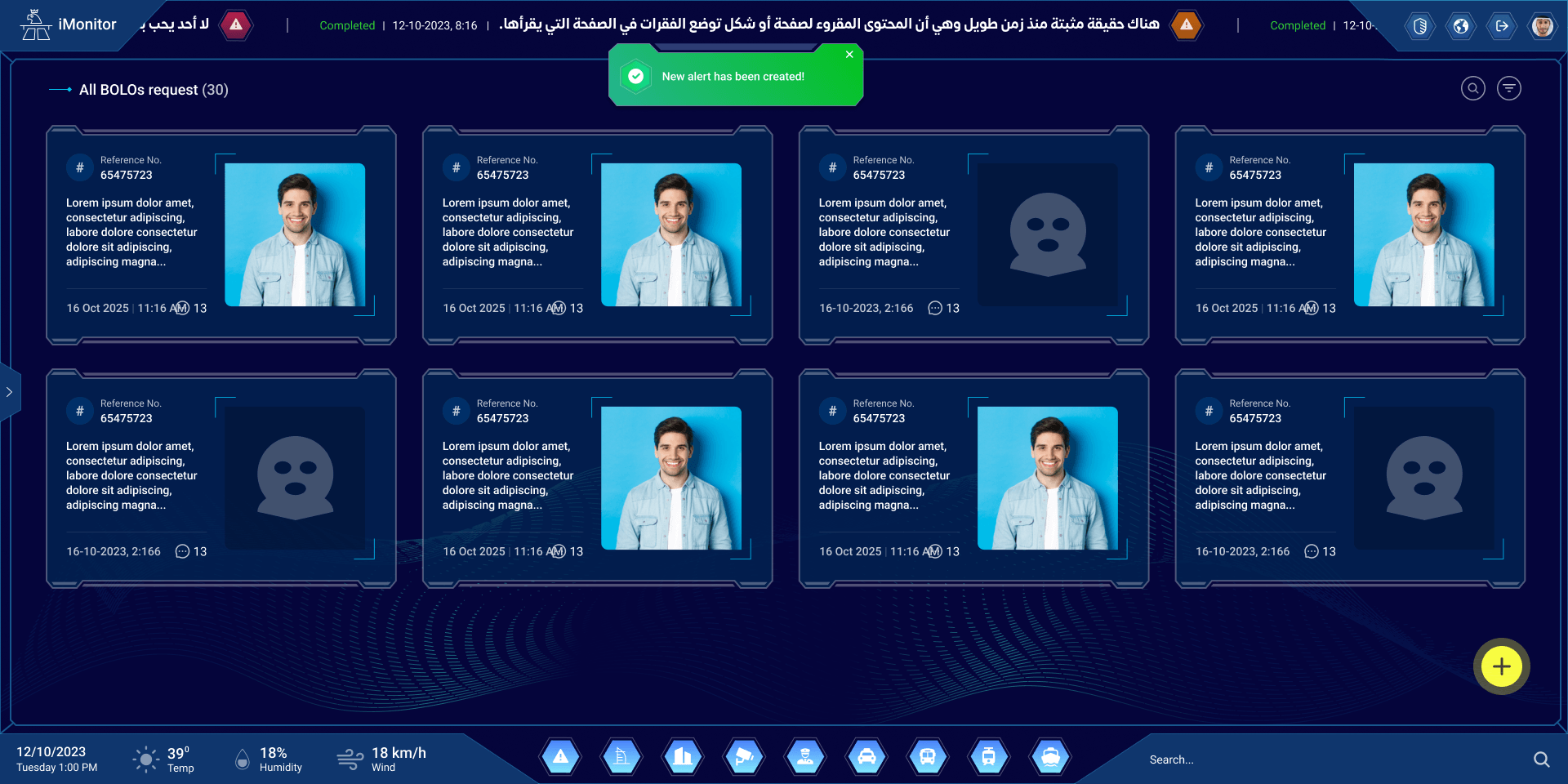
Be on the lookout
Who the room is looking for, with photo, notes and comments.
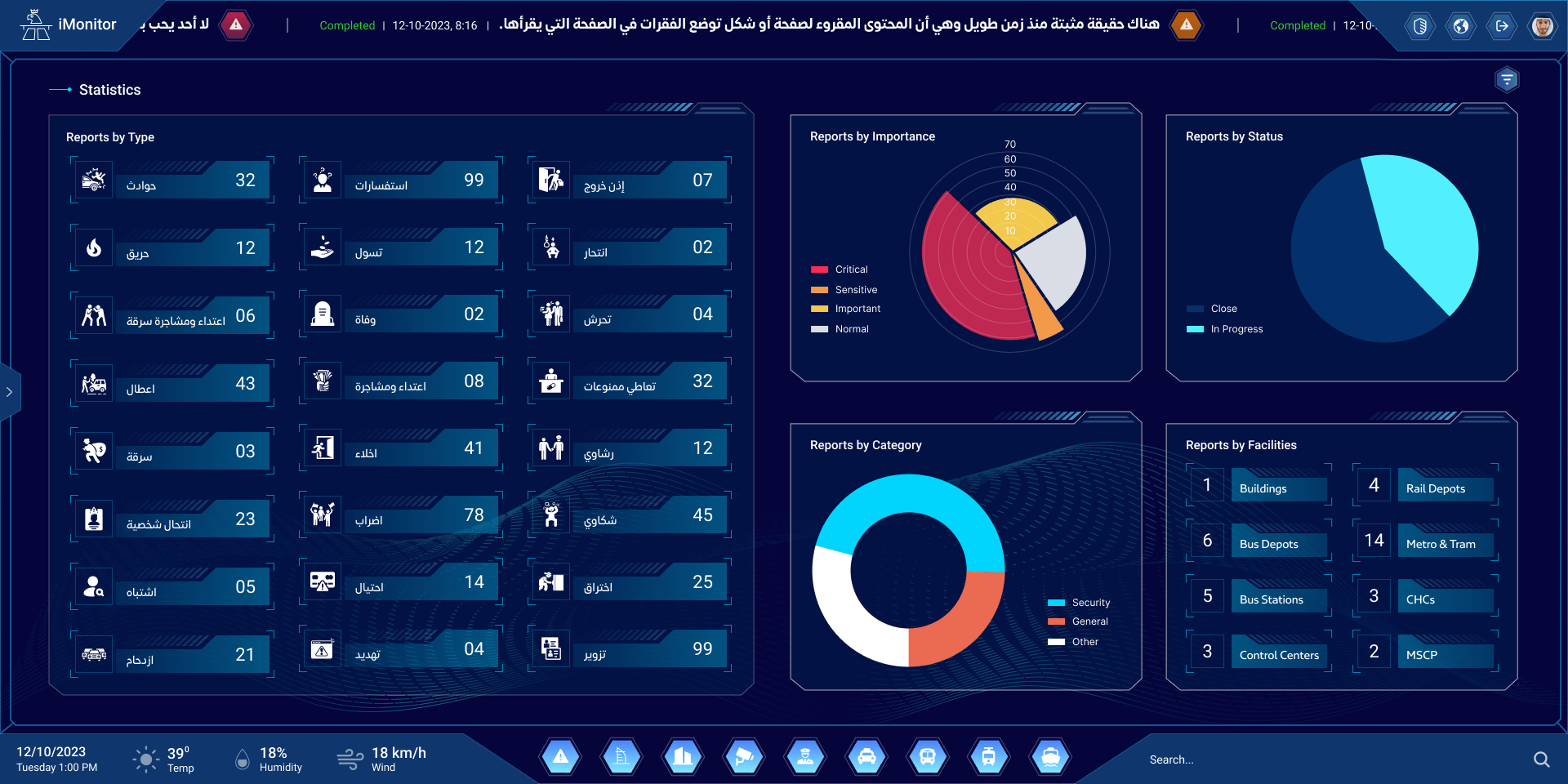
Statistics
Reports by type, importance, status, category and facility.
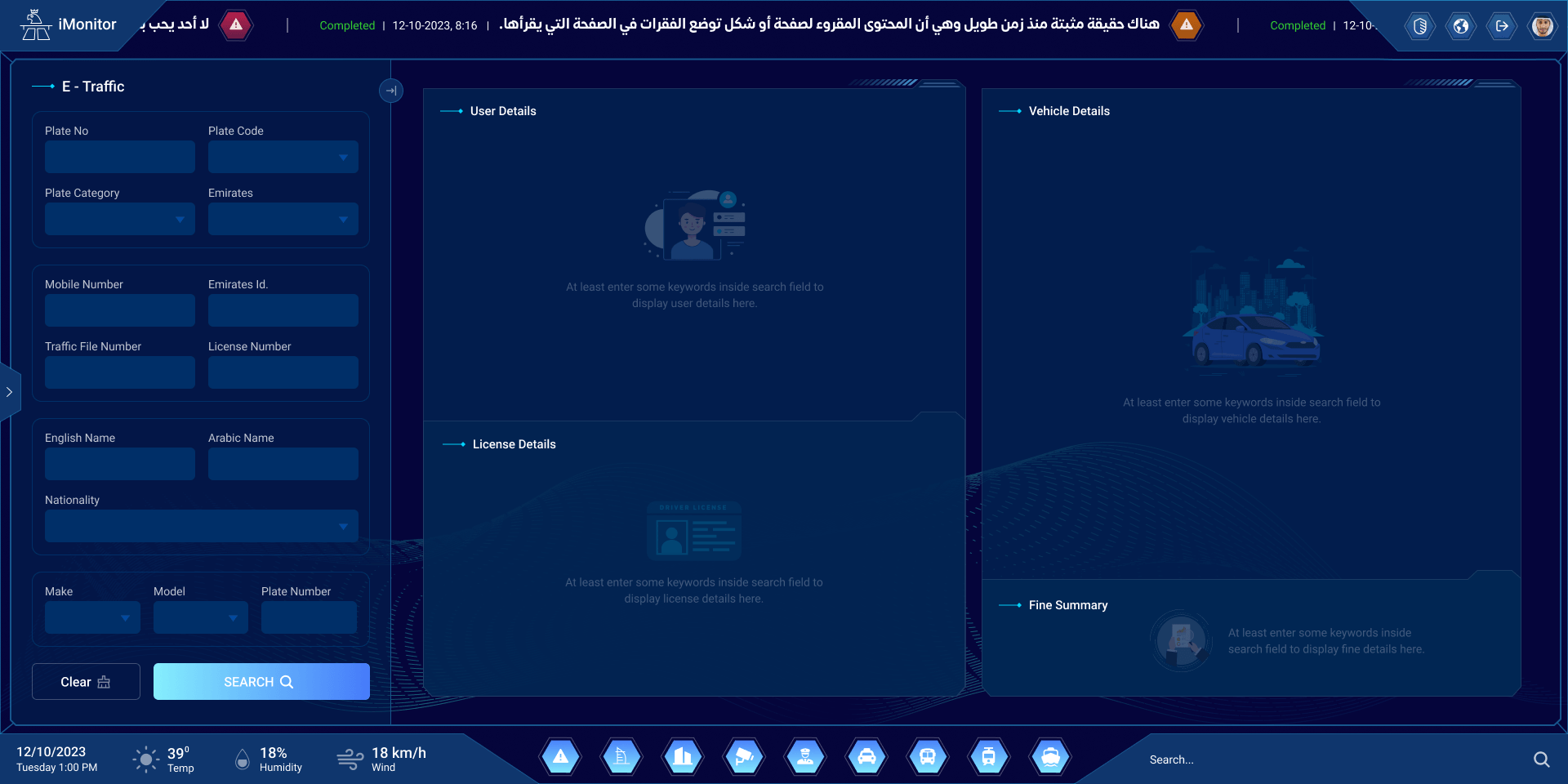
Look a vehicle up
Search by plate, licence or ID; start from an empty form.
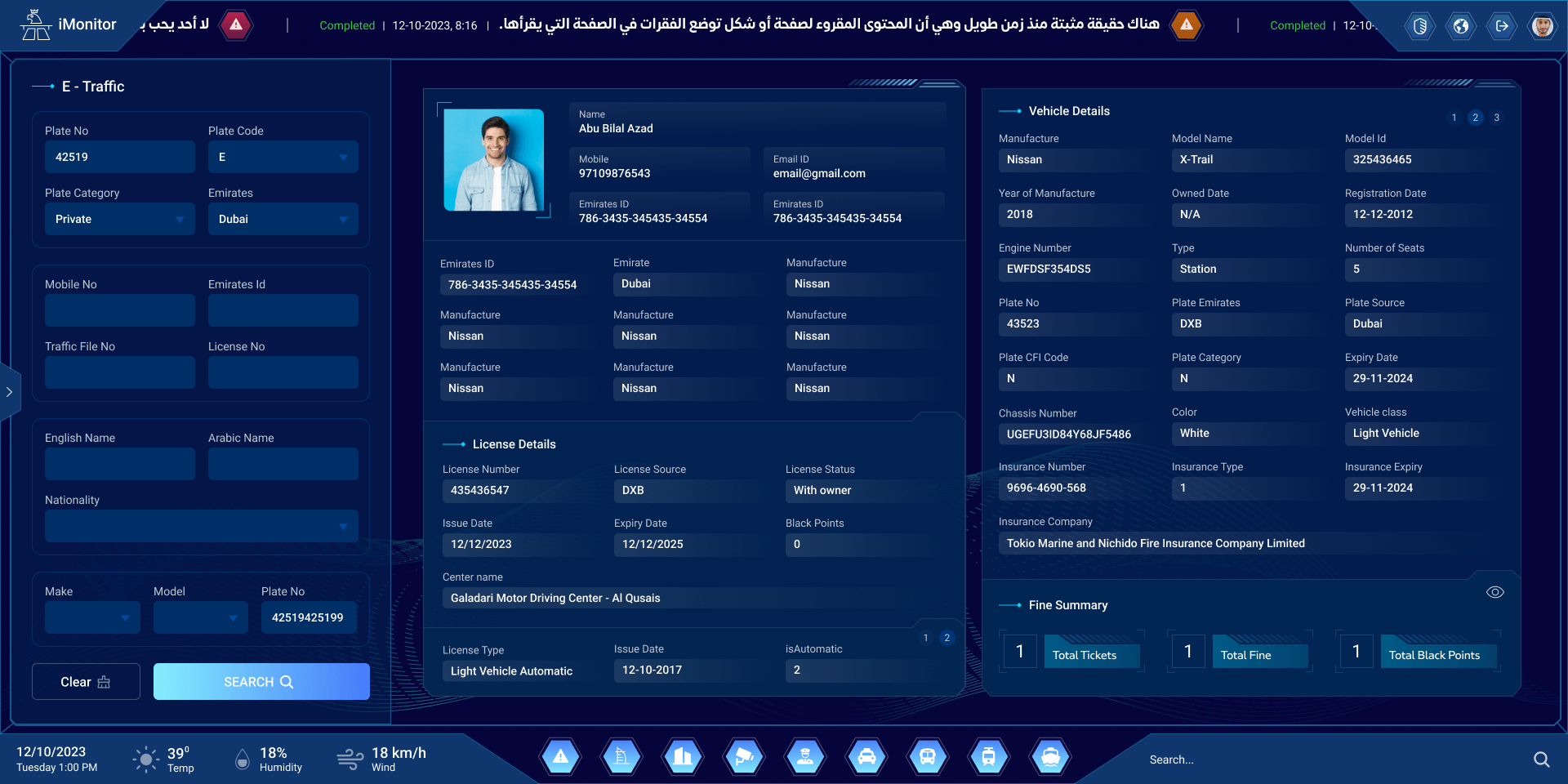
Owner, vehicle and fines
The driver, the licence, the vehicle and its fines, on one screen.
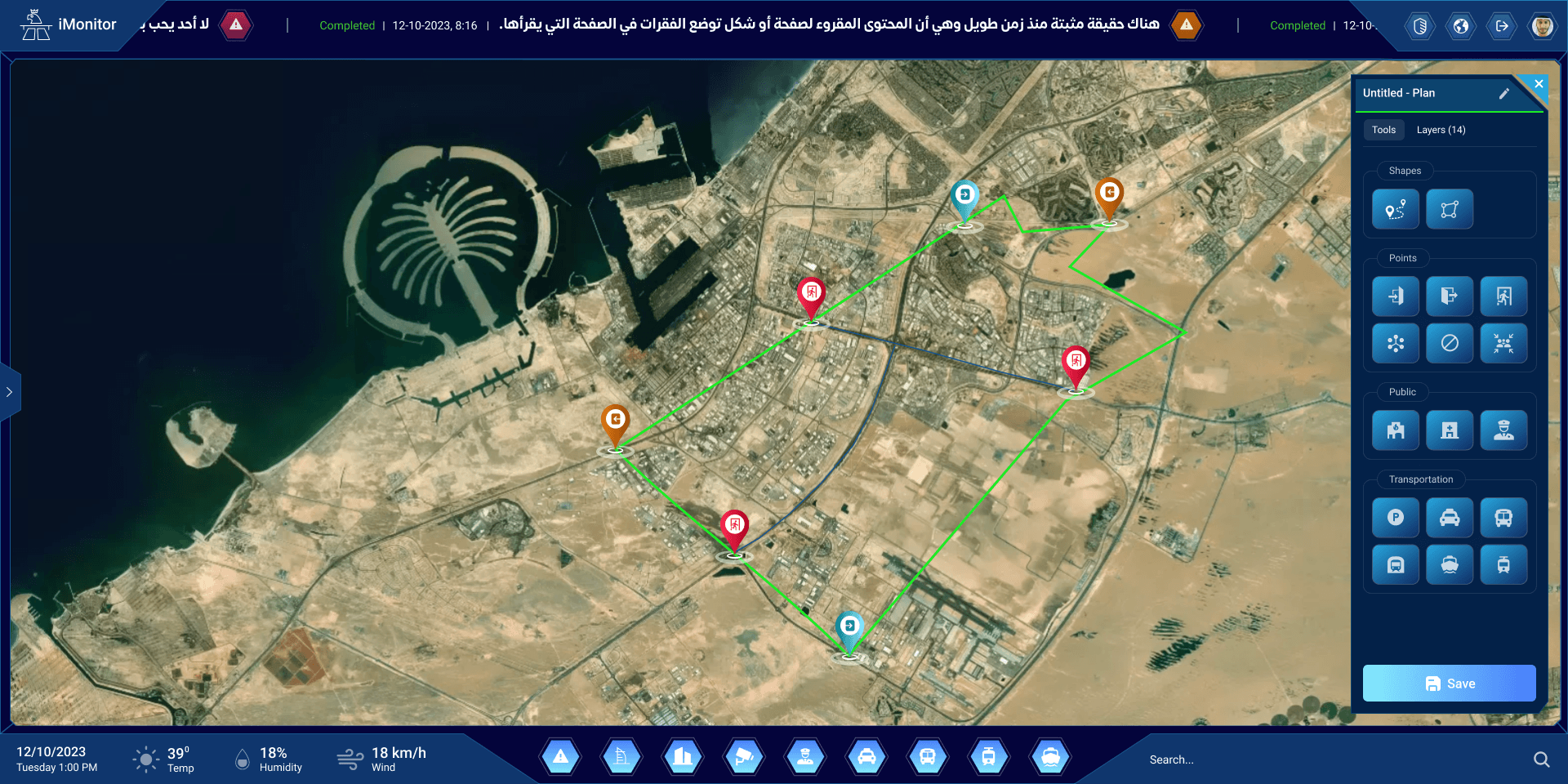
Plan an event
Draw the route and drop points for an event, from a toolbox of shapes and places.
Virtual boundaries
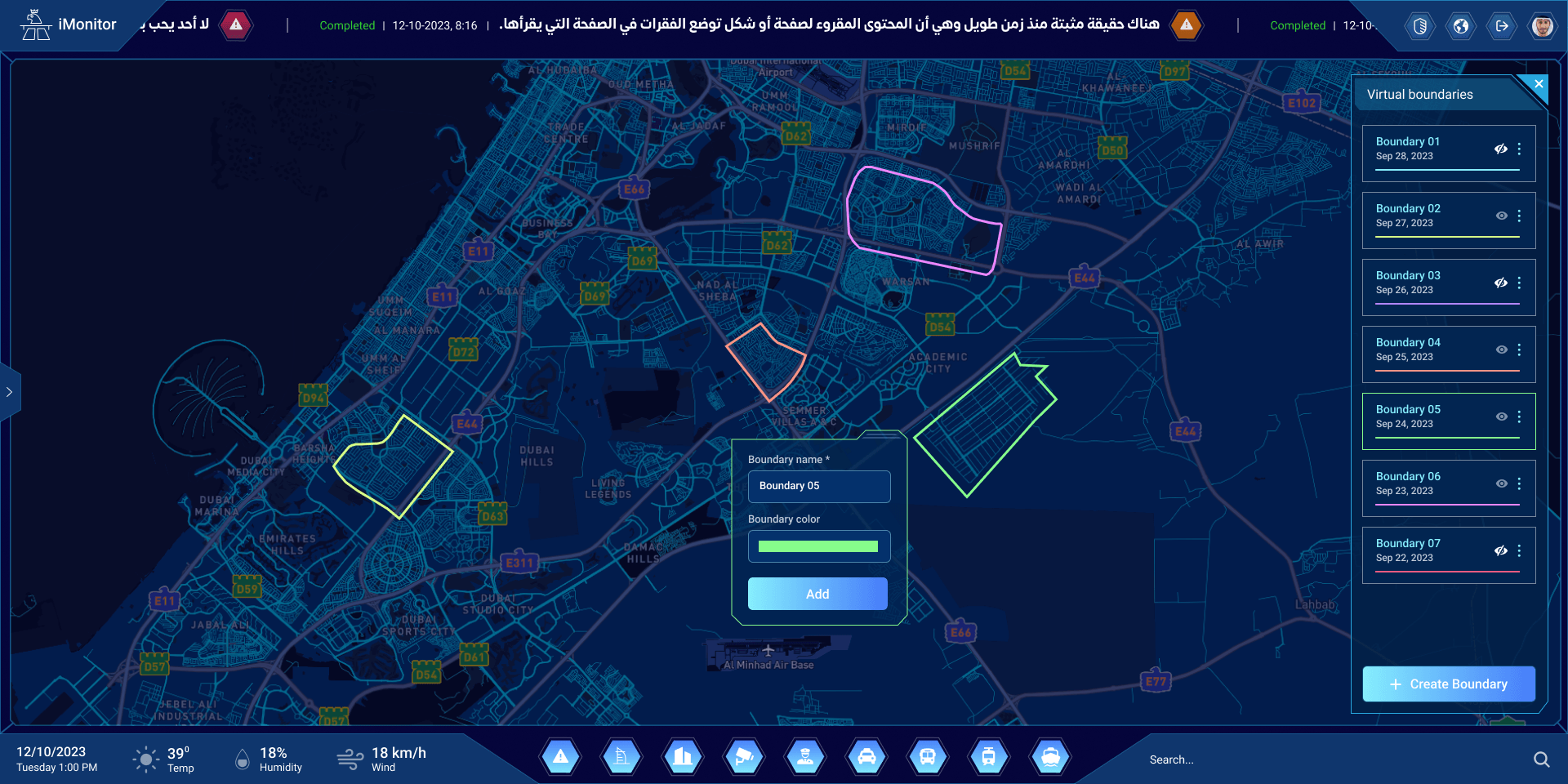
Fence an area on the map, name it and give it a colour.
Patrols, measured
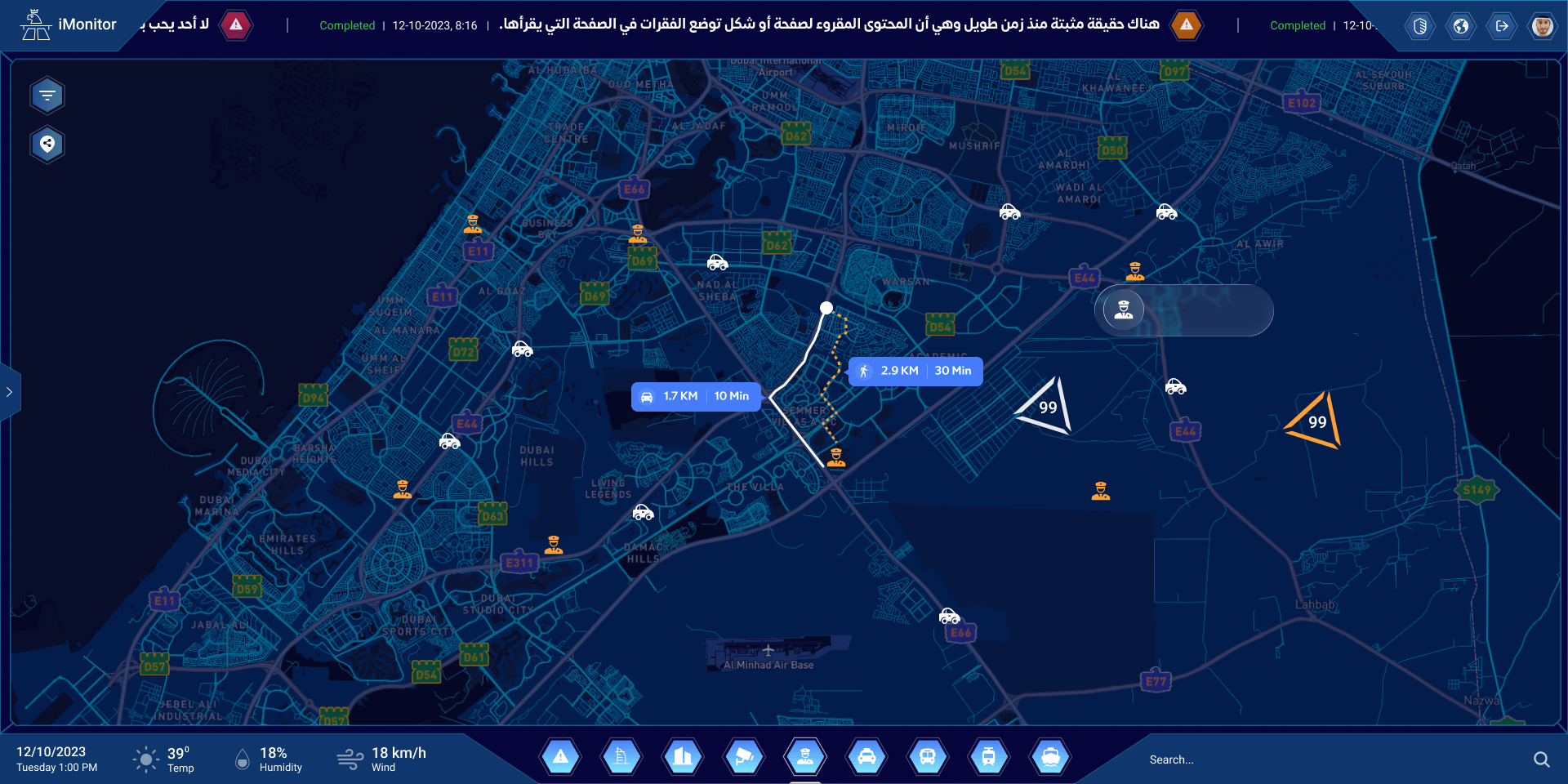
The security patrols on the map, with the distance and time to an alert.
Group chat
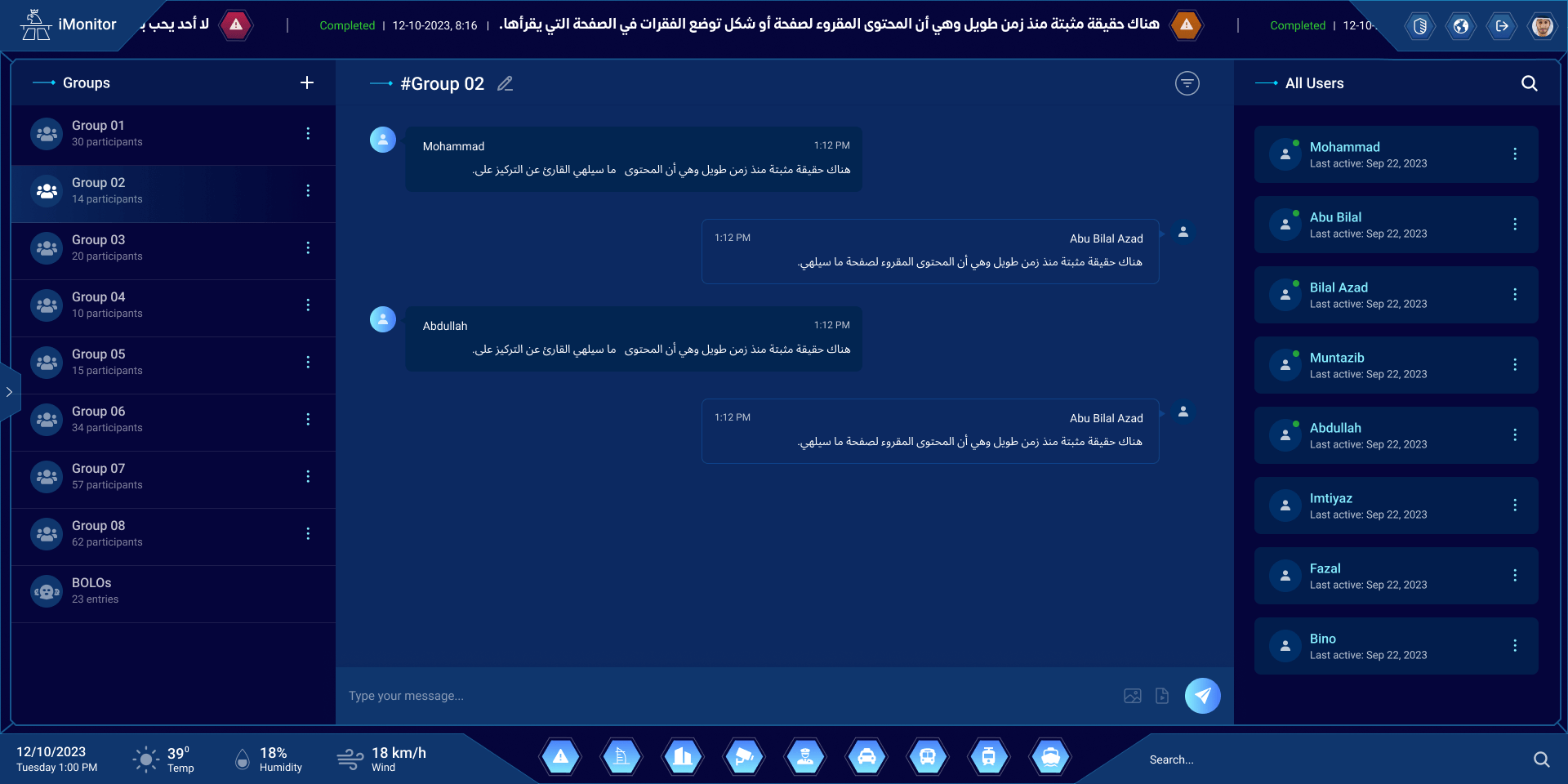
The room, the patrols and the teams, in groups.
A call, in the chat
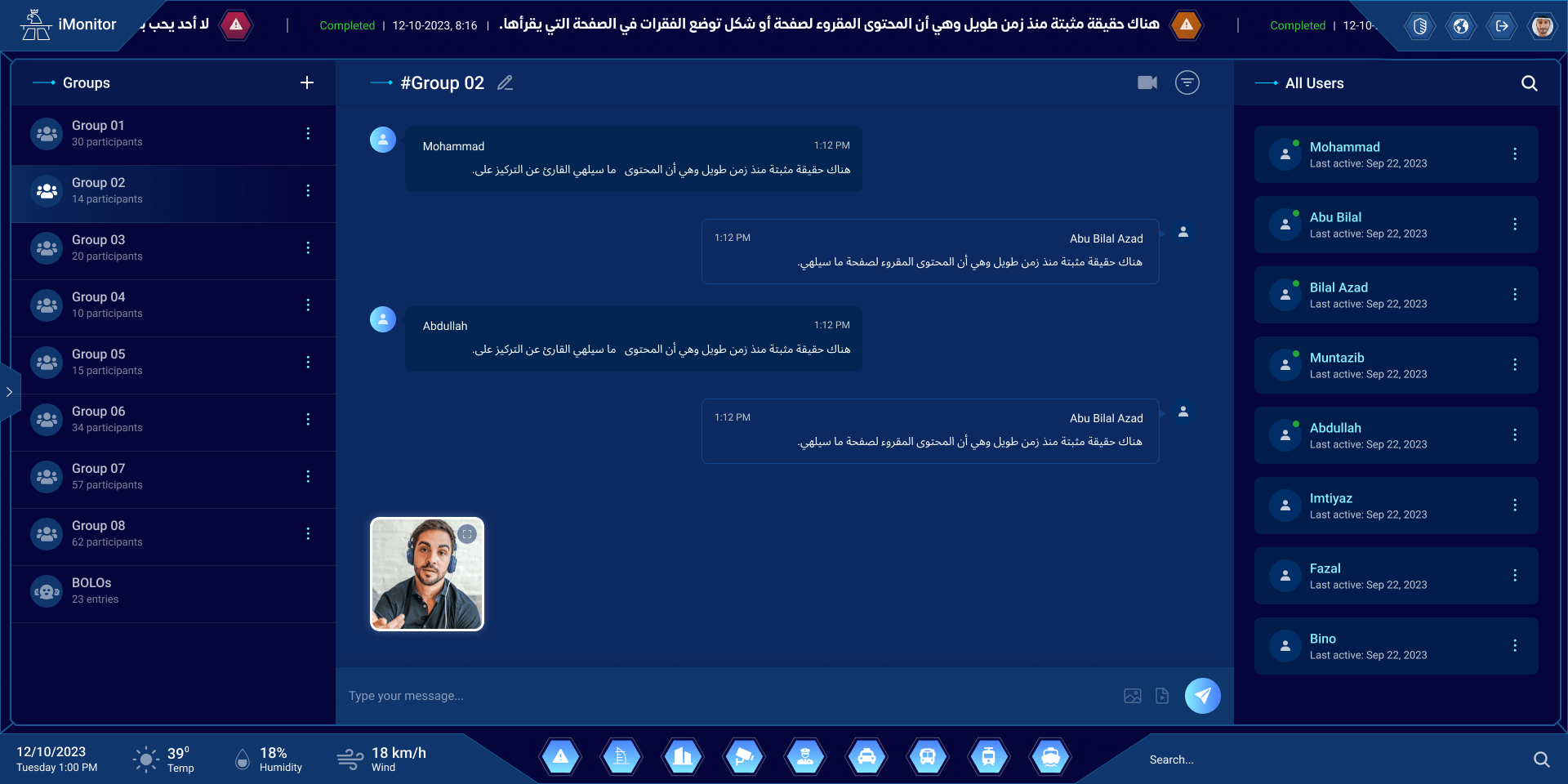
Switch to video without leaving the conversation.
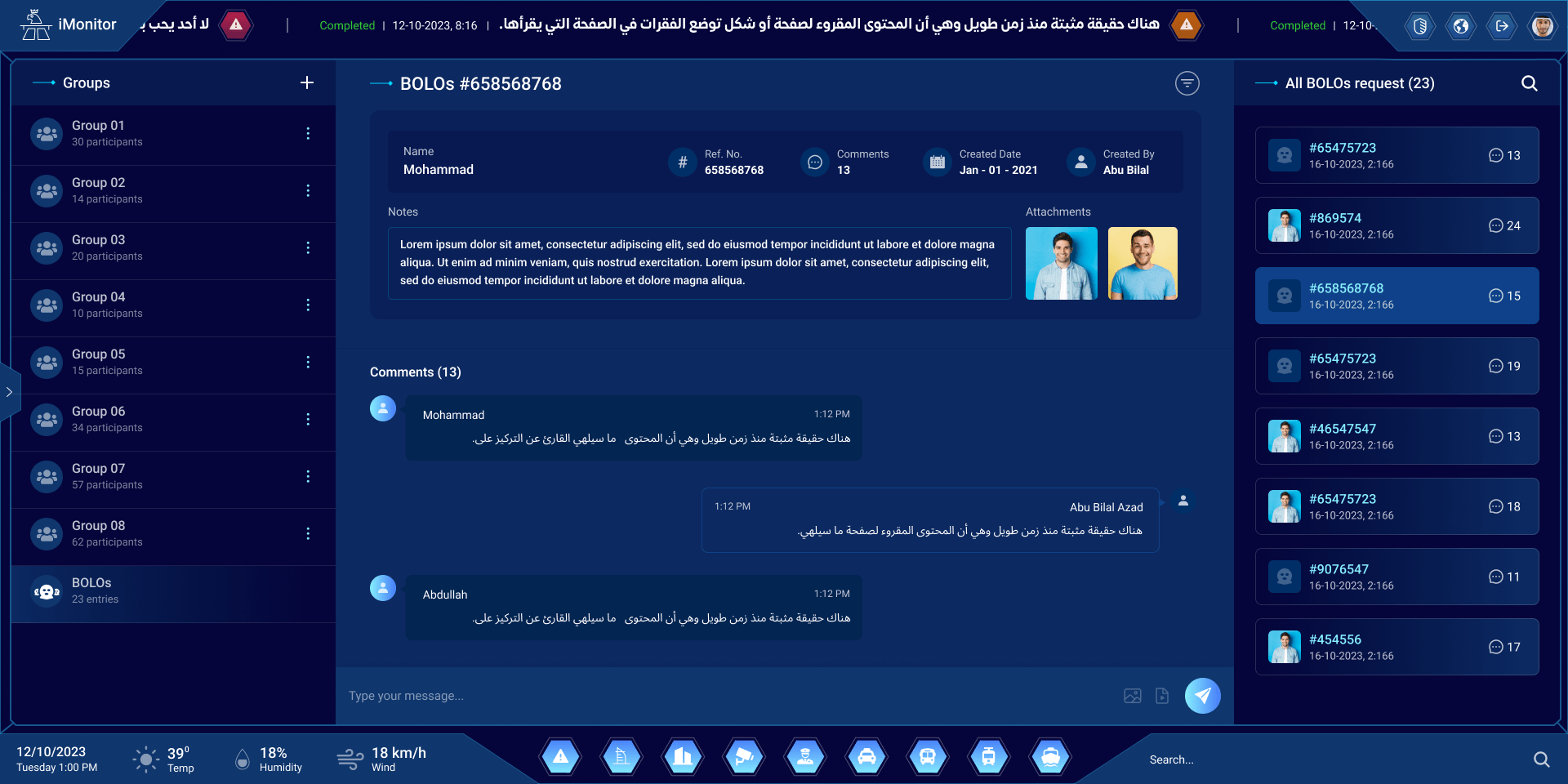
A BOLO, discussed
Every lookout has its own thread, with its photos and notes.
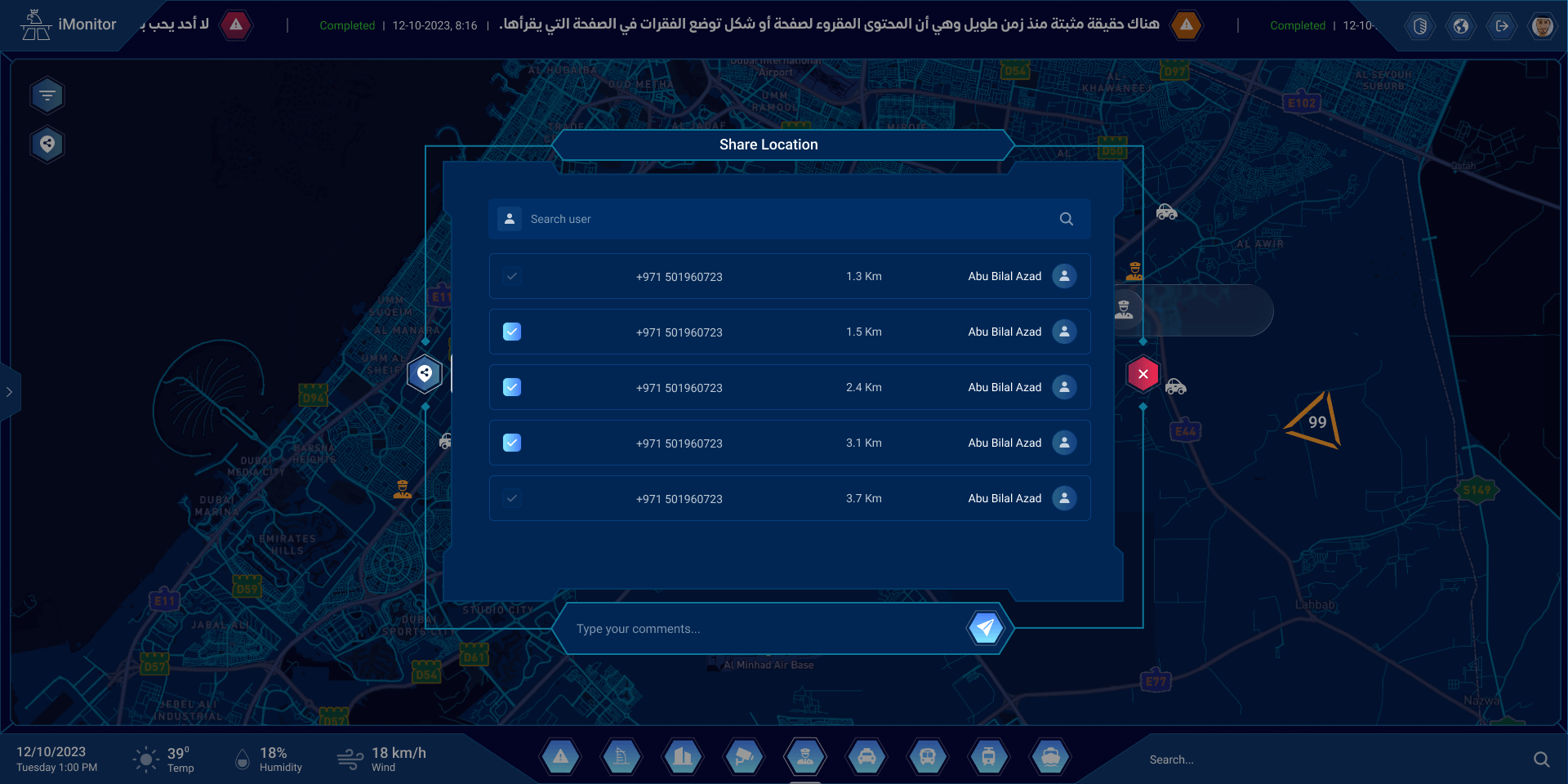
Share a location
Send a place to the people nearest to it, with their distance.
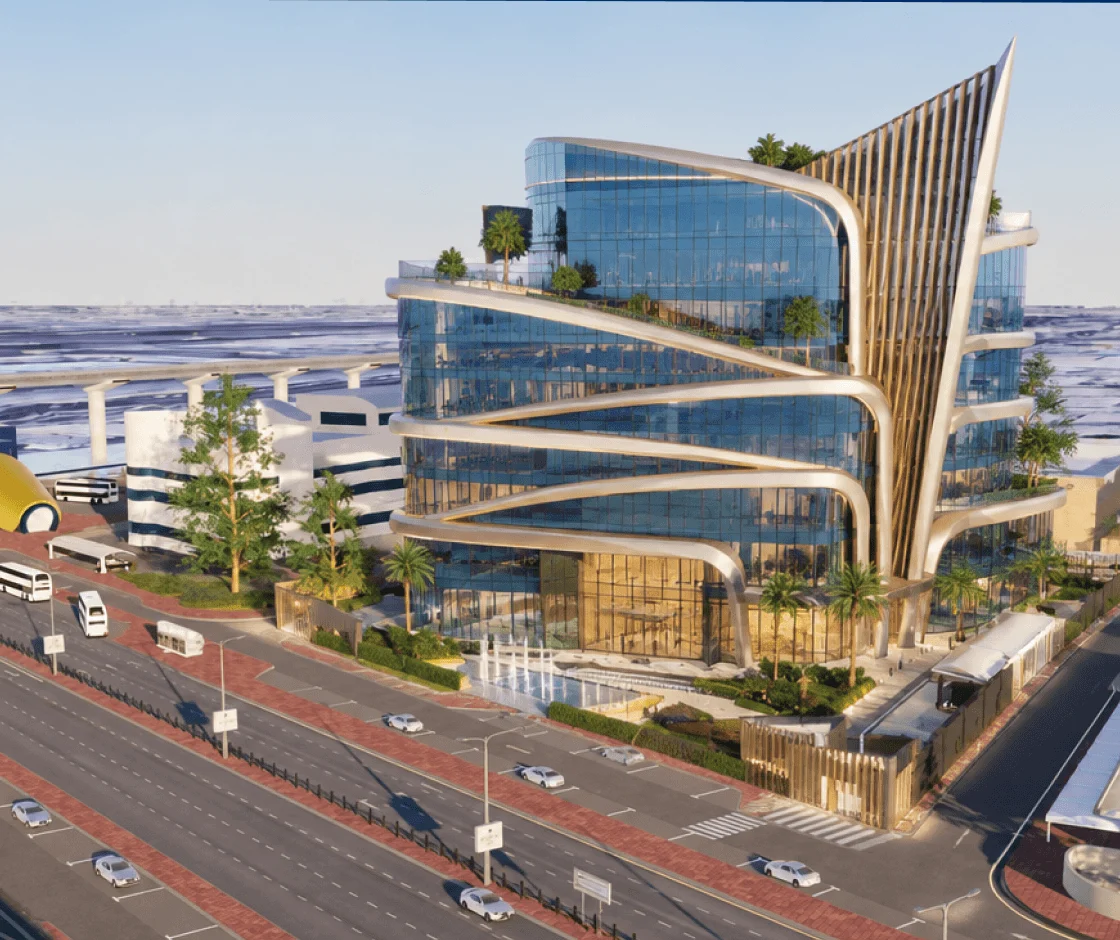
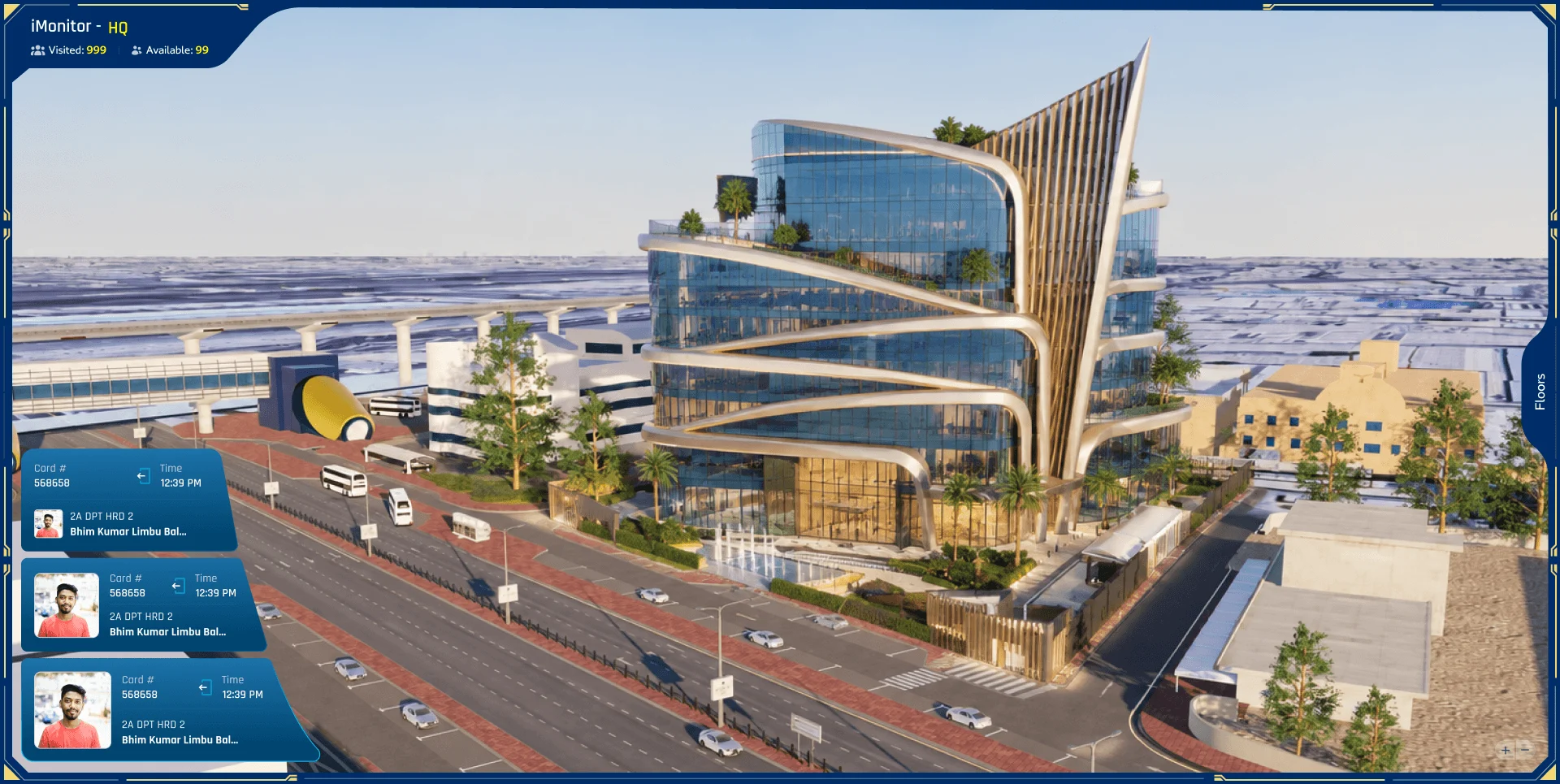
The headquarters, in 3D
The building as it stands, with the latest badges at the gates on the left.
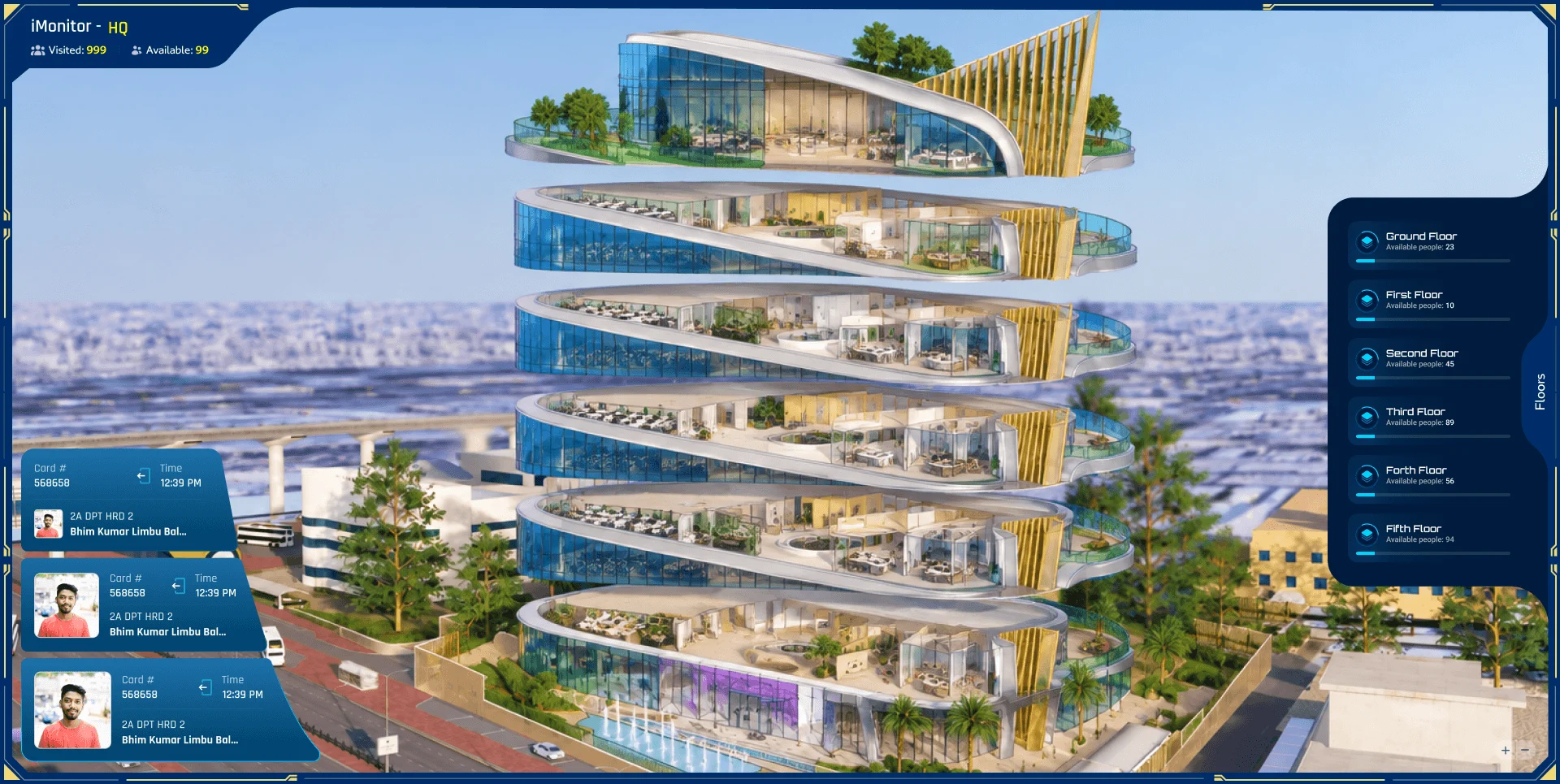
Open it up
The floors pull apart; each shows how many people are on it.
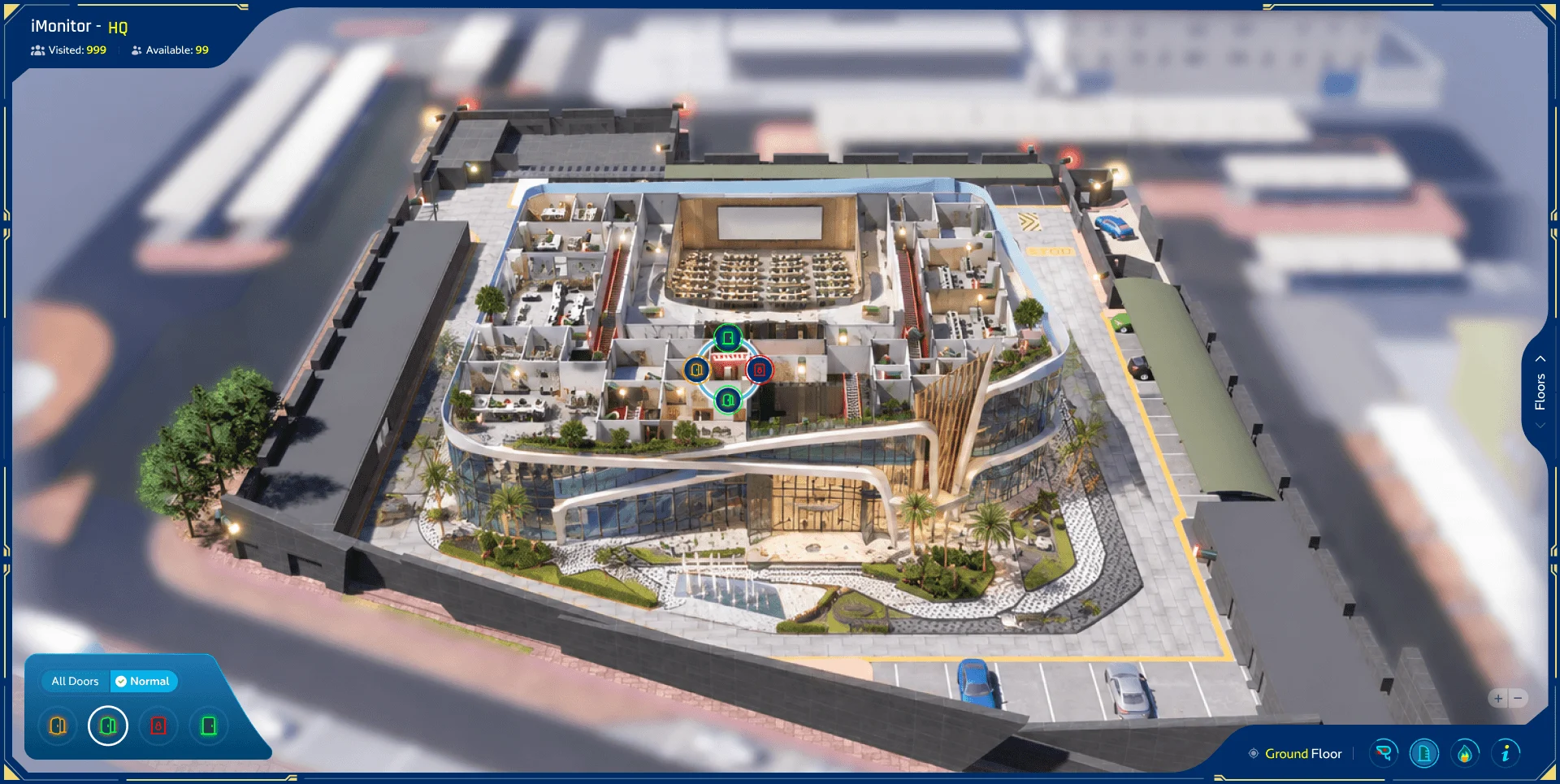
The ground floor
The plan of the floor, with its doors, cameras and alarms as icons.
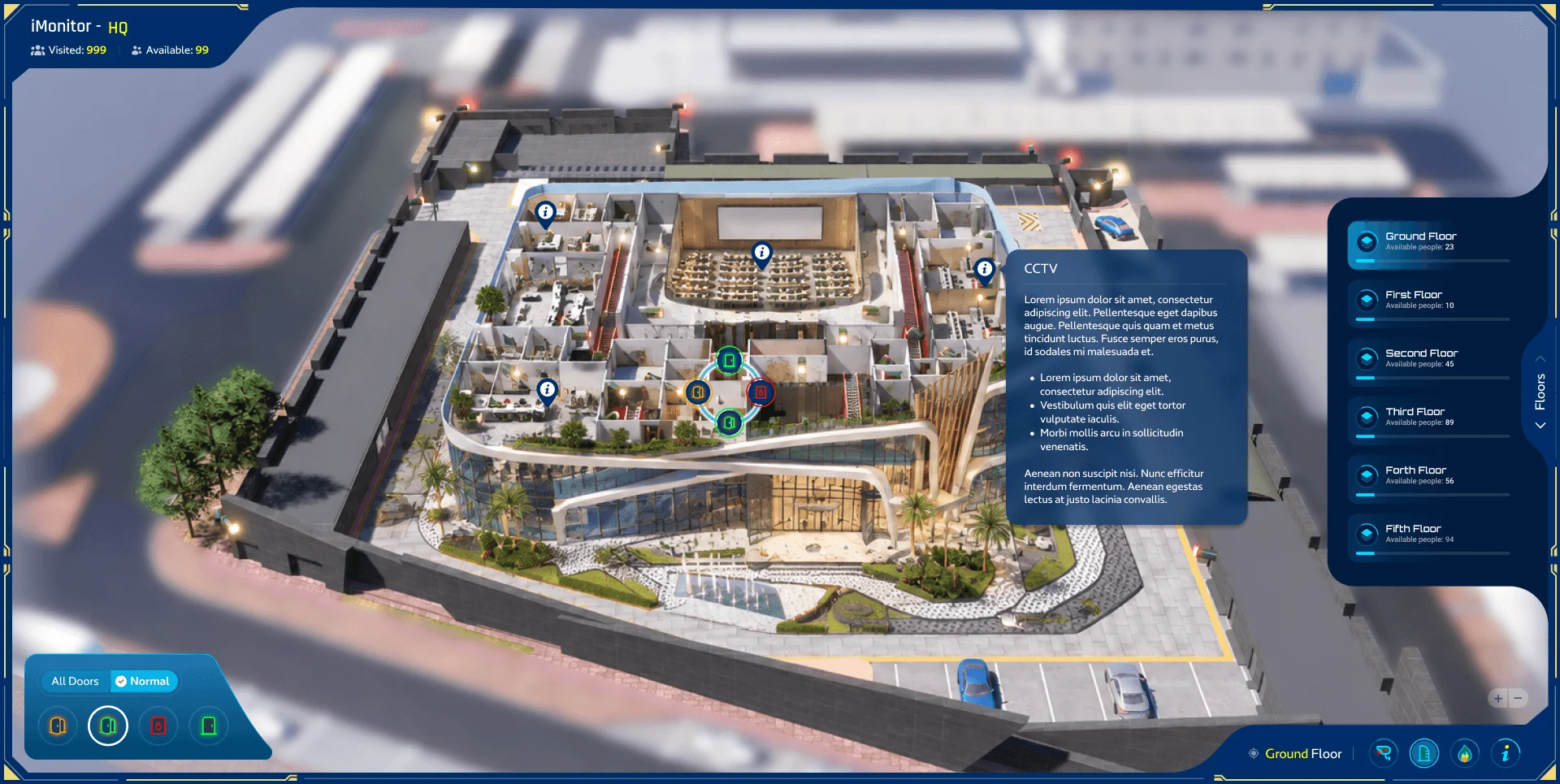
A camera, on the plan
Pick an icon on the plan for what it is and what it sees.