Sign in
One door for HR, every approver and security.
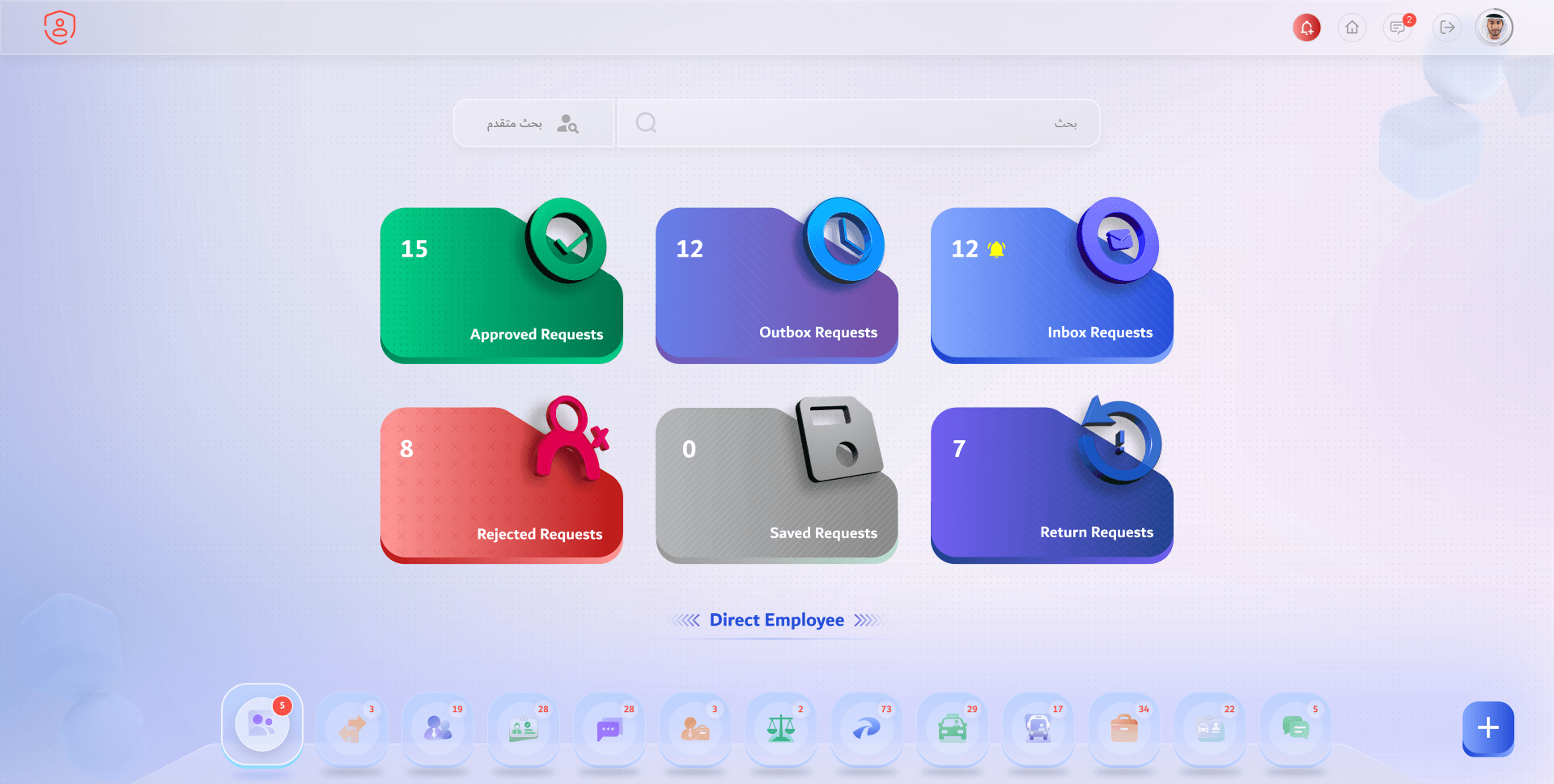
Home: where everything stands
Six tiles say it at a glance: approved, outbox, inbox, rejected, saved and returned.
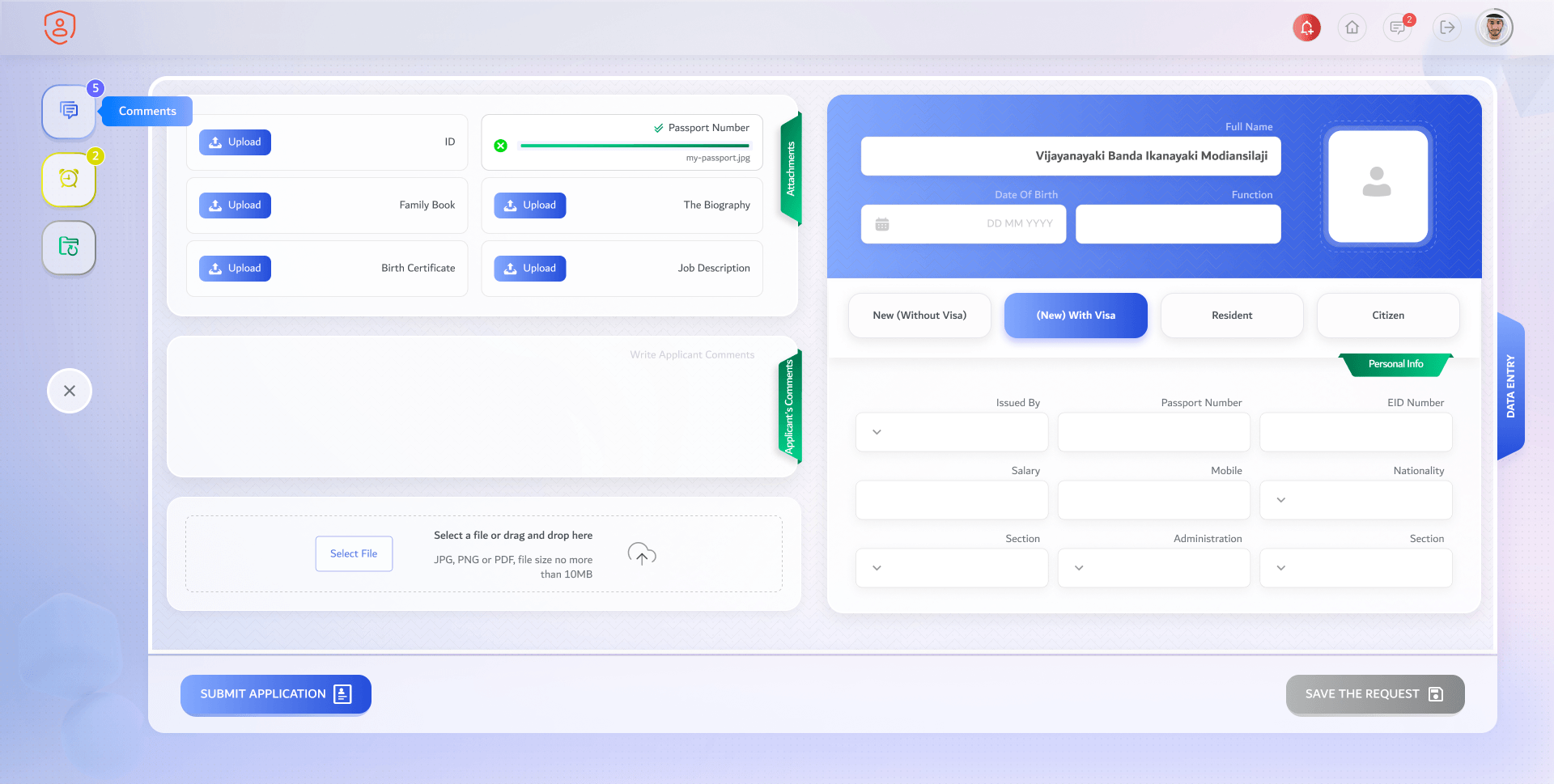
File a candidate
Personal details by hiring type, the attachments and the applicant’s comments on one screen.
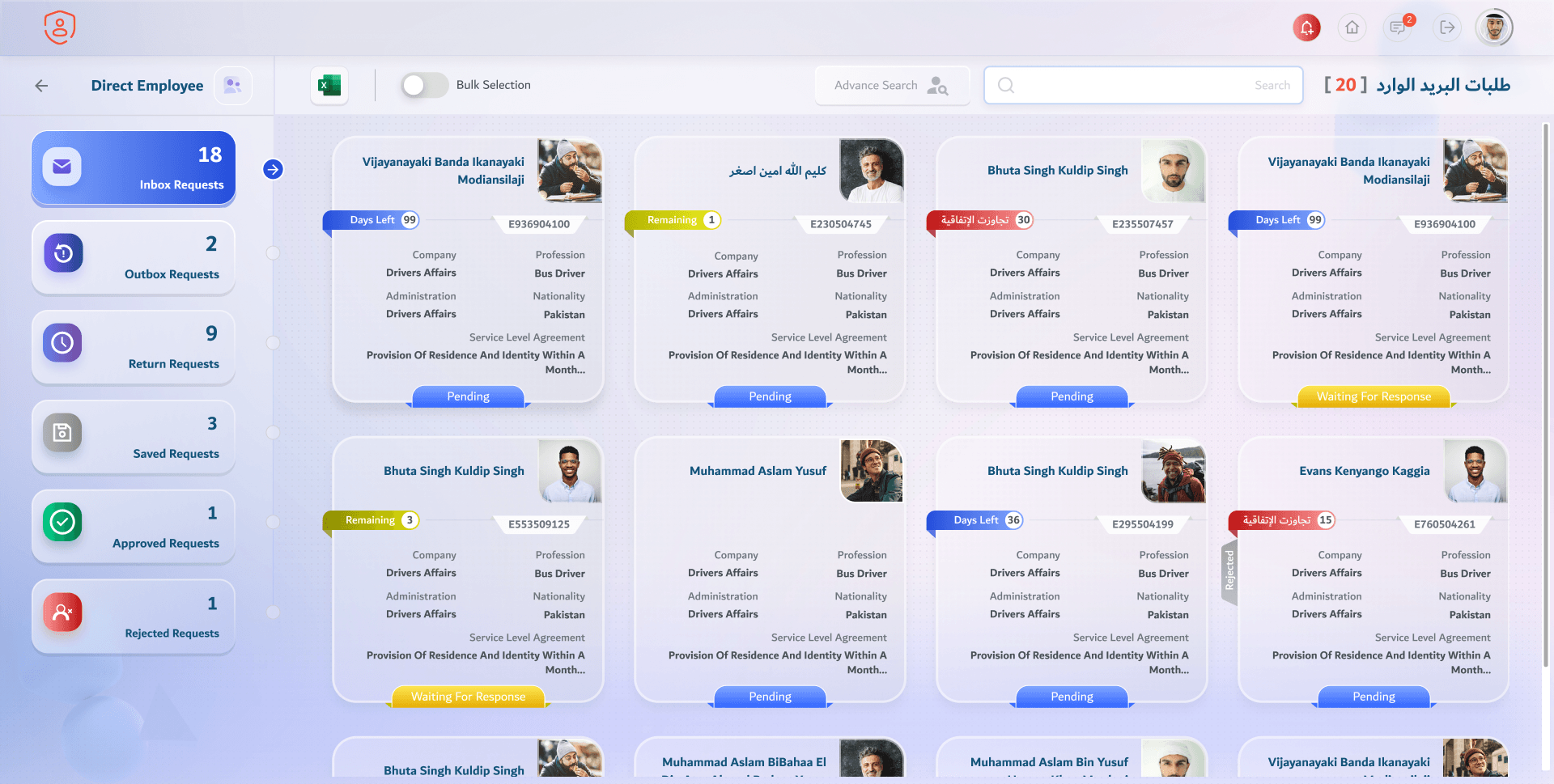
The inbox, with its SLA
Every request a card: who, what for, and how many days it has left, or how many it’s over.
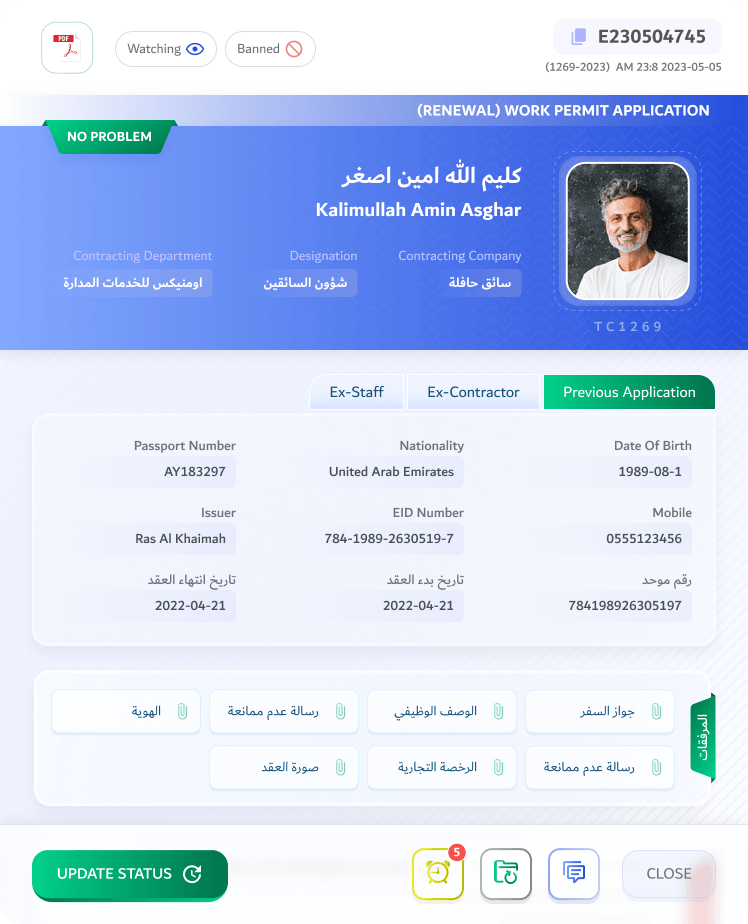
The request, read only
The candidate, their documents and their history: ex-staff, ex-contractor, previous applications.
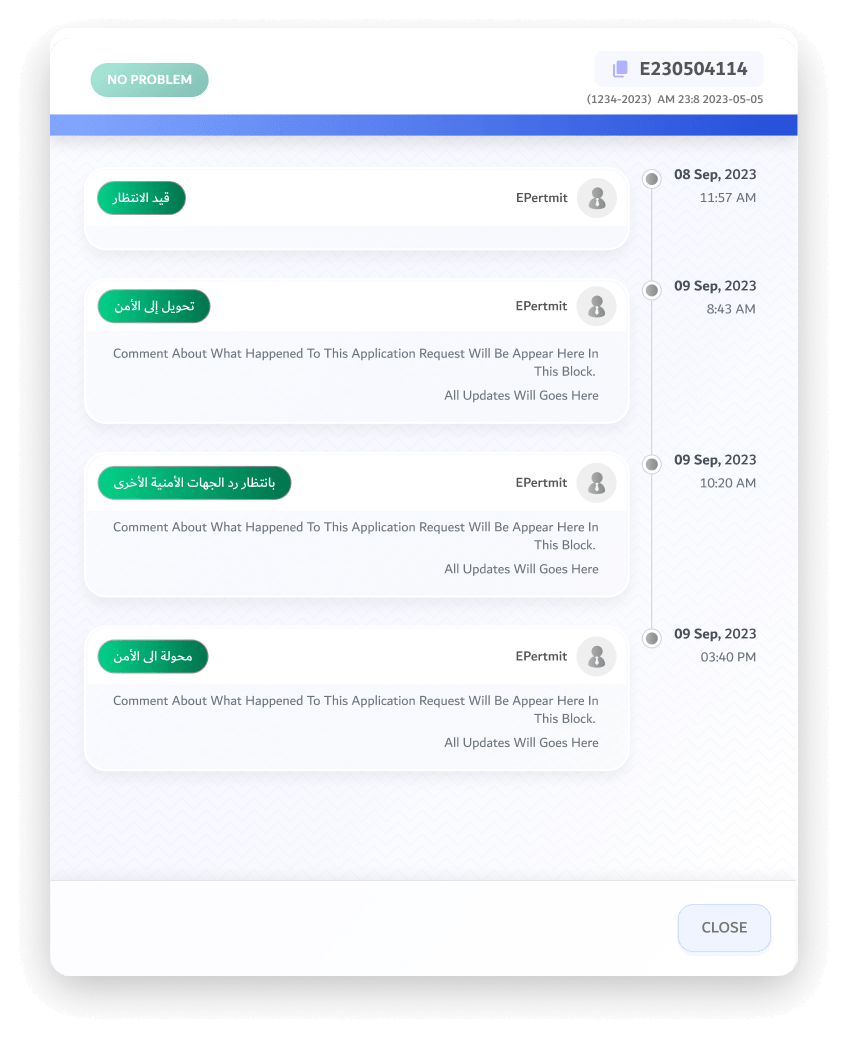
The trail
Every move the request made, dated, with the comment that came with it.
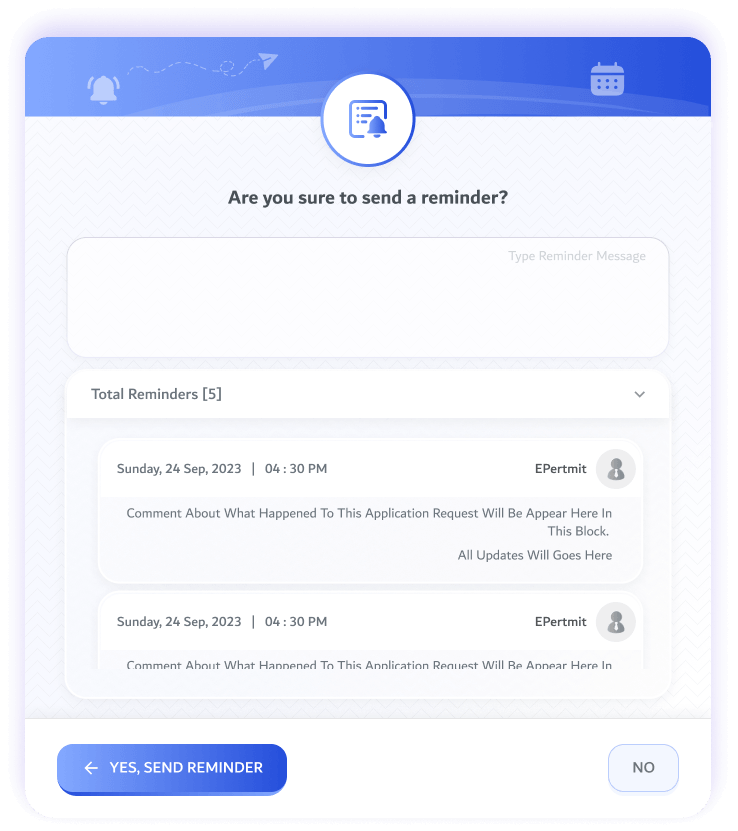
Nudge the next desk
Send a reminder with a message; every reminder is counted and kept.
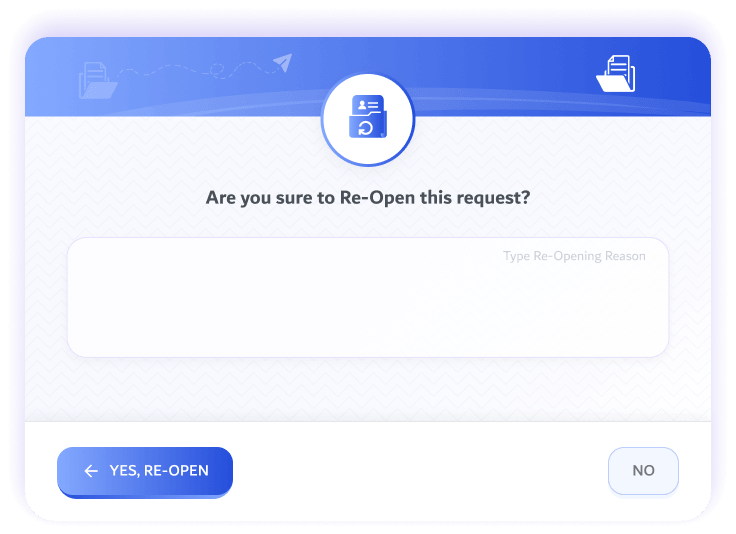
Re-open a request
A closed request comes back, with the reason why.
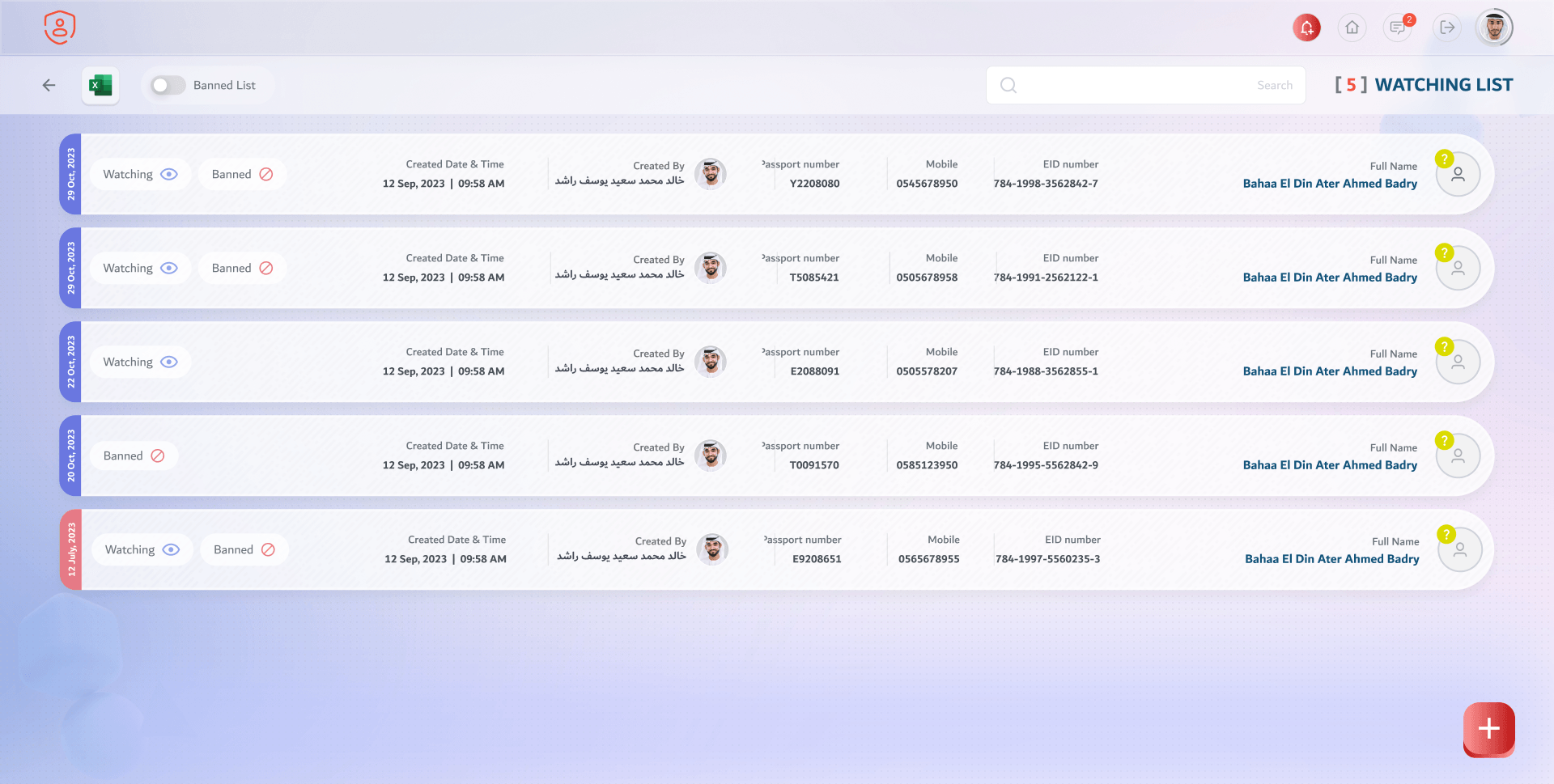
The watching list
The people security keeps an eye on, with passport, mobile and ID, until a date.
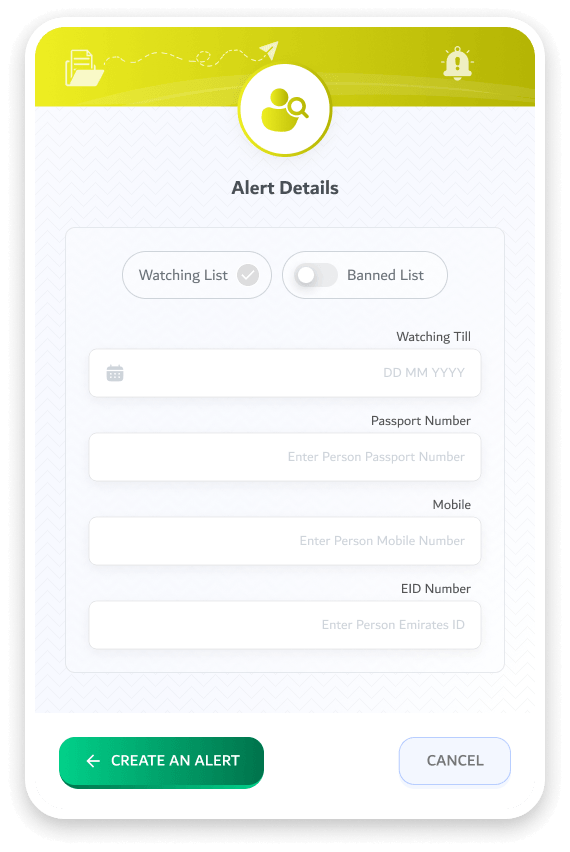
Add a person
Watching till a date, or banned; with passport, mobile and ID to match against.
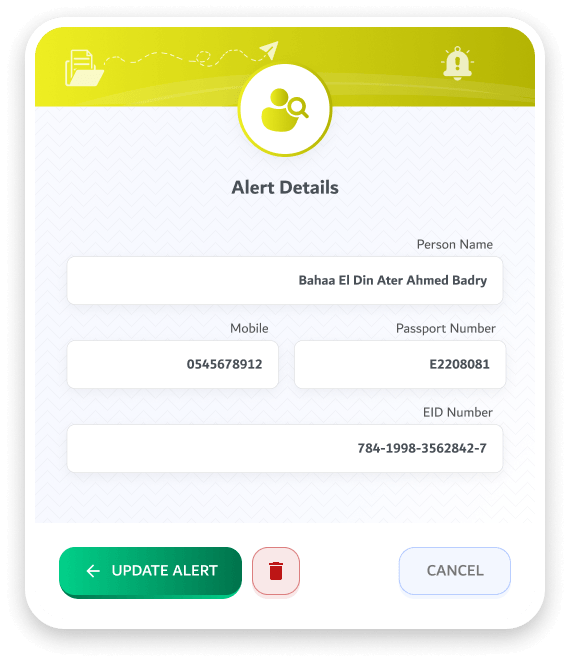
Update an alert
Change the details, or remove the person from the list.
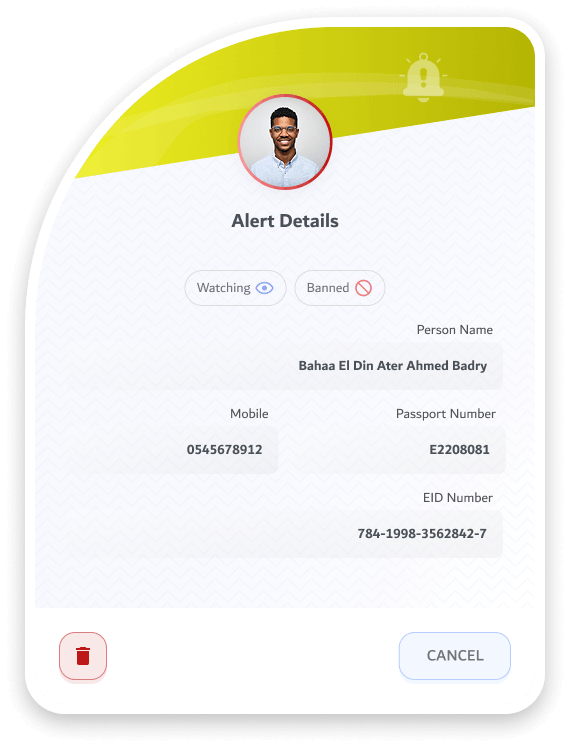
Who they are
The person on the list, with their photo and IDs.
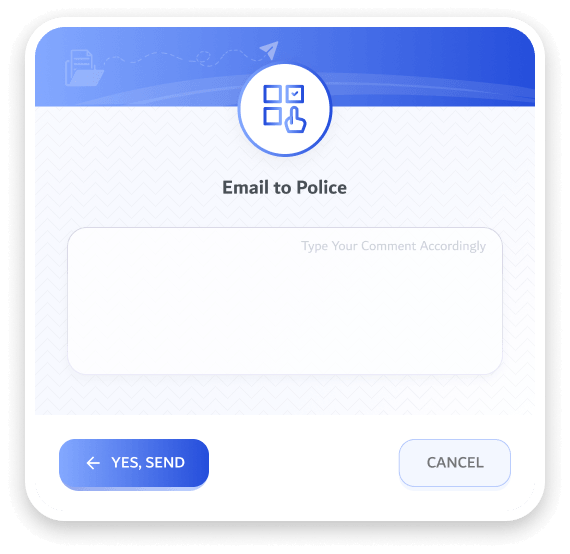
Ask the police
A record check, emailed from the request itself.